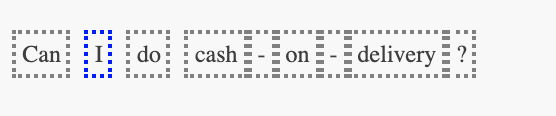
Remove Mentions
The end user can remove the mention/ contextual entity, by clicking on the already highlighted contextual entity the user wants to remove.
- When the user clicks on the mention user wants to remove a pop up appears showing ‘remove @<entity-name>’ where this mention exists in entity.
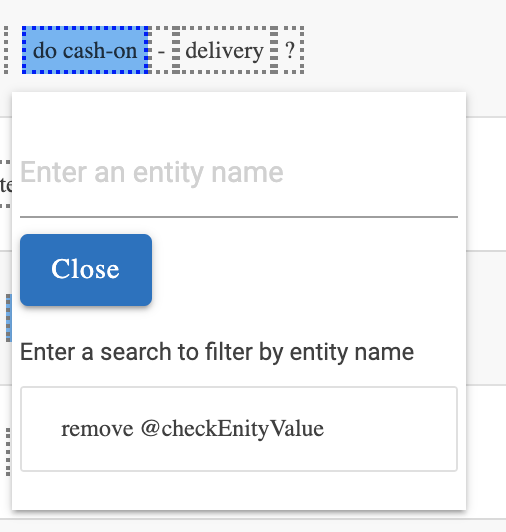
- When the user clicks on the ‘remove @<entity-name>’ then, a pop up appears for confirmation:
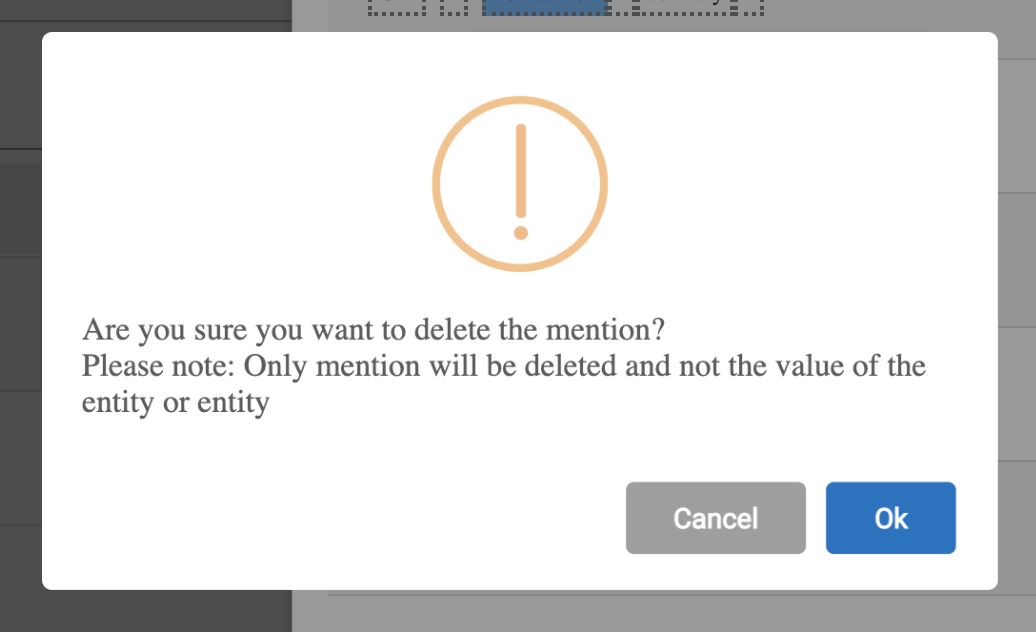
Note:
Only contextual entity (mention) gets removed from the annotations and not the value added in the entity, nor the entity created (if any).
- Once the user provides confirmation, the highlighted part changes to non-highlighted part.