Installing AMQ Streams Operator for Kafka
This section provides a detailed guide to installing and configuring the AMQ Streams Operator for Kafka on Red Hat OpenShift.
About this task
AMQ Streams simplifies the deployment and management of Apache Kafka clusters in a Kubernetes environment, enabling reliable real-time data streaming and messaging capabilities.
The guide includes steps for installing the AMQ Streams Operator from the OpenShift Operator Catalog, deploying a Kafka cluster, configuring essential resources like secrets and users, and setting up a sample Kafka cluster with Zookeeper.
Procedure
-
In the OpenShift Operator catalog, search and install the AMQ Streams operator.

-
In the Operators > Installed Operations, deploy a Kafka Cluster
Instance.
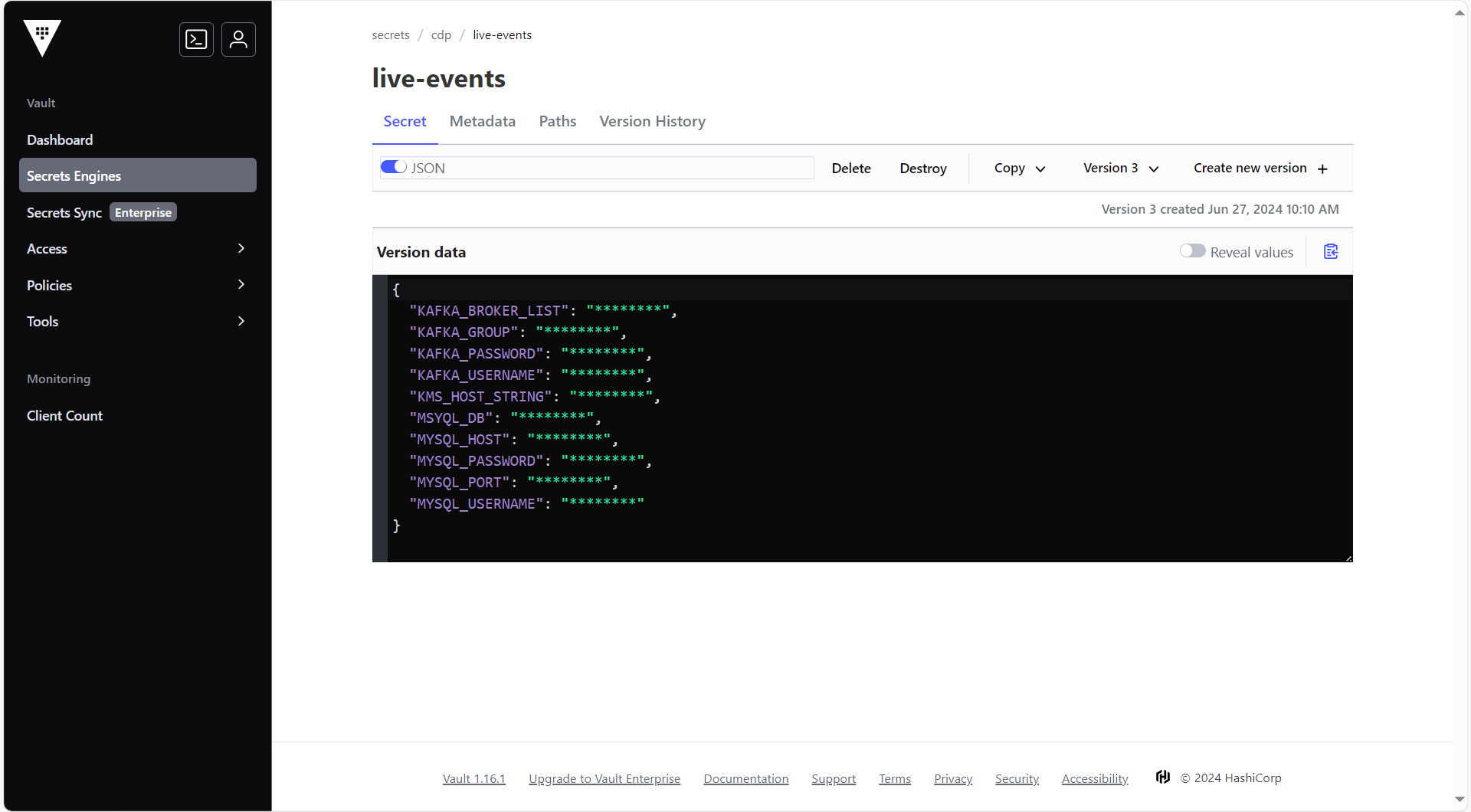 Note:Make sure to create a secret with username and password for Kafka user and create a Kafka user. For more information on creating user and secrets, refer and .
-
After creating the user account and secrets, in the Operator details section, for
the AMQ Streams, select Kafka and click Create Kafka.

-
In the Create Kafka section, click the YAML View option, and create a Kafka
cluster instance with zookeeper. A sample config.yaml file is provided below.
apiVersion: kafka.strimzi.io/v1beta2x kind: Kafka metadata: labels: app: sbi-kafka name: hclsw-sbi-dev-kafka namespace: kafka-ns spec: entityOperator: topicOperator: {} userOperator: {} kafka: authorization: superUsers: - hclsw-sbi-kafka-user type: simple config: default.replication.factor: 2 inter.broker.protocol.version: '3.6' min.insync.replicas: 2 offsets.topic.replication.factor: 2 transaction.state.log.min.isr: 2 transaction.state.log.replication.factor: 2 listeners: - authentication: type: scram-sha-512 configuration: preferredNodePortAddressType: Hostname name: external port: 9094 tls: false type: nodeport - authentication: type: scram-sha-512 name: internal port: 9092 tls: false type: internal replicas: 2 resources: limits: cpu: '4' ephemeral-storage: 20Gi memory: 8Gi requests: cpu: '2' ephemeral-storage: 20Gi memory: 2Gi storage: class: nfssc deleteClaim: false size: '20' type: persistent-claim version: 3.6.0 zookeeper: replicas: 3 resources: limits: cpu: '4' ephemeral-storage: 20Gi memory: 8Gi requests: cpu: '2' ephemeral-storage: 20Gi memory: 2Gi storage: class: nfssc deleteClaim: true size: 20Gi type: persistent-claim -
On successful deployment of cluster, the two broker pods and three zookeeper pods
will be created.

-
To access the Kafka within the cluster, the Bootstrapper URL will be created as
shown below.
<Your-cluster-name>-kafka-bootstrap.cdp.svc:9092 -
Similarly, to access the Kafka from outside the cluster (DMP Producer application),
the Bootstrapper URL will be created as shown below.
<hostname1>:31571,<hostname2>:31571 -
Once a Kafka instance is deployed, create a secret and user for accessing
Kafka.
-
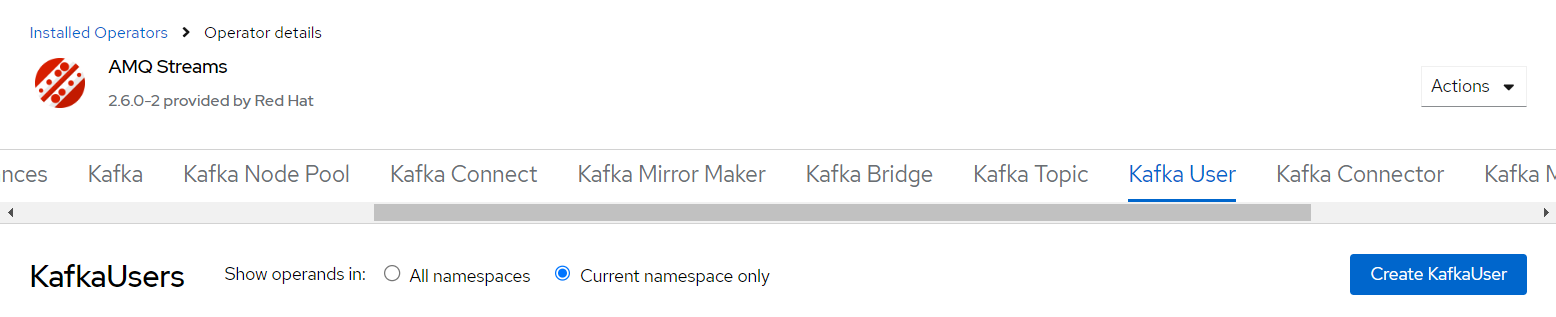
Create the Kafka user. In the AMQ Streams section, select Kafka User and
click Create KafkaUser for accessing Kafka and performing operations on
topics and create consumer groups.
-
Create the Kafka user. In the AMQ Streams section, select Kafka User and
click Create KafkaUser for accessing Kafka and performing operations on
topics and create consumer groups.