
Configuring AWS Secrets
AWS Secrets Manager stores sensitive credentials like DB passwords and Kafka tokens, encrypted with KMS.
Secrets Manager stores sensitive information such as database passwords and Kafka credentials.
To store custom secrets, follow the steps below:
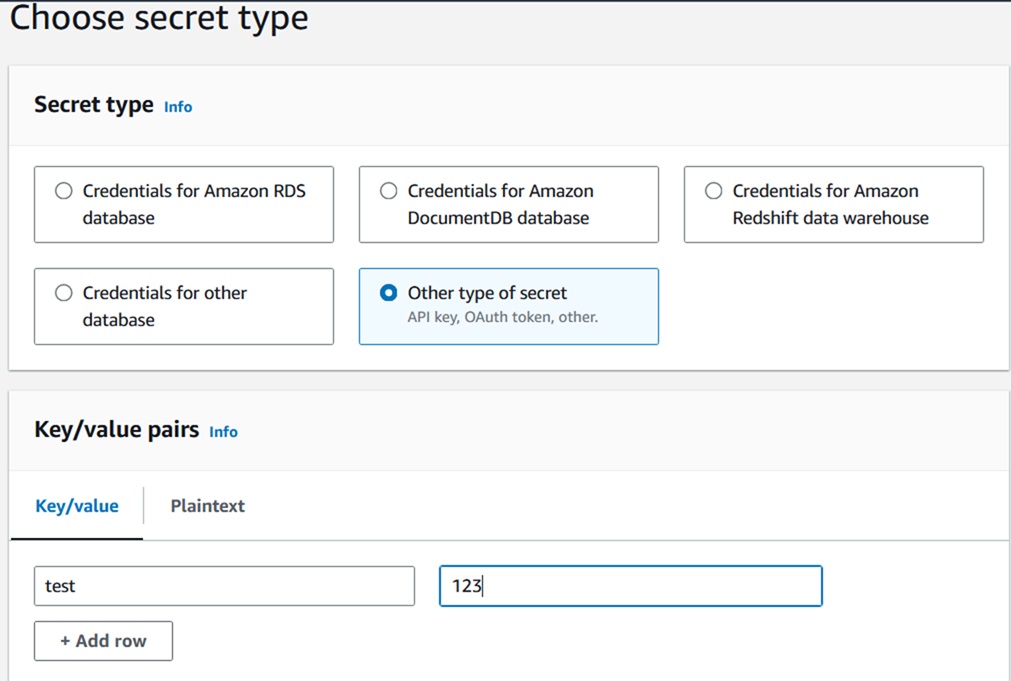
- In the console, choose Store a new secret, select the secret type as Other type of secrets.
- In Key/value pairs, either enter your secret in JSON Key/value pairs, or
choose the Plaintext tab and enter the secret in any format.
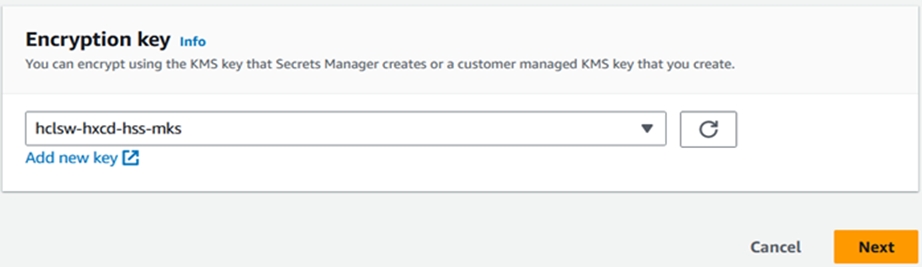
- Select custom KMS key as shown below.
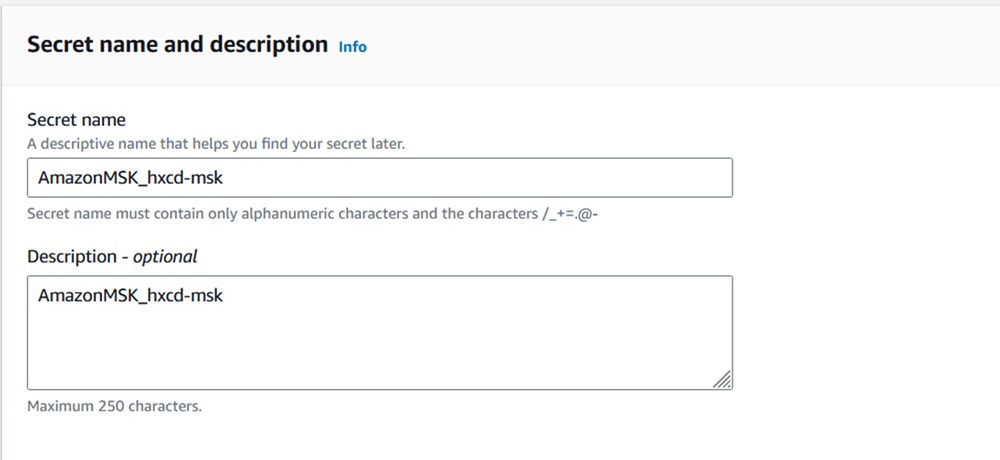
- Enter secret name and description as shown below.
- On the Review page, review your secret details, and then choose Store.