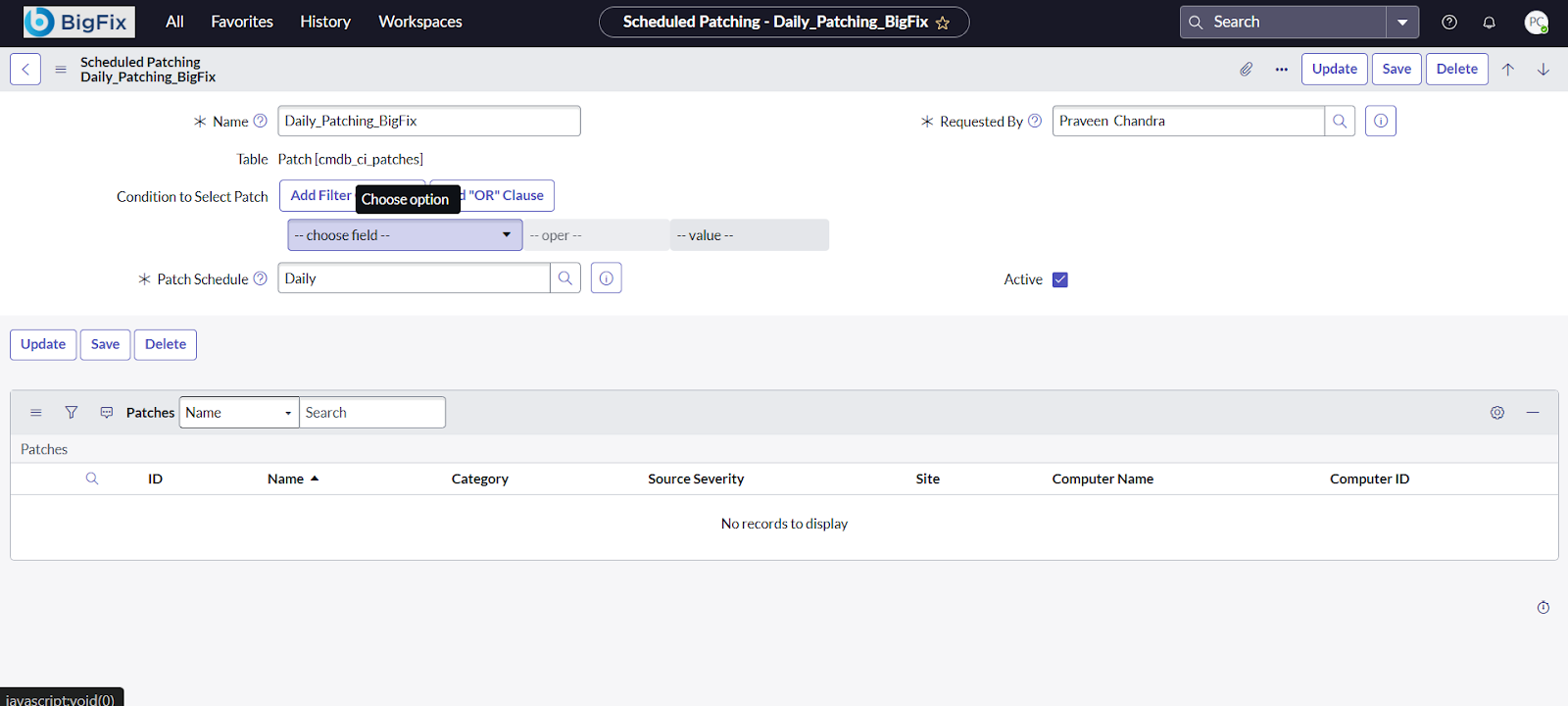
Schedule Patching
This topic provides step-by-step instructions for scheduling patching activities in ServiceNow using the Patch WorkBench. It covers logging in, creating a new patching schedule, completing required fields, and selecting patches for deployment.
About this task
Follow these steps to ensure patches are scheduled and managed efficiently:
Procedure
-
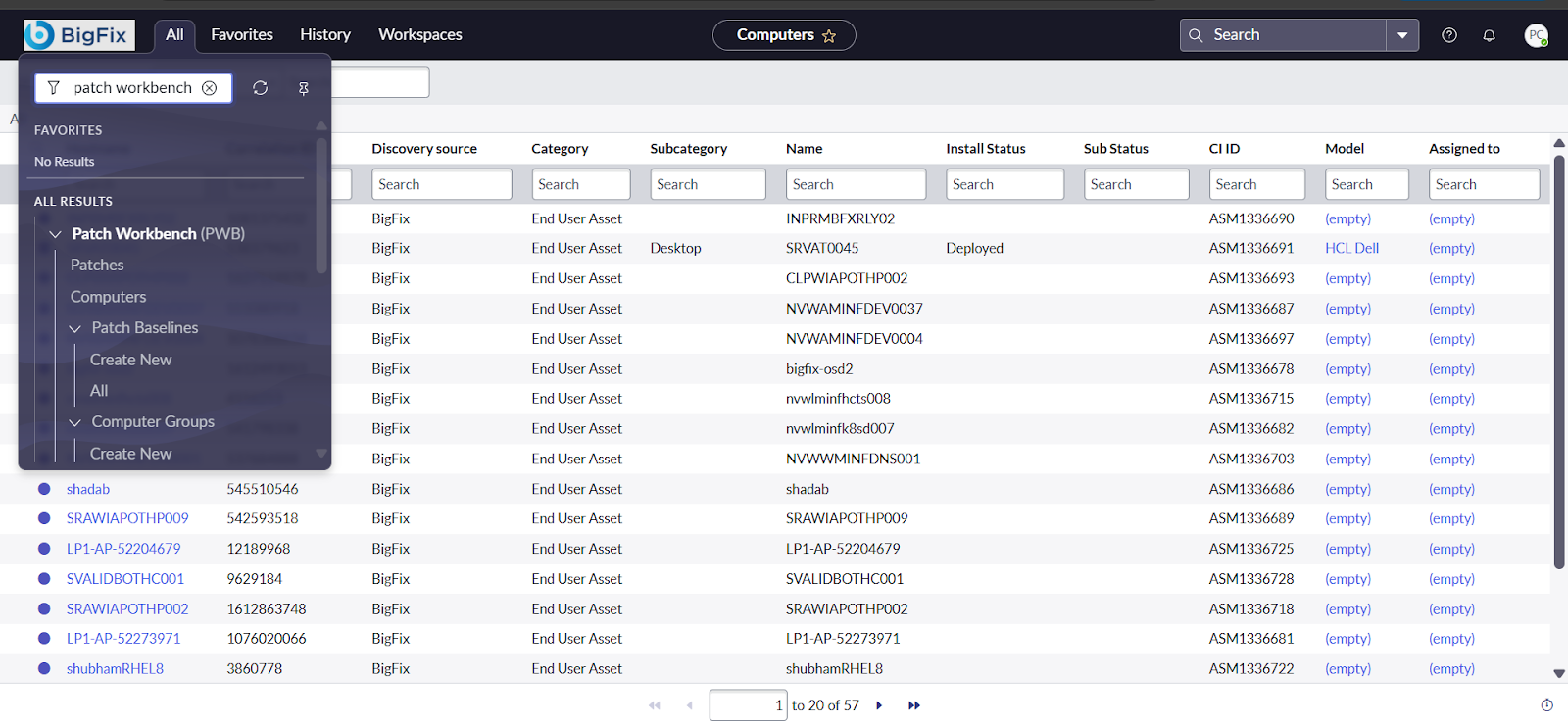
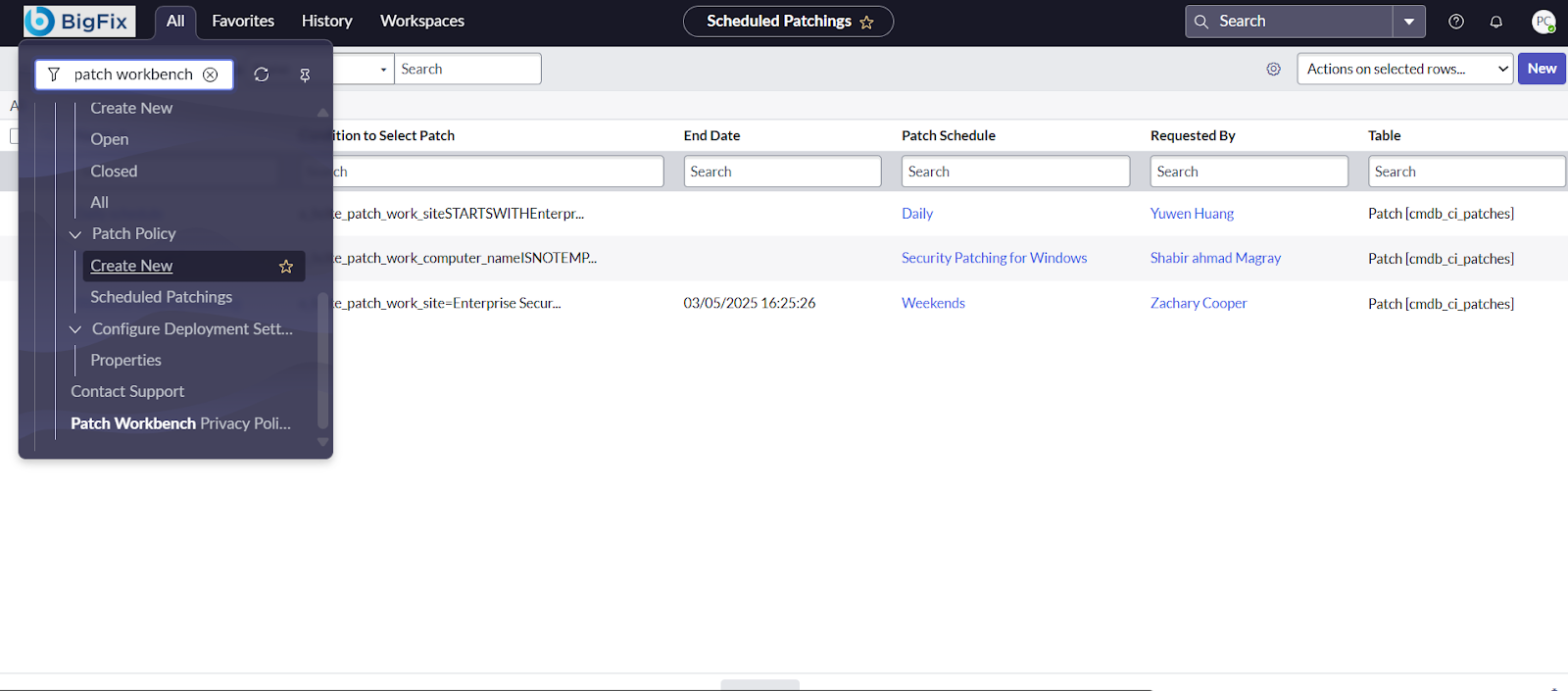
and search for Patch WorkBench. Once on
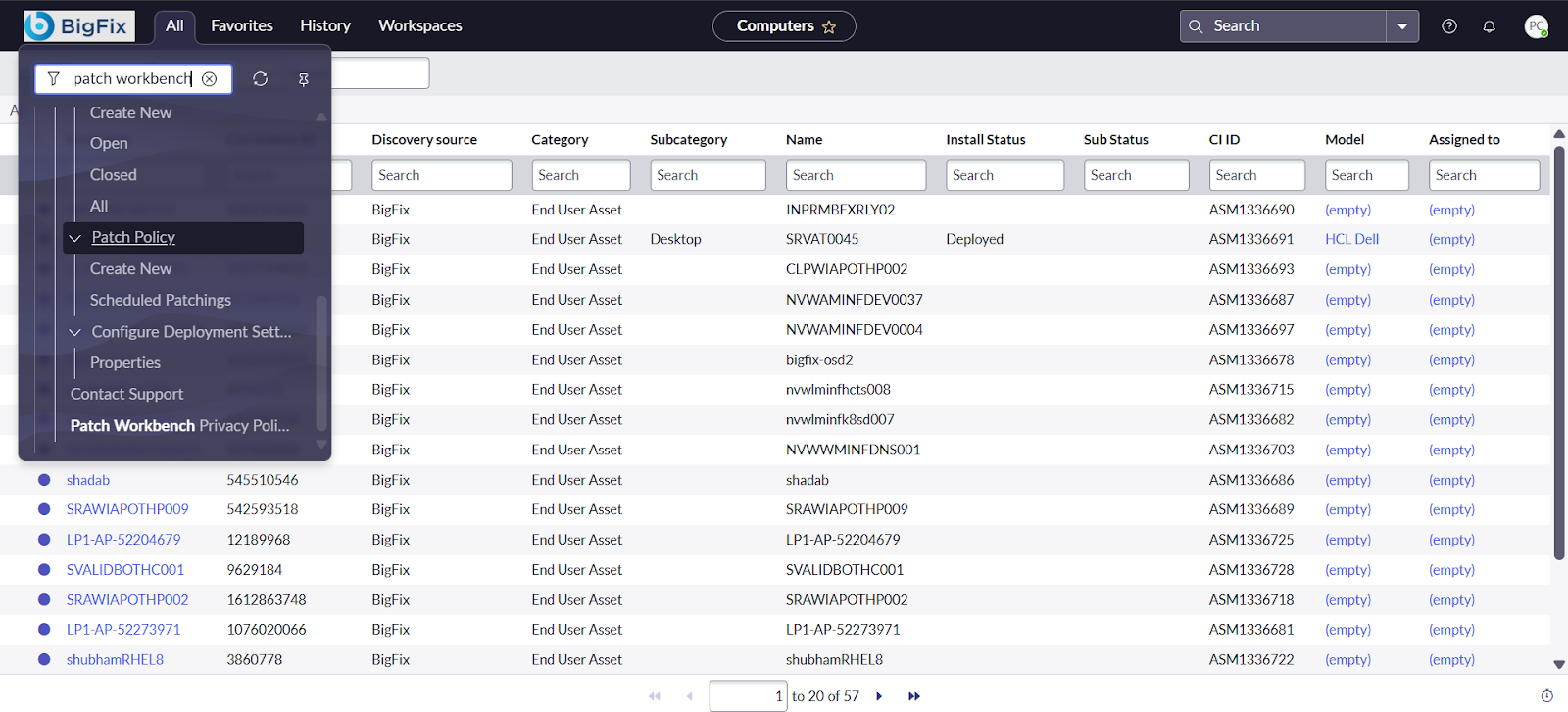
the Patch WorkBench page, scroll down to locate the
Patch Policy dropdown menu.
-
to initiate the creation of a new scheduled patching activity.
-
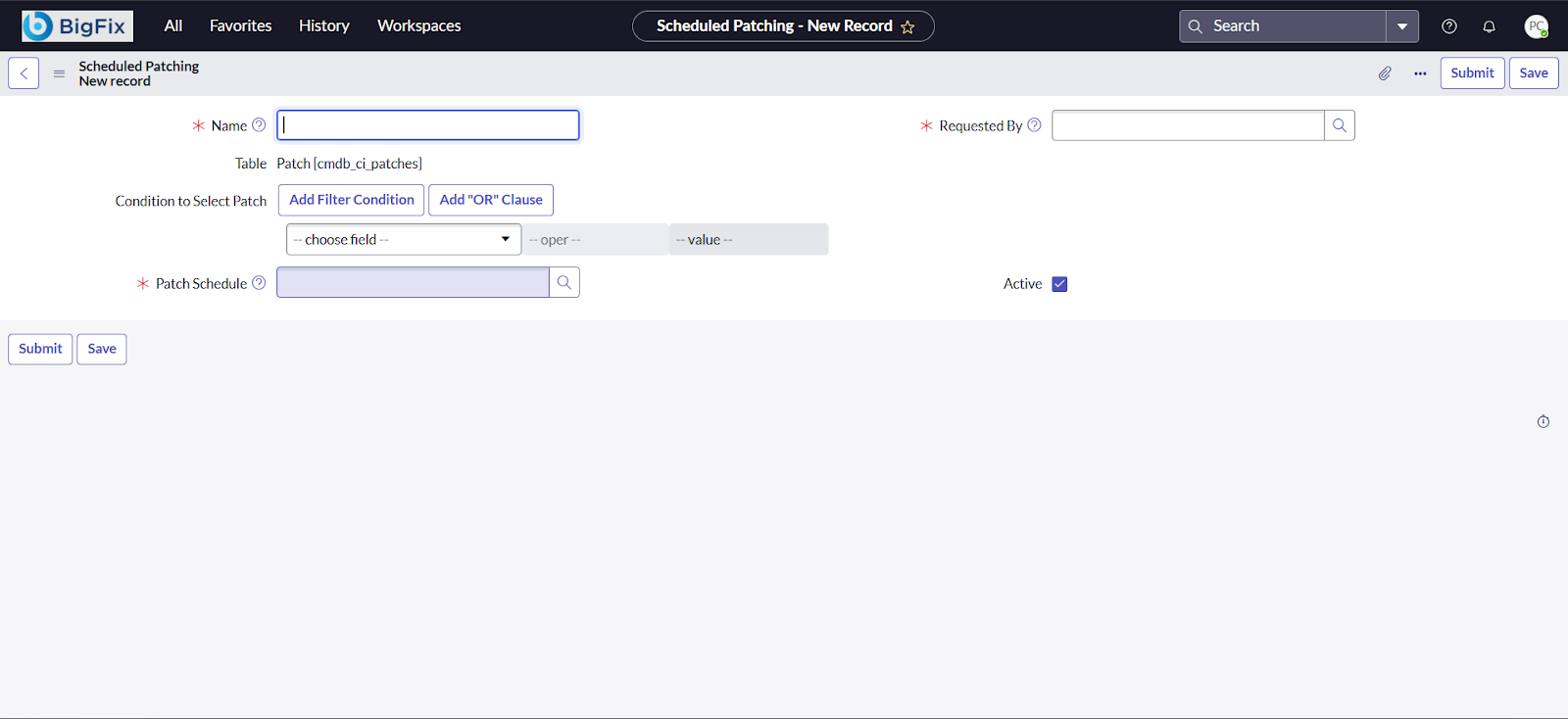
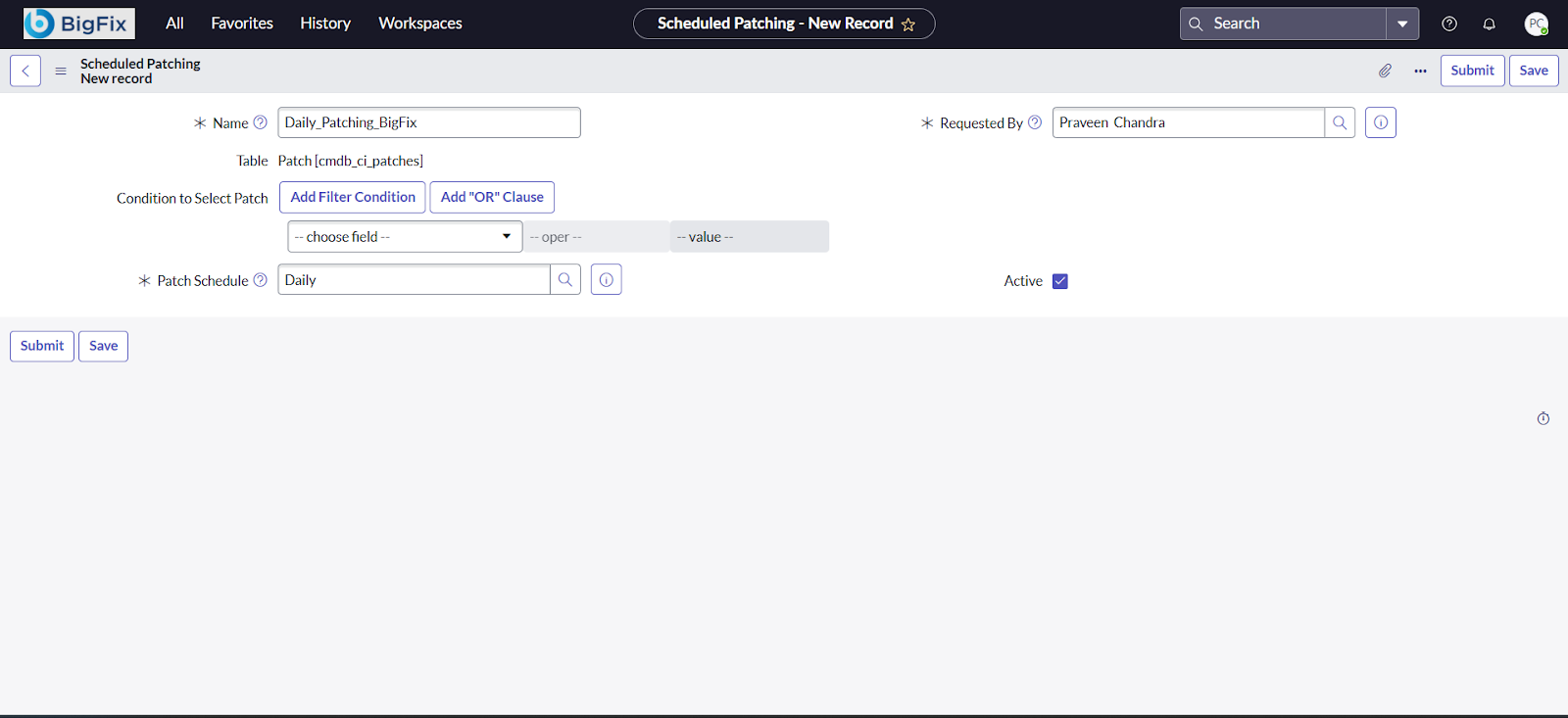
Complete all required fields (marked with “*”) as appropriate, then click
Submit to proceed.
-
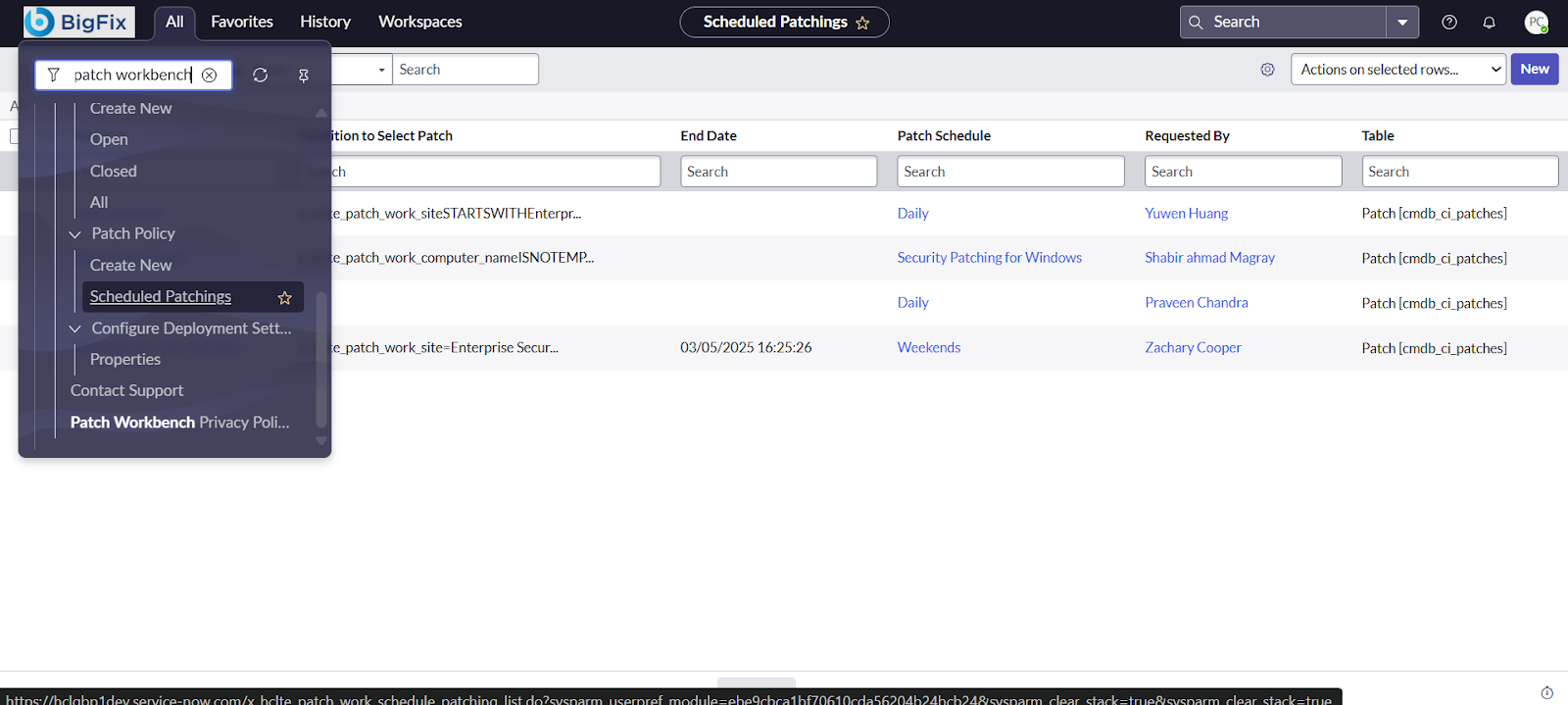
Click on Schedule Patching to proceed with the patch
scheduling process.
-
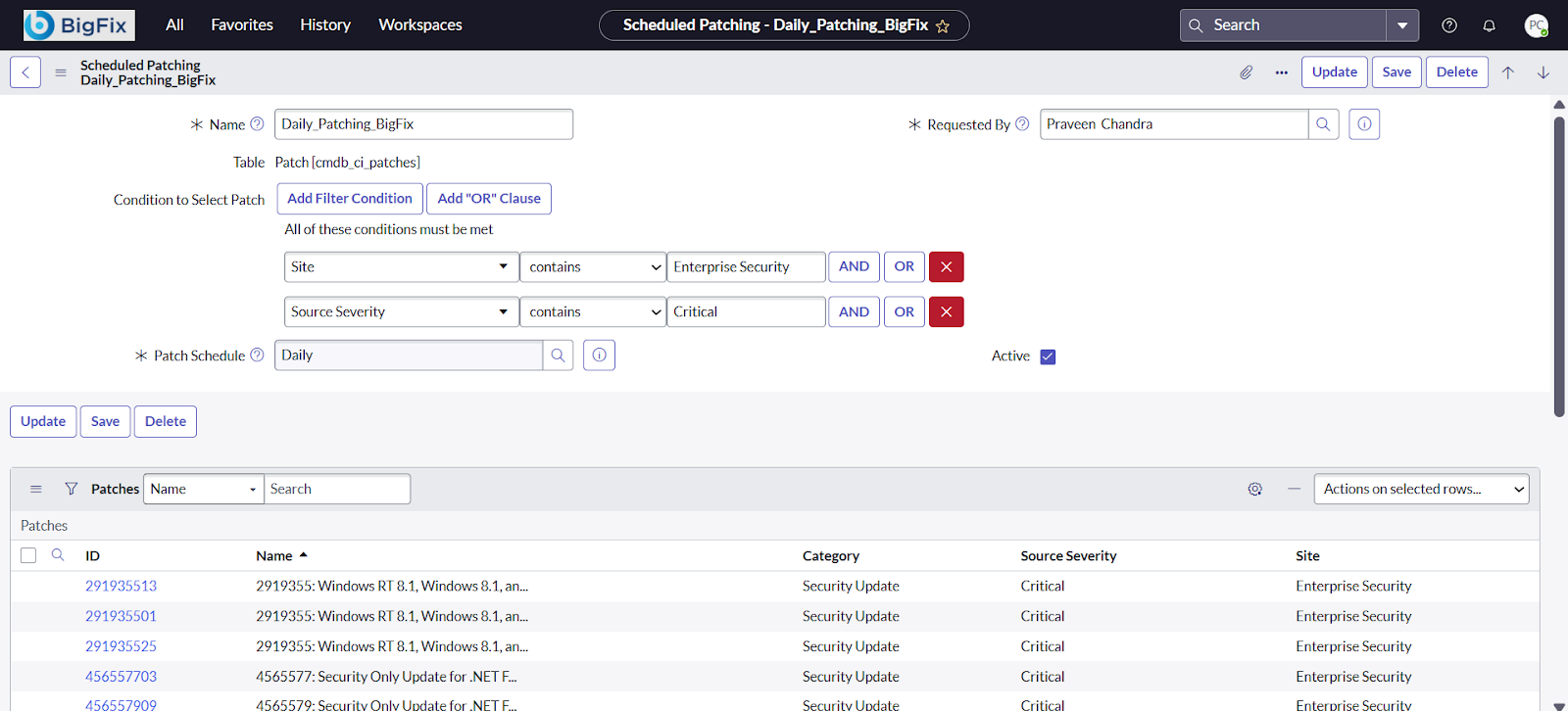
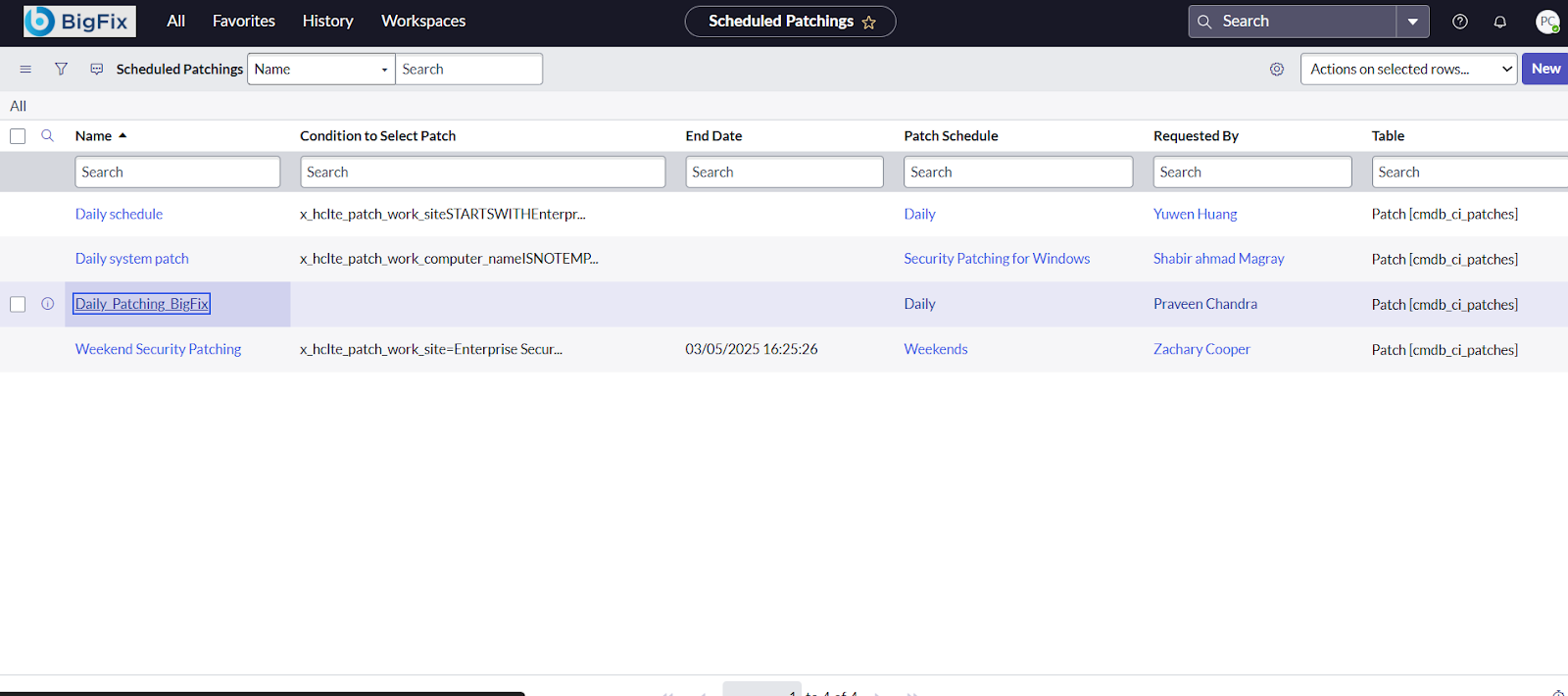
you created in the previous step to add patches for deployment.
-
Under Condition to Select Patch, choose the appropriate
field(s) and apply filters as needed to specify which patches should be included
in the patching cycle.