

Out-of-the-box /historical reporting
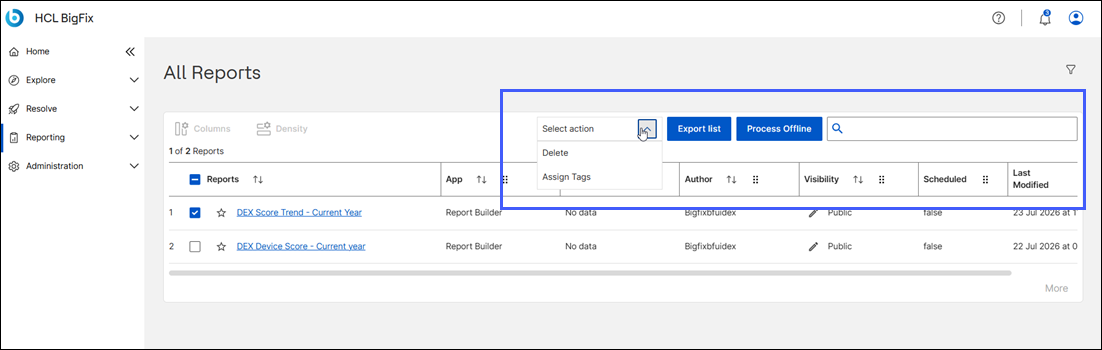
BigFix DEX provides Out-of-the-Box (OOTB) Historical reports that are pre-configured to see DEX score trends over the current year.
Viewing Out-of-the-box reports
To see Out of the box reports that user has to have dex role and report visibility.
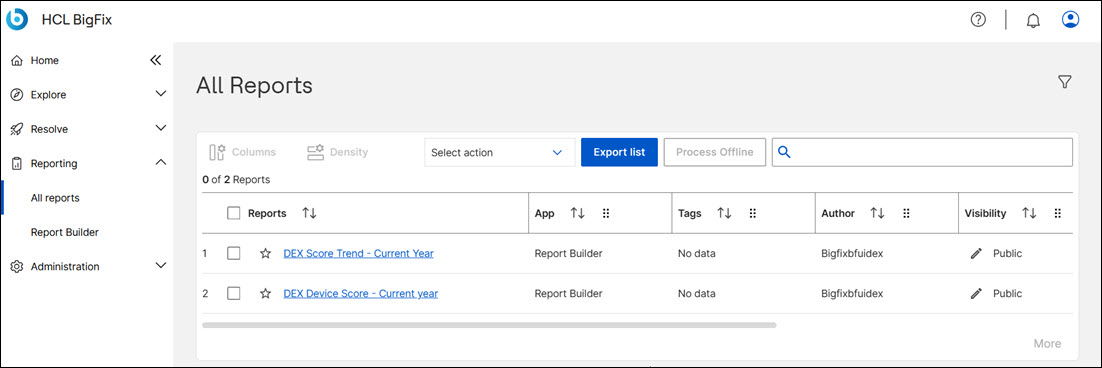
Go to and click on a report.
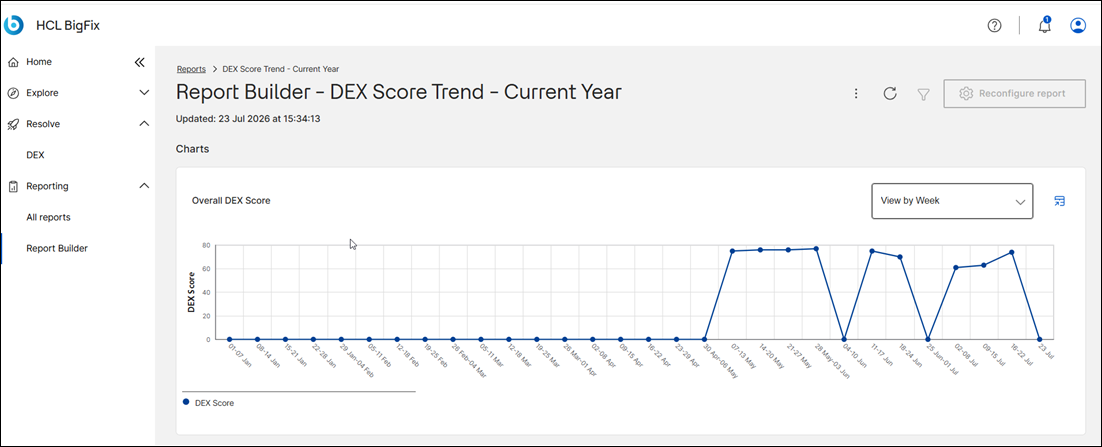
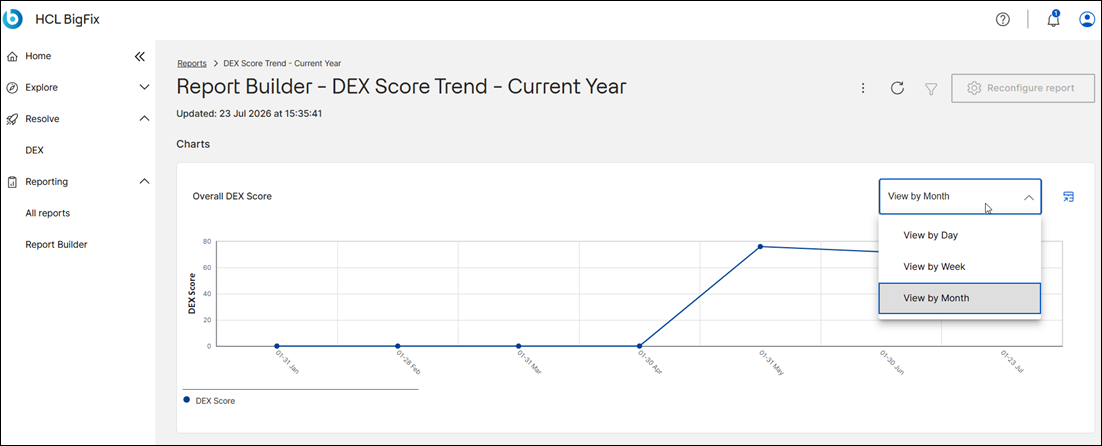
The report's Score Trend view for the current year appears. Select the options, such as View by Day, View by Week, View by Month. The report appears as per the view selected
To view the report in a tabular format, click on the below icon:
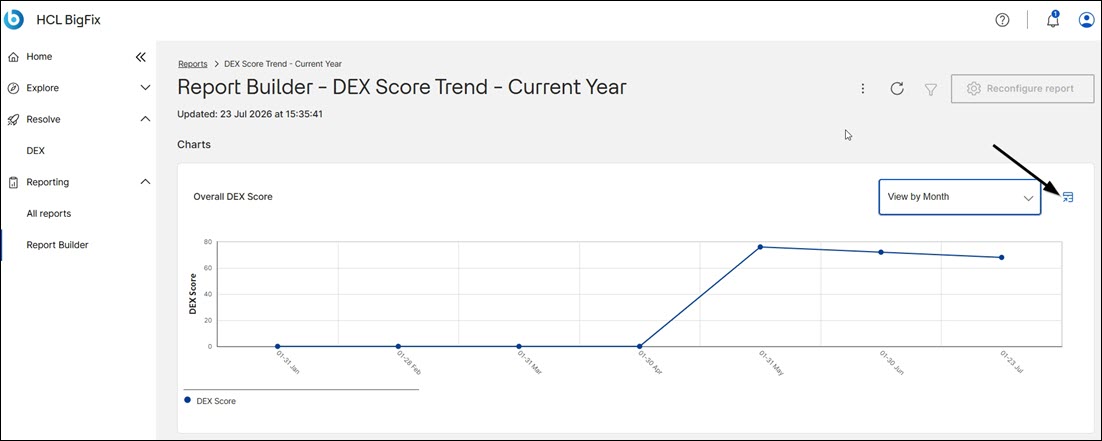
The report appears in a table.
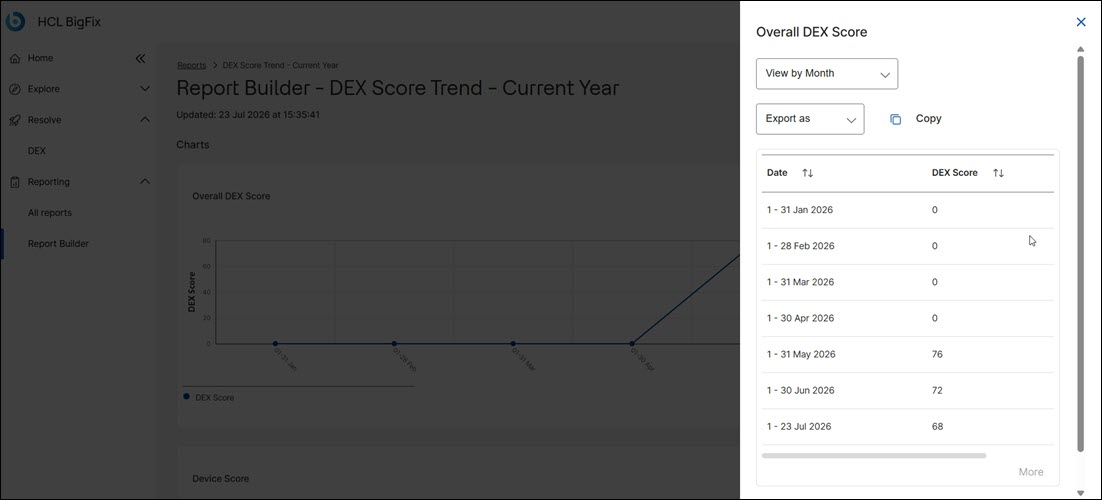
You can further choose options to view the report by day, week, or month. You can also copy the report.
Exporting reports
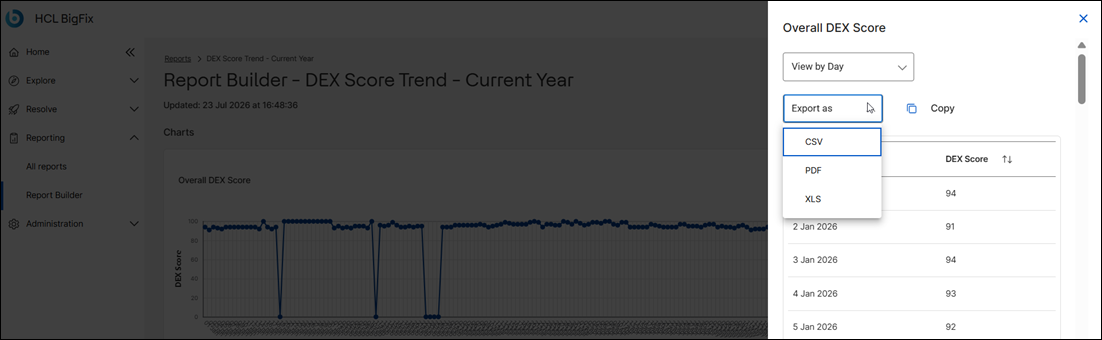
This feature allows you to export your preferred reports in CSV or Excel format.
You can also export the report in CSV, PDF, and XLS format from the tabular view.
Create reports
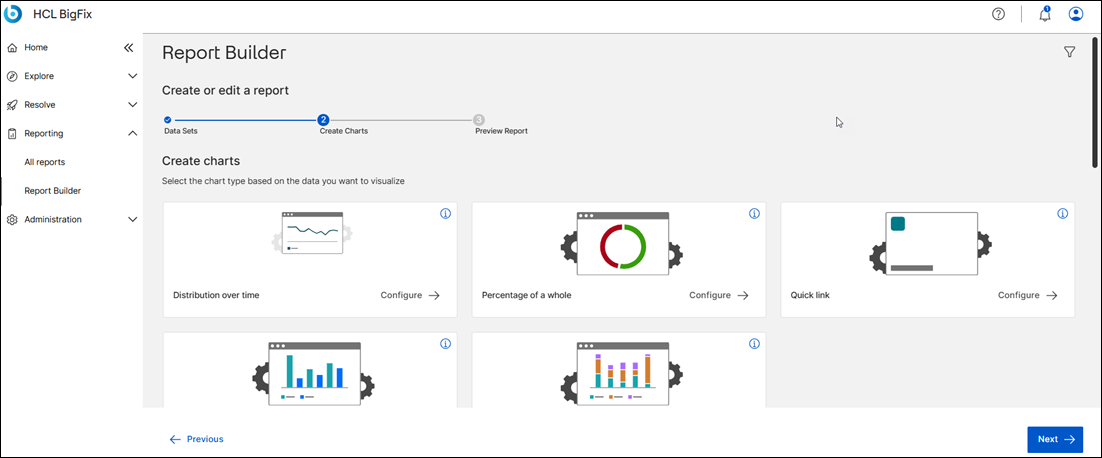
The Report Builder option allows you to create new reports.
Go to and click on a report.
In the device, data set can be found all the dex properties.
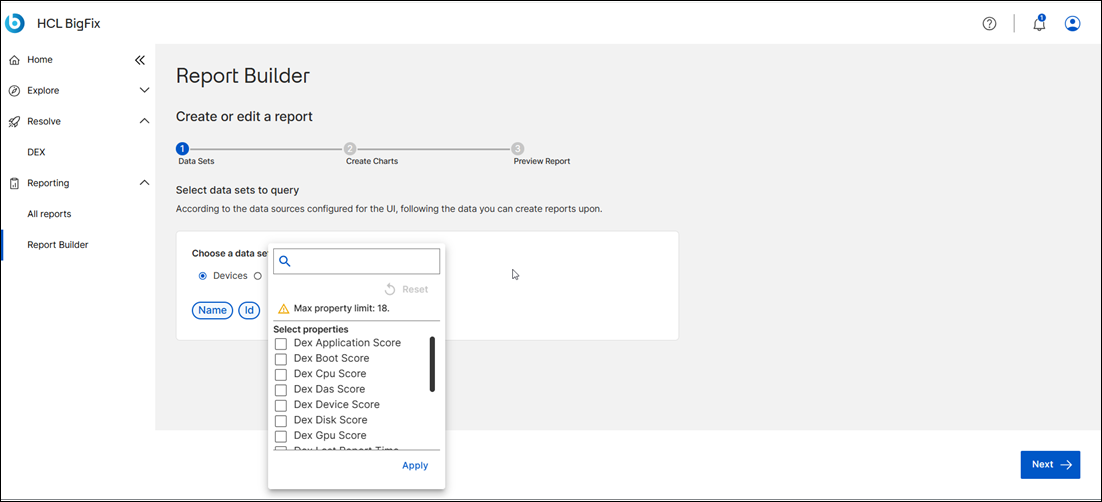
New historical report can be created selecting the property.
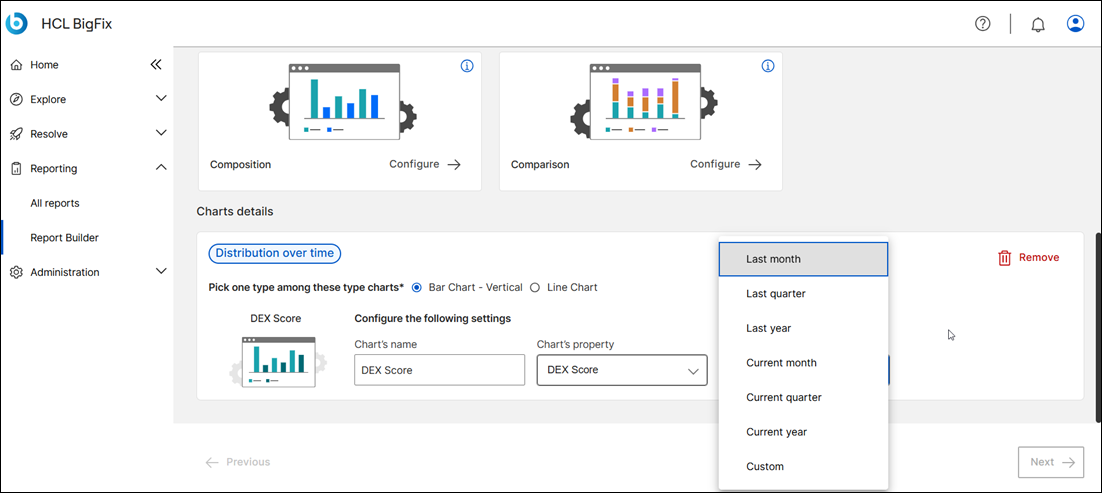
Once you click on Next, provide name and description.
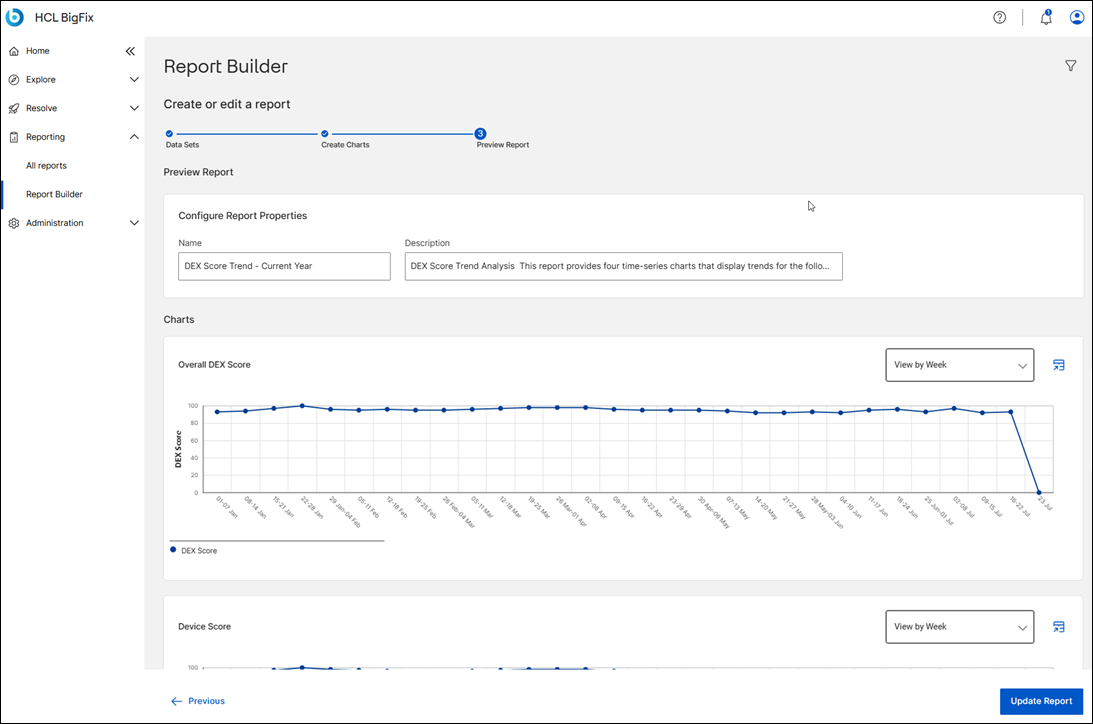
Once you click on Update, the report is generated and it appears in the report list.
