Global Settings
Use the Global Settings dialog in BigFix Power Management to configure international currency and weight units for your deployment. These settings affect how energy costs and consumption values are displayed across all power reports and dashboards.
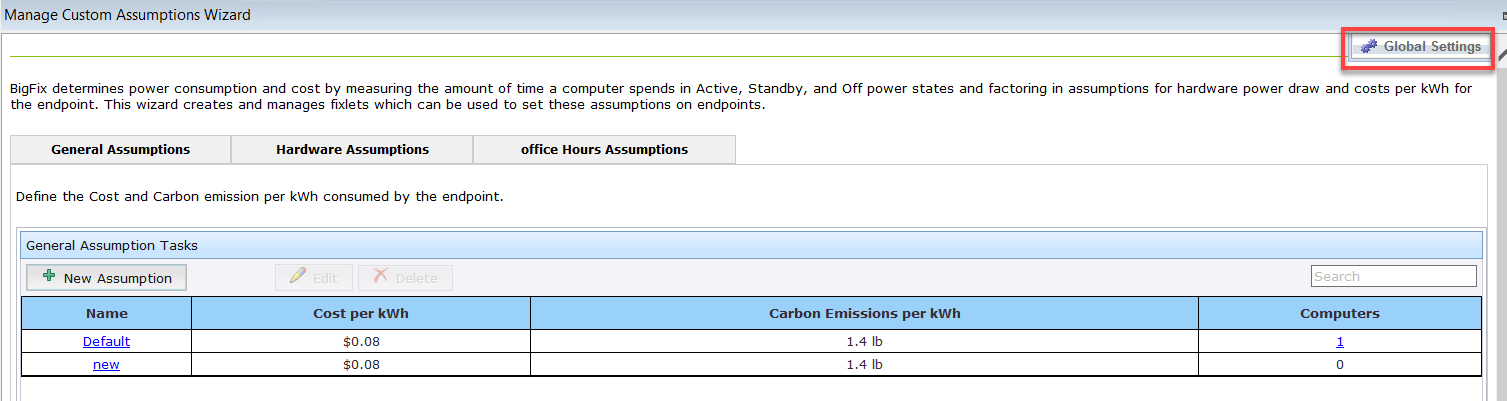
In this dialog, you can set international currency and weight units for your deployment.
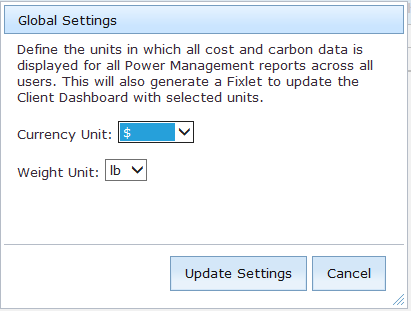
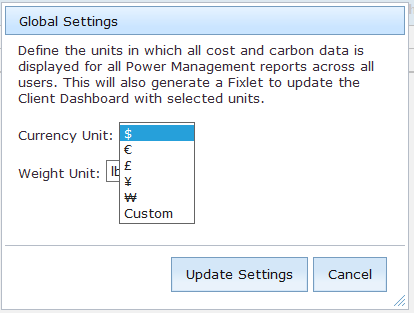
After making a selection from the drop-down lists, click Update Settings.