Configure Client-side Dashboard
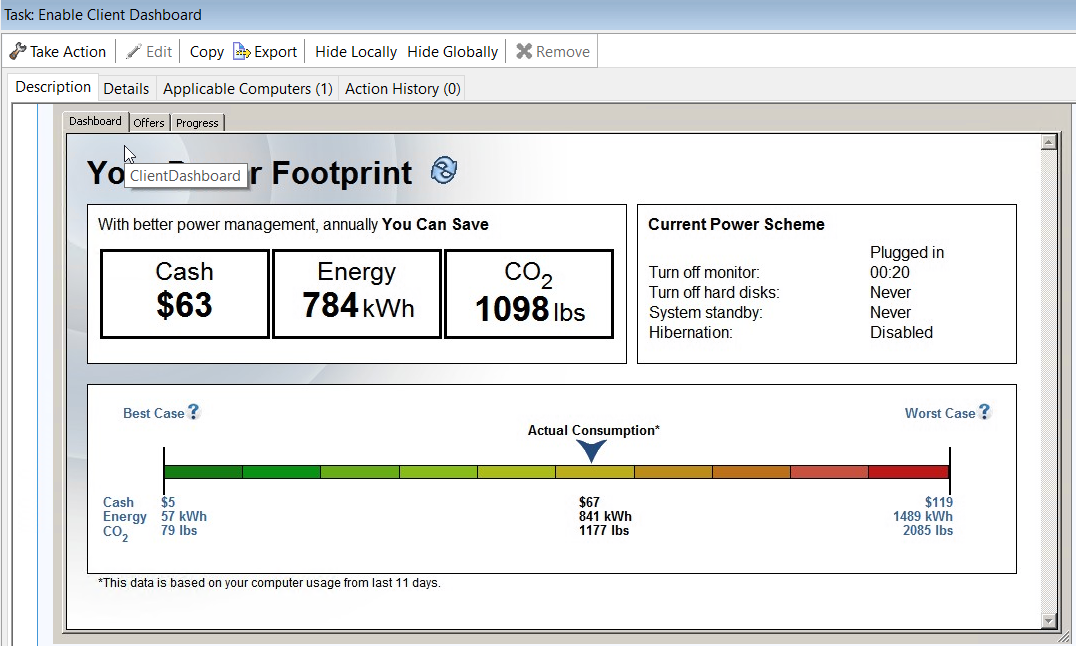
The Client-side Dashboard provides individual power footprints. Power Management includes tasks in the navigation tree for enabling and disabling the client-side dashboard.
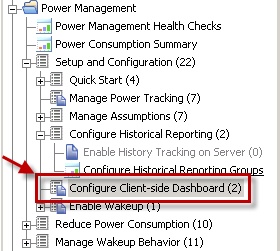
To start deployment, click the appropriate task, and then click the link in the Actions box.
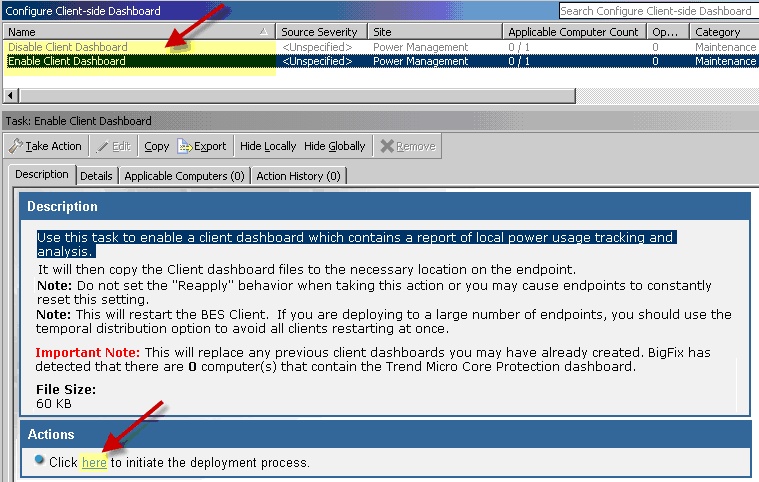
From the Take Action window, you can convert an action into an offer, making it available in the client UI on applicable machines. This offer applies to the target machines and users that you choose in the Take Action window.
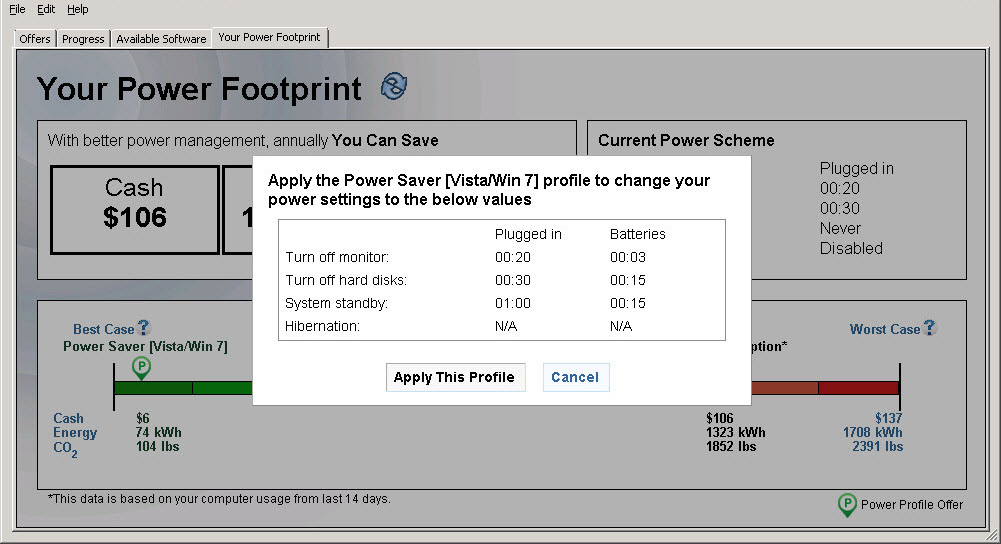
This example shows an offer for a
single power profile from the Your Power Footprint tab.
Click Apply This Profile to apply the offer
without having to go to the Offers tab.
Note:
Your BES Client version
must be 8.2.1170.0 or later to view and apply the single power profile
from the Your Power Footprint tab.