Enable Wakeup
The Enable Wakeup feature activates the Wake-on-LAN Medic Utility, which wakes computers according to a defined schedule and also sends wake-up requests to Last Man Standing computers. To set up the Wake-on-LAN Medic Utility, ensure that BESWolMedic.exe version 1.5.30 or later is used and that RESP API is correctly configured on a BigFix server version 9.0 or later to avoid network security warnings.
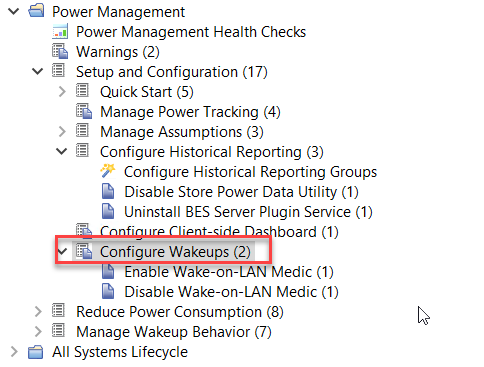
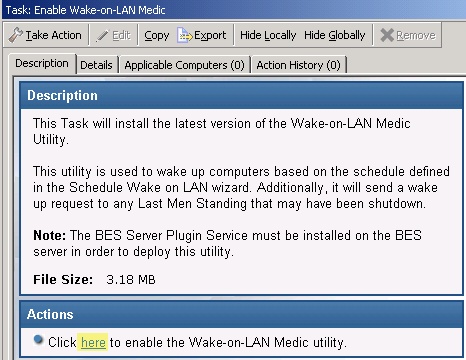
Enable Wakeup includes a task for enabling the Wake-on-LAN Medic Utility. This utility is used to wake computers based on the schedule defined in the Schedule Wake-on-LAN wizard. It also sends a wake-up request to any Last Man Standing computers that are shut down.
In addition to the BigFix Wake-on-LAN technology, BESWolMedic.exe version 1.5.30 or later uses a directed broadcast that does not require Wake-on-LAN forwarders or Last Man Standing computers.
When the utility runs for the first time, the BigFix Server firewall may trigger a network security warning. If network access is not approved, no directed broadcast is issued. The existing BigFix Wake-on-LAN technology will continue to work.