
Access the RBI Compliance Report
Learn how to open the RBI Compliance Report in BigFix Web Reports to view and monitor compliance data.
Once SCM Reporting is enabled, follow these steps to access the RBI Compliance Report:
- Login to the BigFix Web Reports.
- Click on the Report List.
- Search for RBI Compliance in the list of available
reports.
Figure 1. RBI compliance Report List 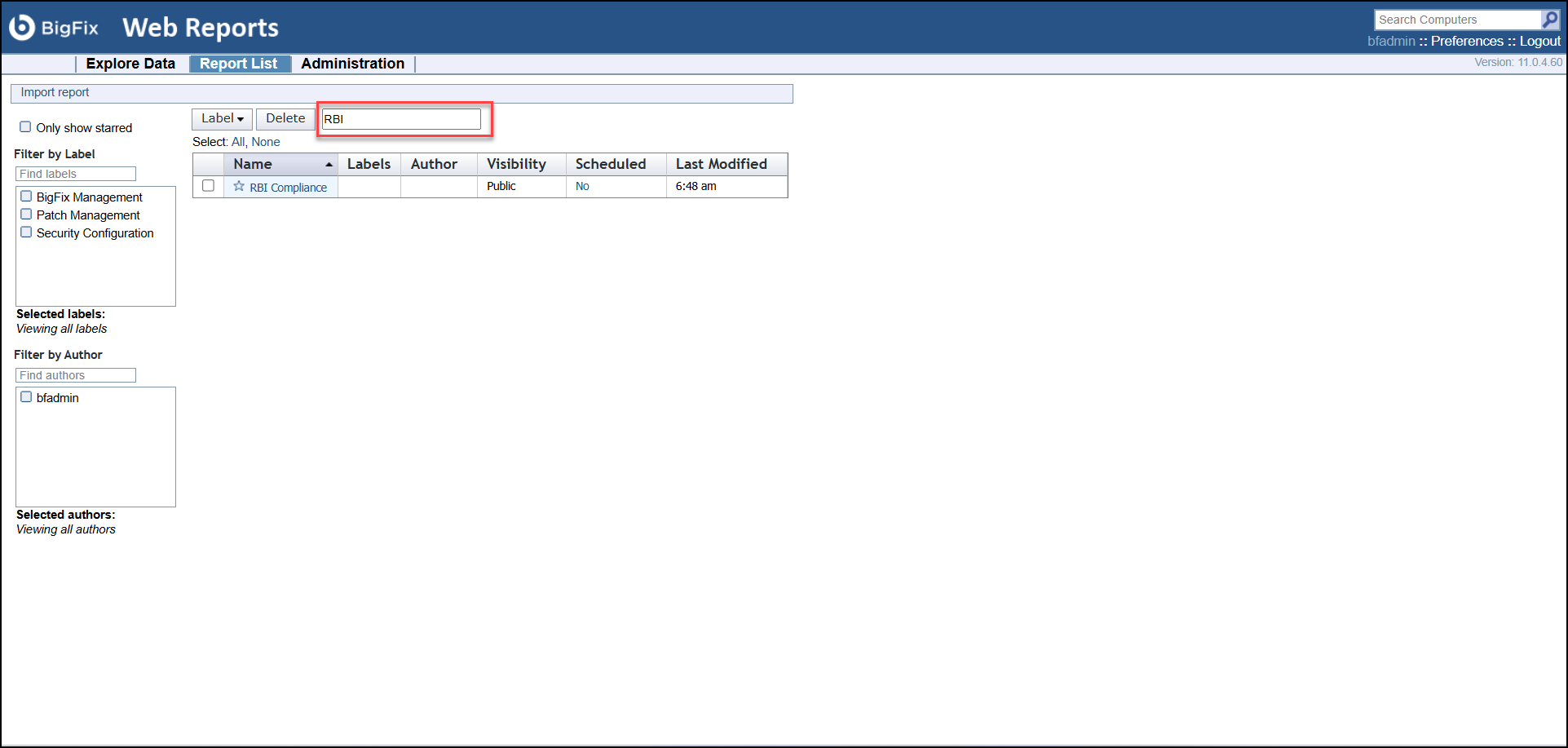
- Click the report name to open the RBI Compliance Report.
- Wait for the initial data synchronization to complete.
Figure 2. Report List 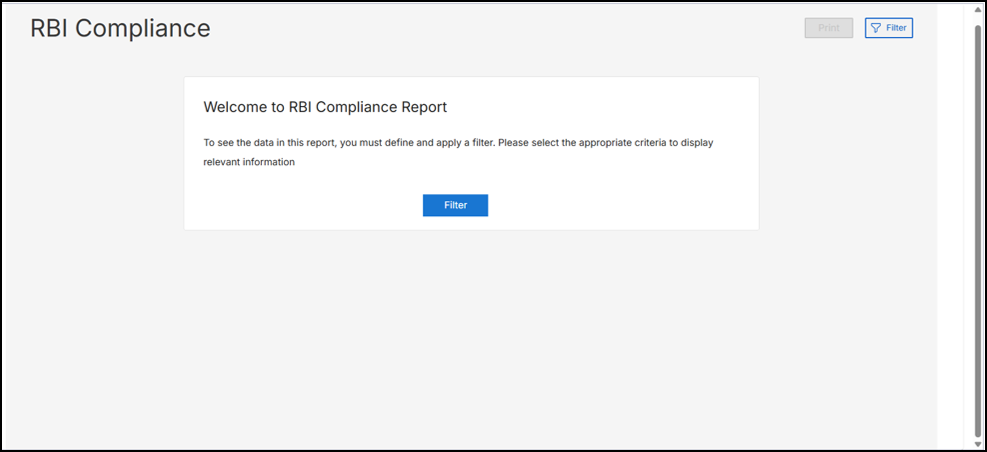
After synchronization, the dashboard displays RBI Compliance Report.