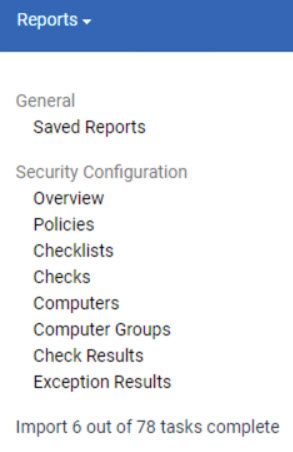
Data Imports
Use the Import Settings tab to schedule a recurring import, disable recurring imports, start a manual import, configure notifications for failed imports, set data pruning, and view current import status.
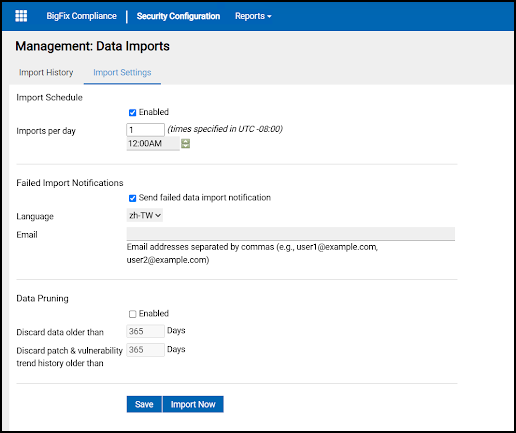
Import Schedule
Run an immediate import by clicking Import Now in the Import Settings tab. To schedule a recurring import, first check the Enabled box under Import Schedule, set the number of imports per day and the desired daily start time, and click Save. Times are specified in the UTC offset displayed next to the field.
To avoid non-use of SCA, it is suggested to run the import during non-productive hours.
Import progress is measured by the number of tasks completed.