
Edit Repository Description
The
HCL Z Asset
Optimizer
admin has the
authority to edit any previously created repository description.
Note:
It is not possible to edit/rename a repository.
To edit the repositories description:
- Select the More Info menu next to the target repository.
- Select Edit option.A pop-up window appears containing the original repository description:
Figure 1. Repository Description Editing Pop-up 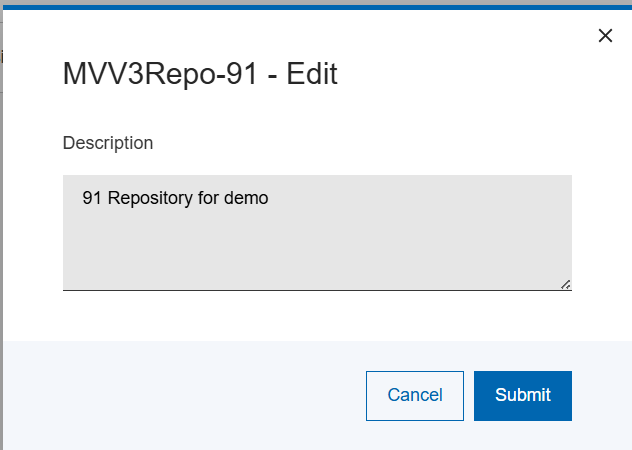
- Make the required changes and select Save.
The new description will reflect in the Repositories page.