
Add Repository
Follow the steps given below to add a new repository:
- On the repositories page, select Add Repository +.
Figure 1. Create Repositories 
The Add New pop-up displays.
- Enter repository name in the Repository Name field and optionally enter a
description in the Description box.
Figure 2. Add New Repository 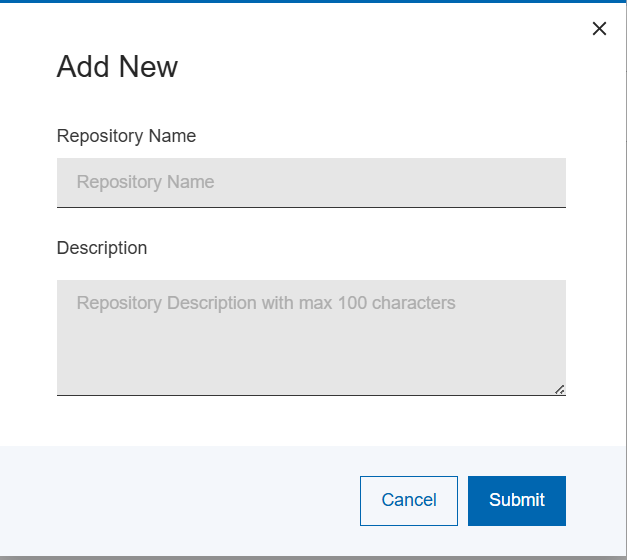
Note:Only the repository description can be changed after creation. - Select Save.
The new repository is created along with all the required databases, folders, and supporting files.
A status message will be shown after the repository creation processing has been completed.
If successful, the new repository will appear in the repositories list and be available for import processing.