User Guide: SDKs > Android SDK > Downloading Volt MX Android SDK
Downloading Volt MX Android SDK Files
To download Volt MX Android SDK, follow these steps:
-
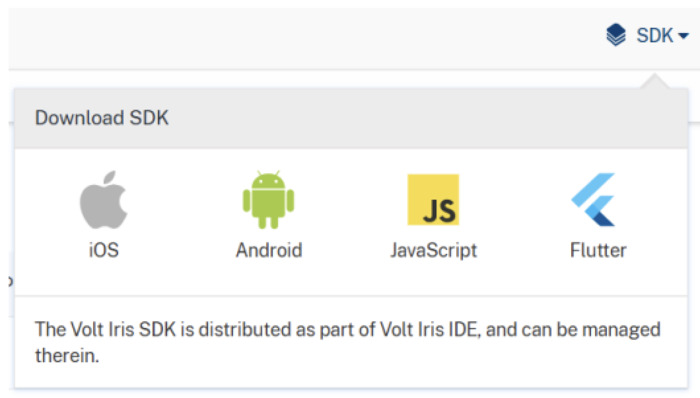
In the Volt MX Foundry console, navigate to Apps > SDKs, and click Android. The system prompts you to save the zip file in your local system.
- Save the
HCLVoltFoundry-android-sdk.zipfile in your local system. -
Extract the
HCLVoltFoundry-android-sdk.zipfile that you just downloaded.The
HCLVoltFoundrySDKfolder contains the following files:- kony_sdk-release.aar
- kony-sdk.doc
- LICENSE.txt
- Version.txt