Stopping an Event
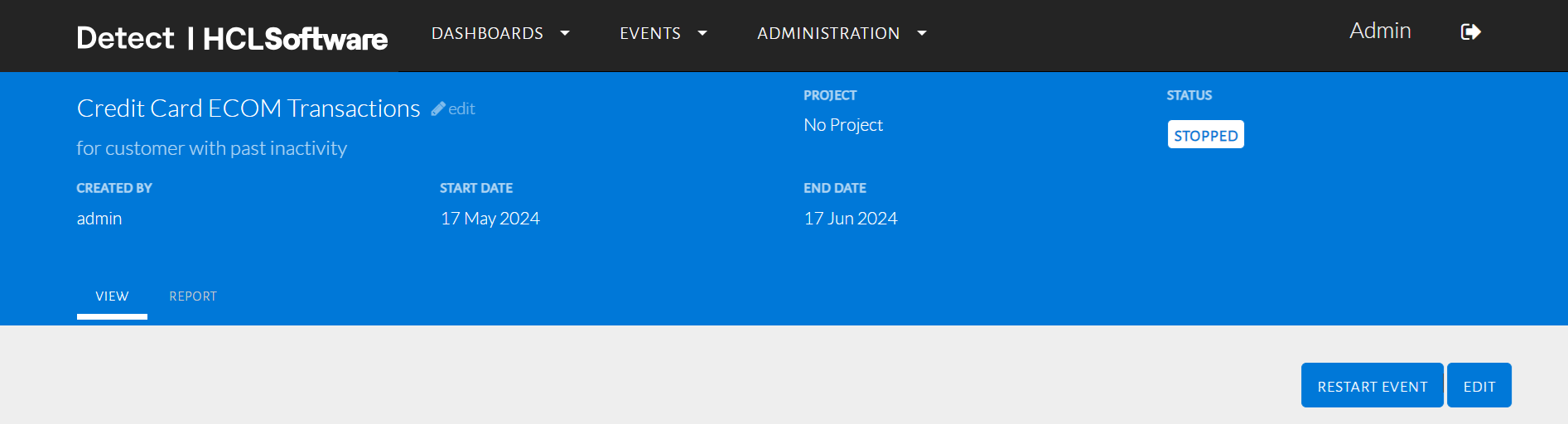
This page explains how users can manually stop an event that is currently running, before its scheduled end date. It also highlights how stopped events can be restarted later with changes.
Users have the ability to stop any running event before it completes its duration. Once stopped, the event status changes to Stopped, and it appears under the respective tab. Stopped events can be edited and restarted later if needed.
Stop an Event
- Go to the Events tab from the top navigation bar, and select All Events.
- From the list, choose the event currently in Running status.
- Click on the event name to open the event details page.
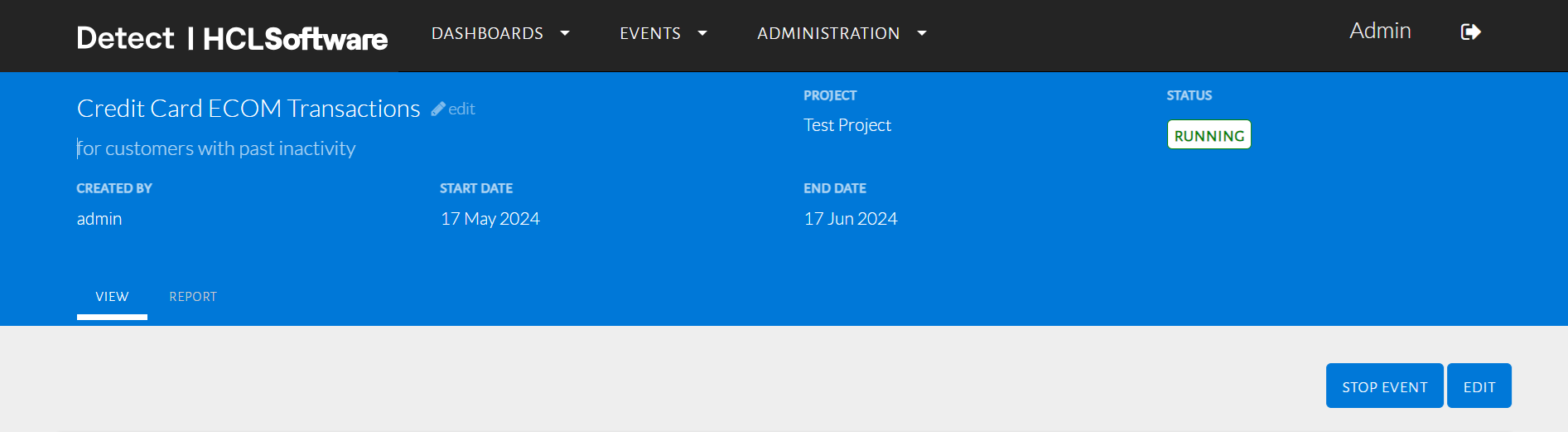
- On the top-right corner of the event detail page, click the Stop
button.
- A confirmation pop-up will appear asking you to confirm the action.
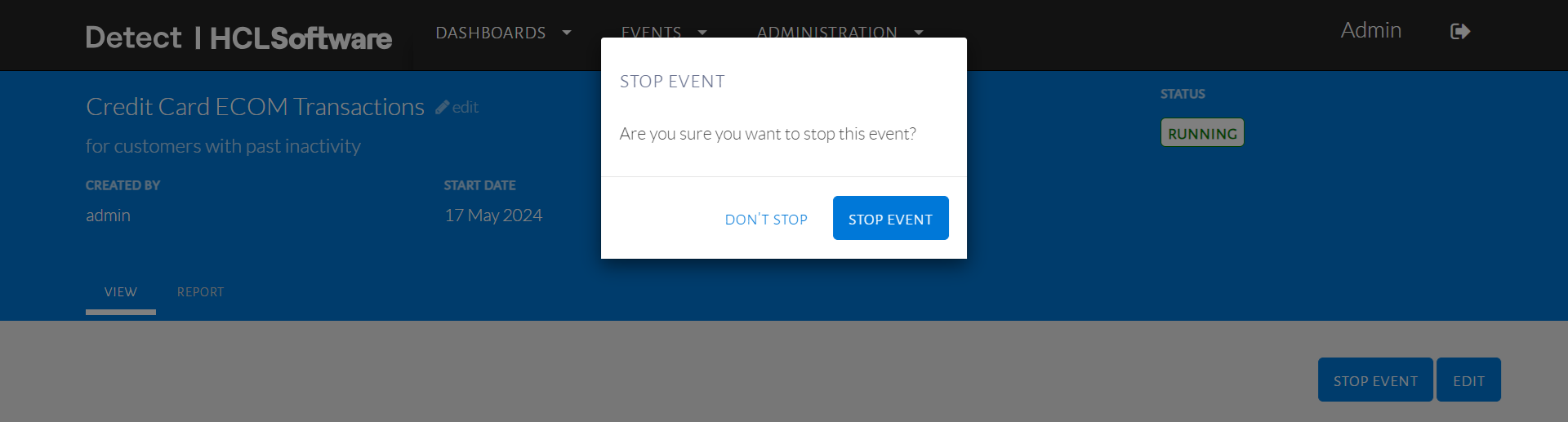
- Click Confirm to proceed.