
Create Project
This page explains how to add a new project while creating or editing an event, using the project selection section within the event description page.
During event creation or editing, users can add a new project directly from the event interface. This allows associating the event with a relevant project, even if it hasn't been created beforehand.
Add New Project Name
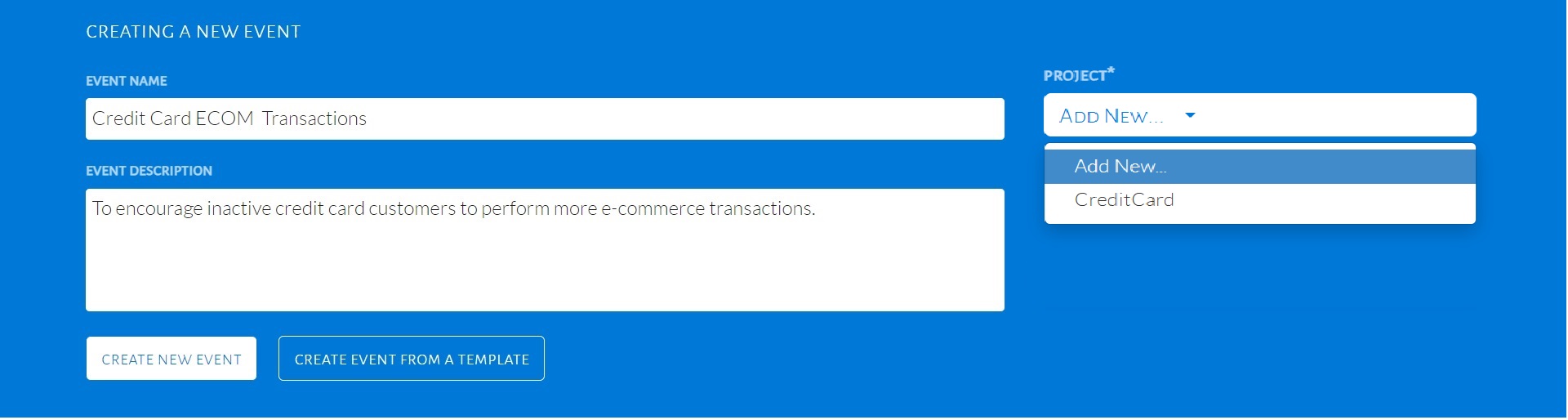
- While filling the Event Description section, locate the Project Name dropdown.
- Click on the Add New... option from the dropdown menu.
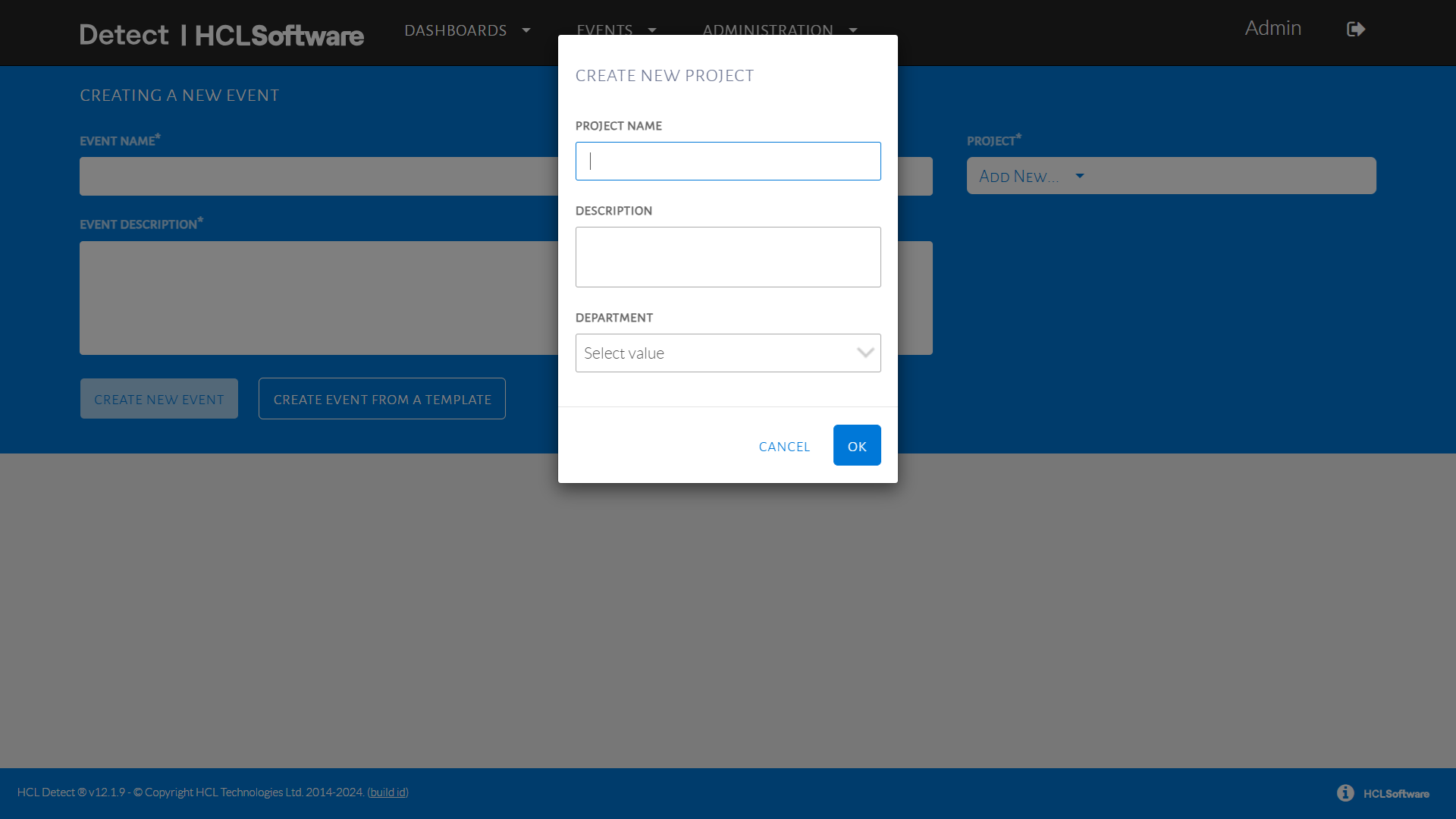
- A pop-up will appear prompting for:
- Project Name (must be unique)
- Description (optional but recommended)
- Fill in the details and click OK to save.
Example: While setting up an event for "Holiday Discount Campaign," the user adds a new project named "Q4 Retail Promotions."