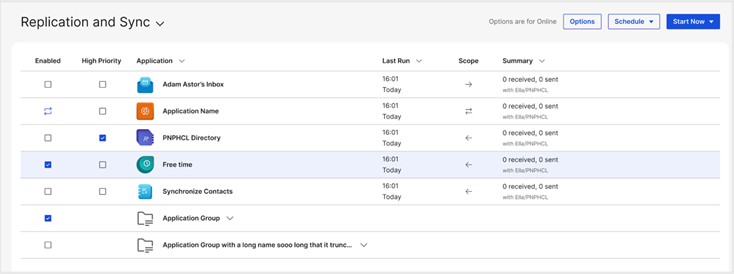
User interface enhancements
Notes 14.5.1 provides the following user interface enhancements:
Enhanced the user interface framework
- Improvements include:.
- The colors of the tabs have been refined to achieve a more cohesive visual presentation.
- The Open menu is now docked by default, making its navigation icons readily available.
- The focus color on the navigator has been updated to enhance visibility.
- The color of the action bar has been revised to elevate the overall
visually appeal.
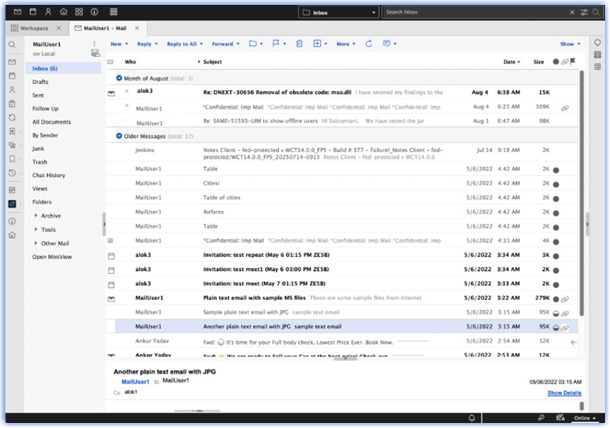
Enhanced Preferences
The Preferences dialog box now has a 2-column layout, simplified panels, updated colors, and icon indicators.
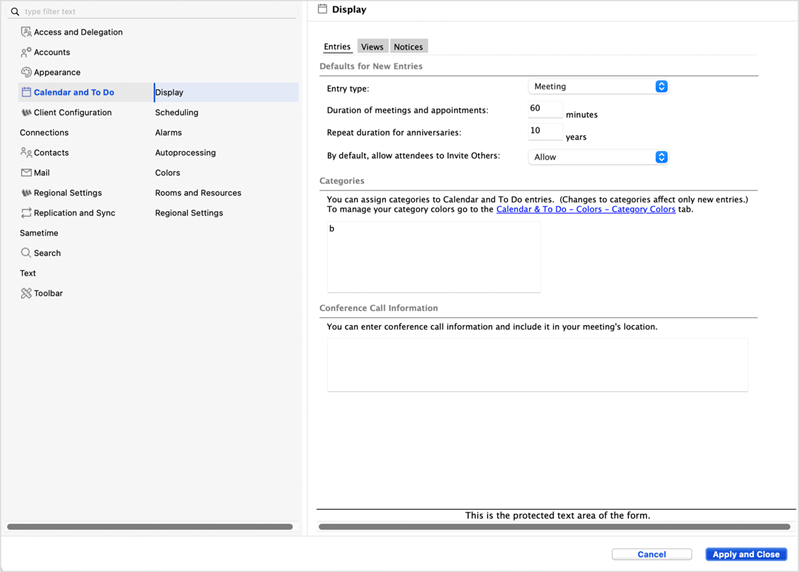
Enhanced forms
The user interface of Notes Mail, Calendar, Contact, Notebooks and To Do forms are
more visually appealing and user-friendly experiences.

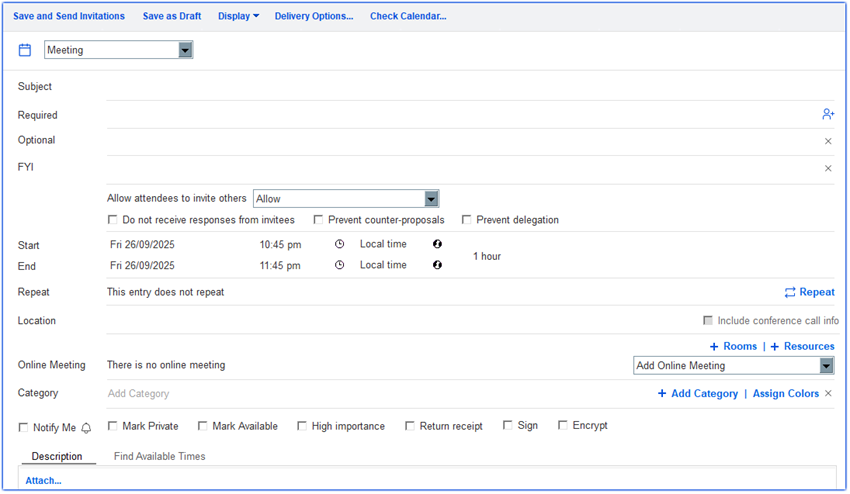
Enhanced dialog boxes
Many dialog boxes have a new design, such as the Spell check and Create folder dialogs shown.
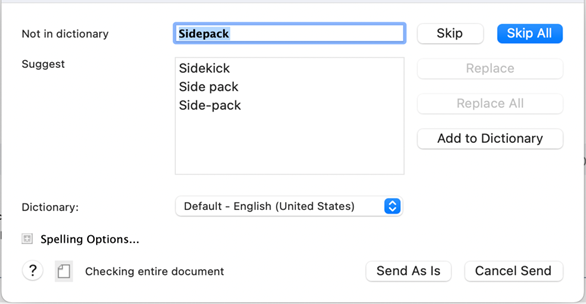
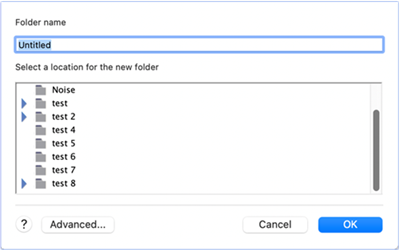
Other redesigned dialogs: Add calendar, Alarms panel, Exit, Location, Login, Move folder, New application, Quick find, Replication schedule, and Sametime.
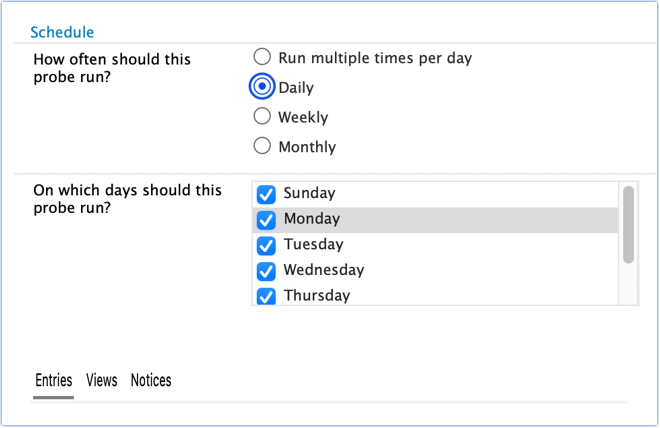
Updated controls
| Control | New UI |
|---|---|
| Radio box, Check box |
 |
| Business card | 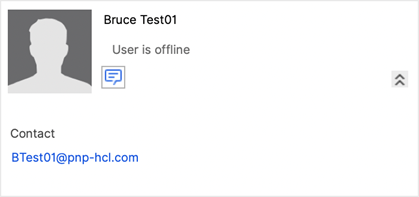 |
| Slider for "New Mail" |
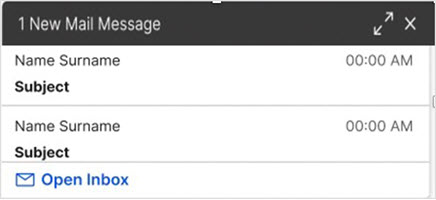 |
| Color picker |
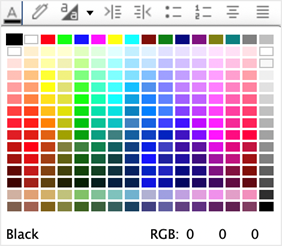 |
| Rich Text Lite |
 |
| Others |
|
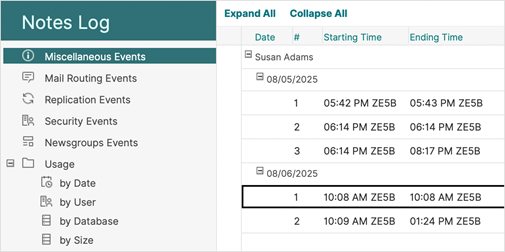
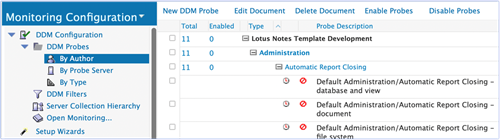
Restyled templates
The following popular templates have been given a new look and feel:
- Notes Log
- Directory
- Directory Catalog
- Widget Catalog
- Monitoring Configuration
- Subscriptions
- IdP Catalog
- Cluster Analysis
- Others
Replication page updates
The Replication and Sync page has updated button styles and application icons, making it easier to read.