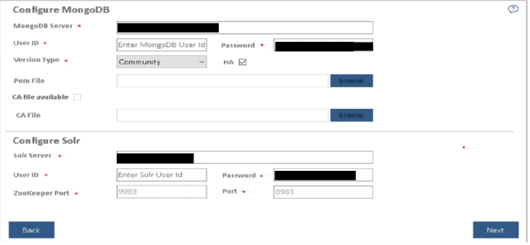
In the User ID and Password fields, type username and password to access the server.
The default ports are auto filled in the PORT field next to each component.Figure 1. Configure Mongo DB and Solr
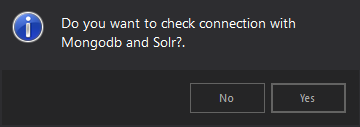
Click Next. You will be prompted to check the connection status. Click Yes to proceed with
the checking the connection status or No to continue with the Installation.