‘Active directory job is enabled, the AdSyncservice is
running fine still status of job is FAILED
Modules Impacted
ADSync
Resolution Steps:
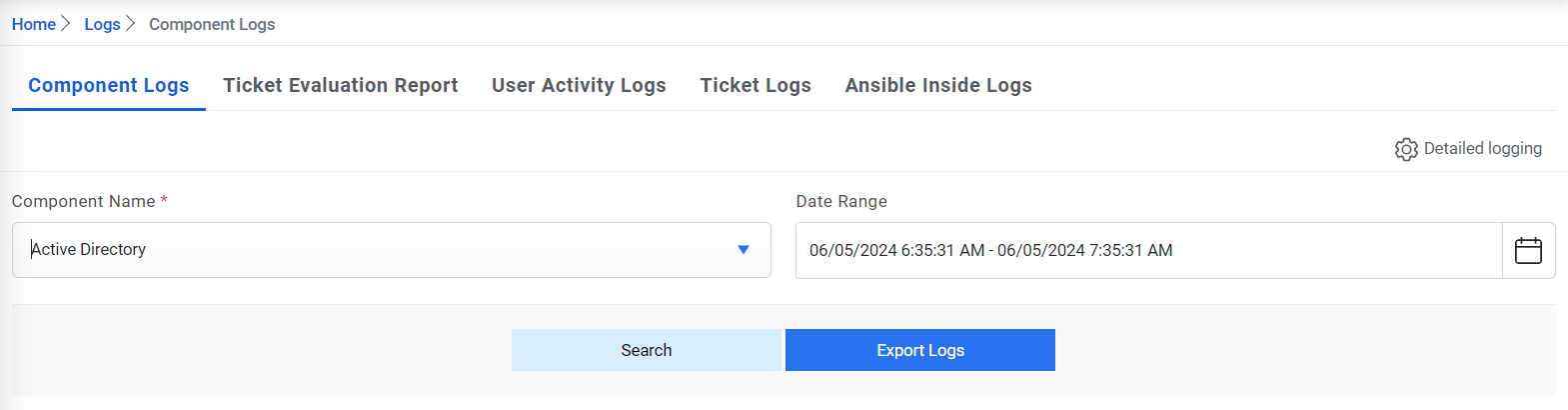
Go to page Reports Component Log.
Check the log corresponding to component name ‘Active Directory’ for the
particular time interval when the job is running.Figure 1. ADSync – Scenario 4
If log mentions ‘Username and Password is Incorrect’ then verify the
Username and Password entered in LDAP details under Create Organization
Screen.
If log mentions ‘Cannot find Group details for ‘LDAP:\\Domain Name’, then
go to View Organization screen and click on group icon against configured
LDAP based organization and verify that group is configured against LDAP based
organization or not, if not then add group details.
If log mentions ‘Cannot connect to LDAP Server’ then verify that LDAP
Connection string is correct.
If you are using an LDAPs Connection string, then ensure that the ‘Is SSL
Required’ field under Create Organization screen is checked.