
2. Azure AD
Overview: Create an out-of-the-box (OTB) Azure AD tool that uses Azure APIs to manage groups.So that users can create and delete groups, add or remove members, and edit group properties directly through AEX without custom development.
Functions
-
Get_user _details _by _email – Retrieves a user’s profile information using their email address.
-
Search_users – Finds users matching a keyword or partial name/email.
-
Get_group _by _ID – Fetches complete details of a specific group using its unique ID.
-
Get_group_by _display_name – Retrieves group information based on the group’s display name.
-
List_all_groups – Returns the list of all Azure AD groups in the tenant.
-
Search_groups – Looks up groups using keywords or partial matches.
-
Update_group – Modifies the properties or metadata of an existing group.
-
Delete_group – Removes a group permanently from Azure AD.
-
List_group_owners – Retrieves the list of owners for a specific group.
-
Add_owner – Assigns a new owner to a group.
-
Remove_owner – Removes an existing owner from a group.
Configuration
Go to the Tool Library and search for the specific tool.
https://<tenant_name>/admin#/genai/tool_library
-
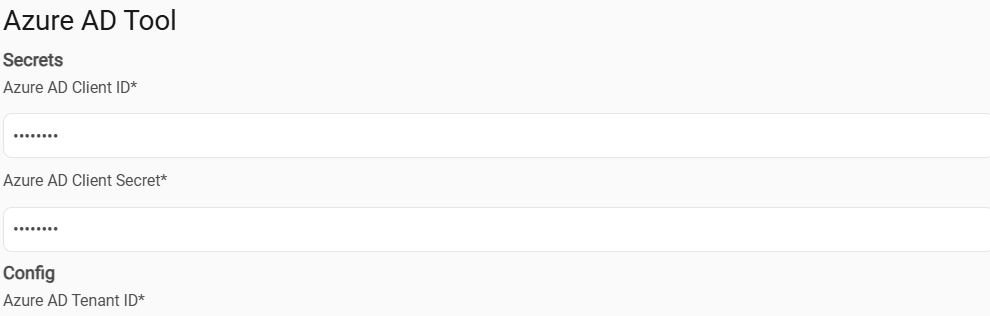
Secrets: Azure AD client ID, Azure AD Client Secret
-
Config: Azure AD Tenant ID
Usecase
-
AEX should create, update, delete, or search a user based on the inputs provided by the user in the chatbot.
-
AEX should create, update, delete, or search a group using the details provided by the user in the chatbot.
-
AEX should add or remove a group member or owner as requested by the user and show the result.