Edit Incident
- When a user wants to edit an existing incident, he needs to click on edit icon on My
incident page
Figure 1. Edit Icon 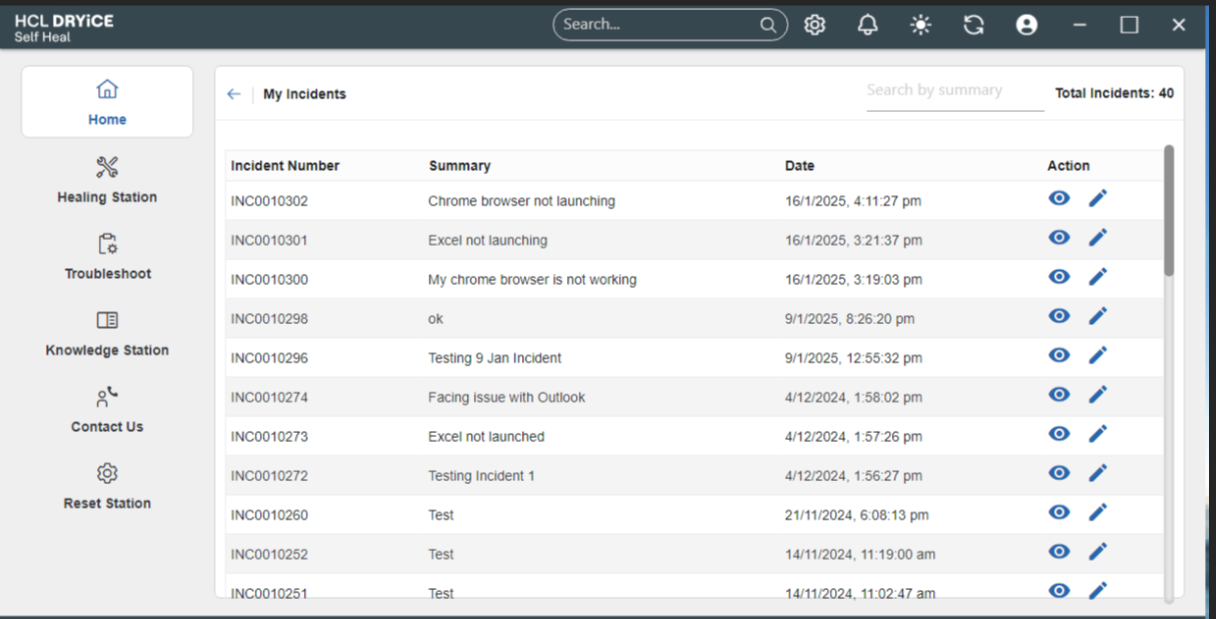
- When the user clicks the edit icon, the specific incident page will appear, allowing the
user to update additional comments and click the "Update Comment" button.Note:Only additional comments can be edited/updated. All other fields on the incident details page will be non-editable.
Figure 2. Update Comment 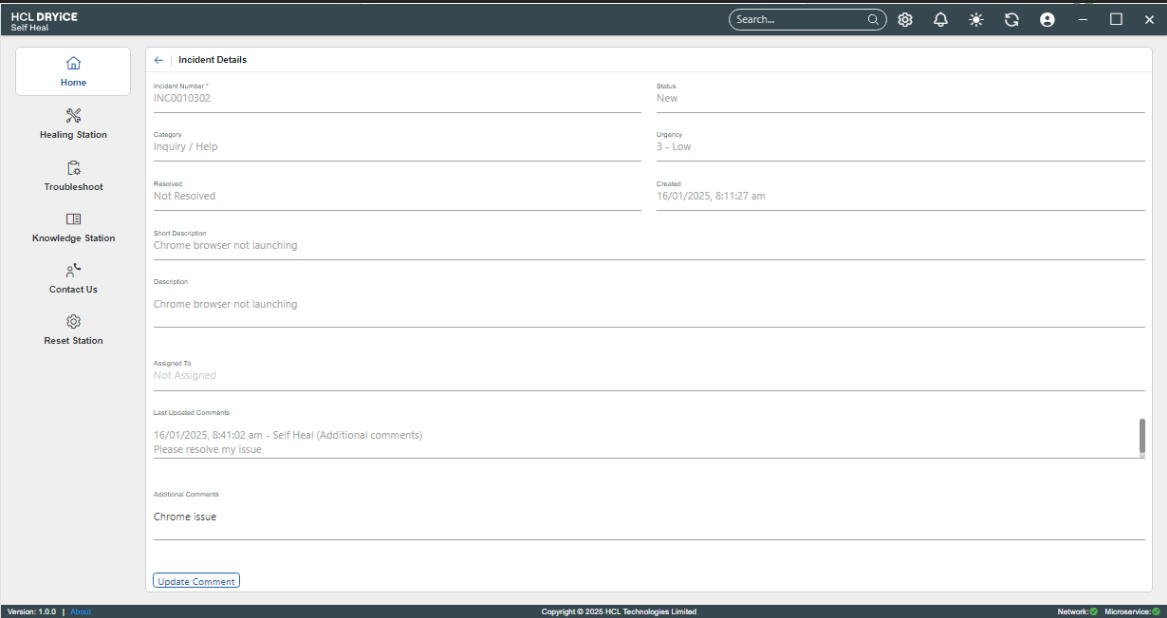
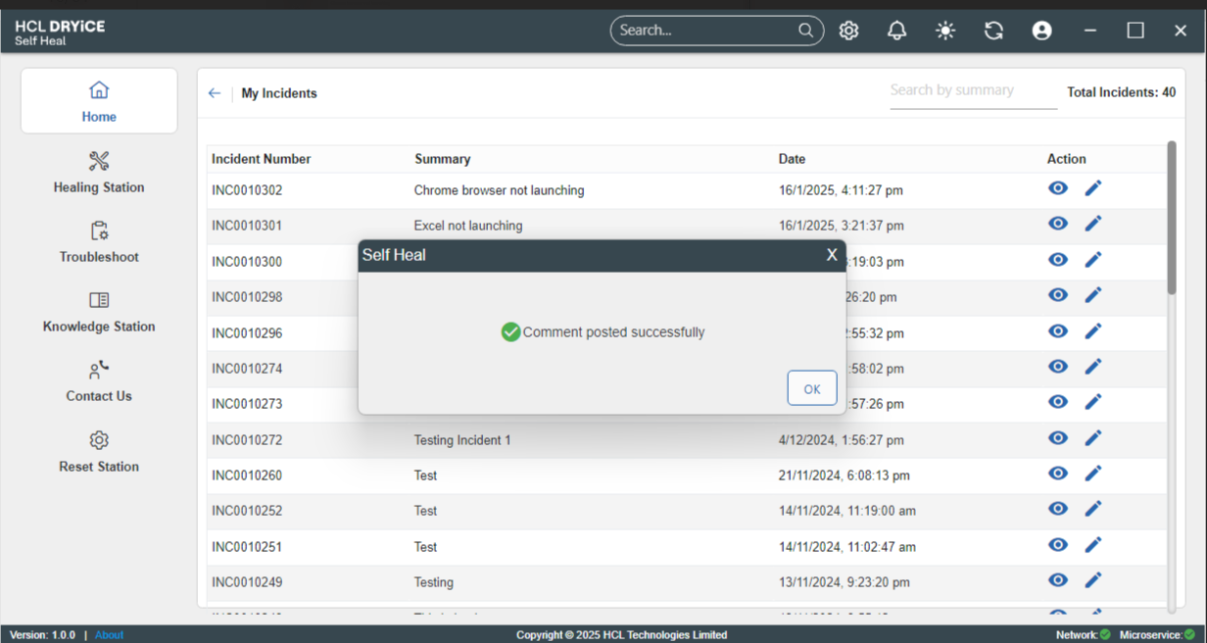
- After clicking on the update comment button, Pop up message stating “Comment posted
successfully” will appear
Figure 3. Success Message