Changing Version for Intent Detection
Clicking on the Intent Detection displays the following page:
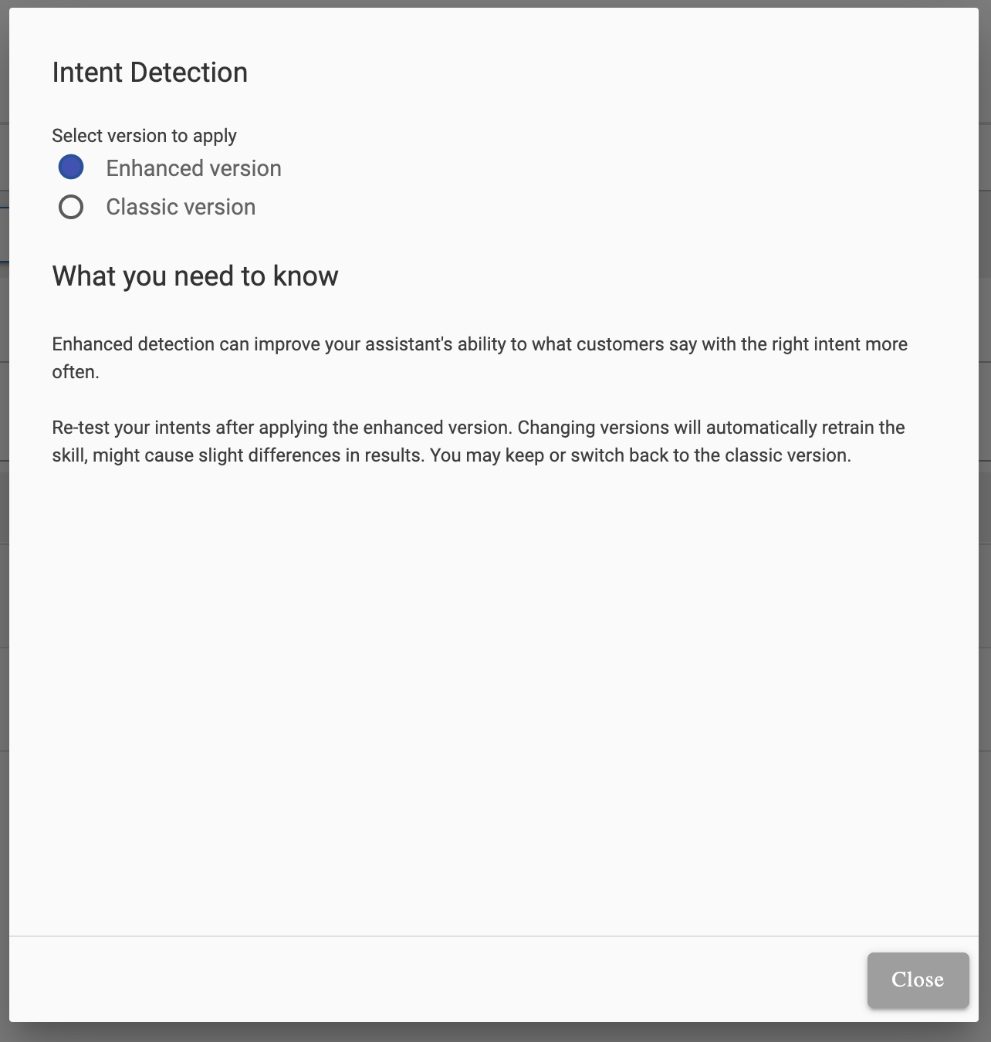
The Enhanced version is selected in the following scenario:
- If the skill is new and is created using the above-mentioned method, and skill language is one of the above- mentioned languages, then by default Enhanced version get selected.
- If the skill is old, but skill language is one of the above-mentioned languages, then no version is selected.
- If the skill is new and has been imported, then the version is same as it was selected. (if any)
- Else, it shows the last changed version user has selected.
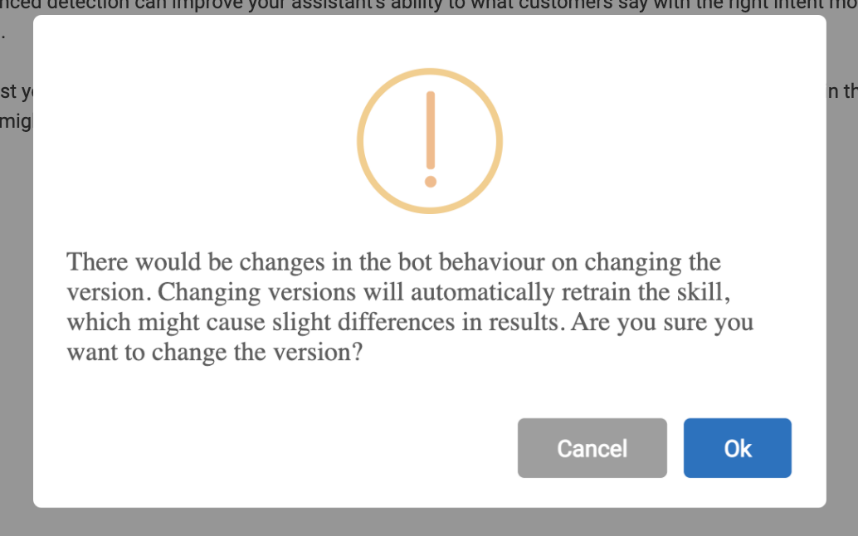
A confirmation message appears when the user tries to change the version from Enhanced to Classic or vice versa:
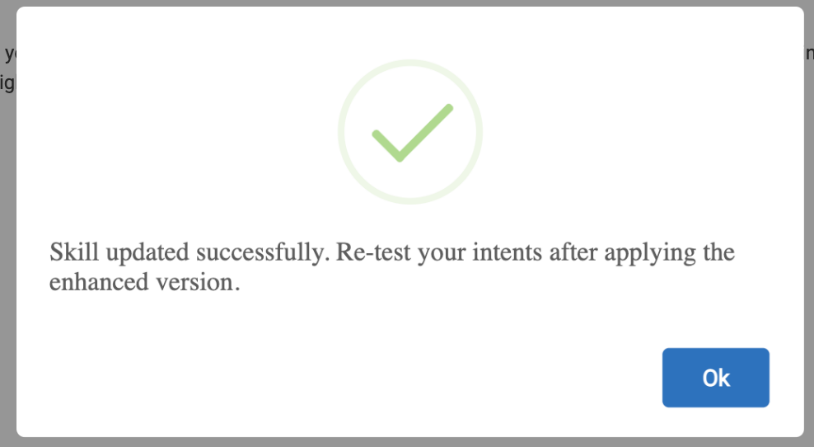
Clicking on OK displays the following success message: