Kafka
This page provides detailed instructions for configuring Kafka as a data source in HCL CDP. Kafka allows you to send large volumes of real-time data to HCL CDP with security and reliability.
Kafka serves as a source in HCL CDP, enabling data transfer from your Kafka producers to HCL CDP. It is ideal for handling high volumes of streaming data in real-time.
Configure Kafka as Source
To configure Kafka as source, follow the steps below:
- On the left pane, navigate to Data Pipeline > Sources .
- Click +Create New Source.
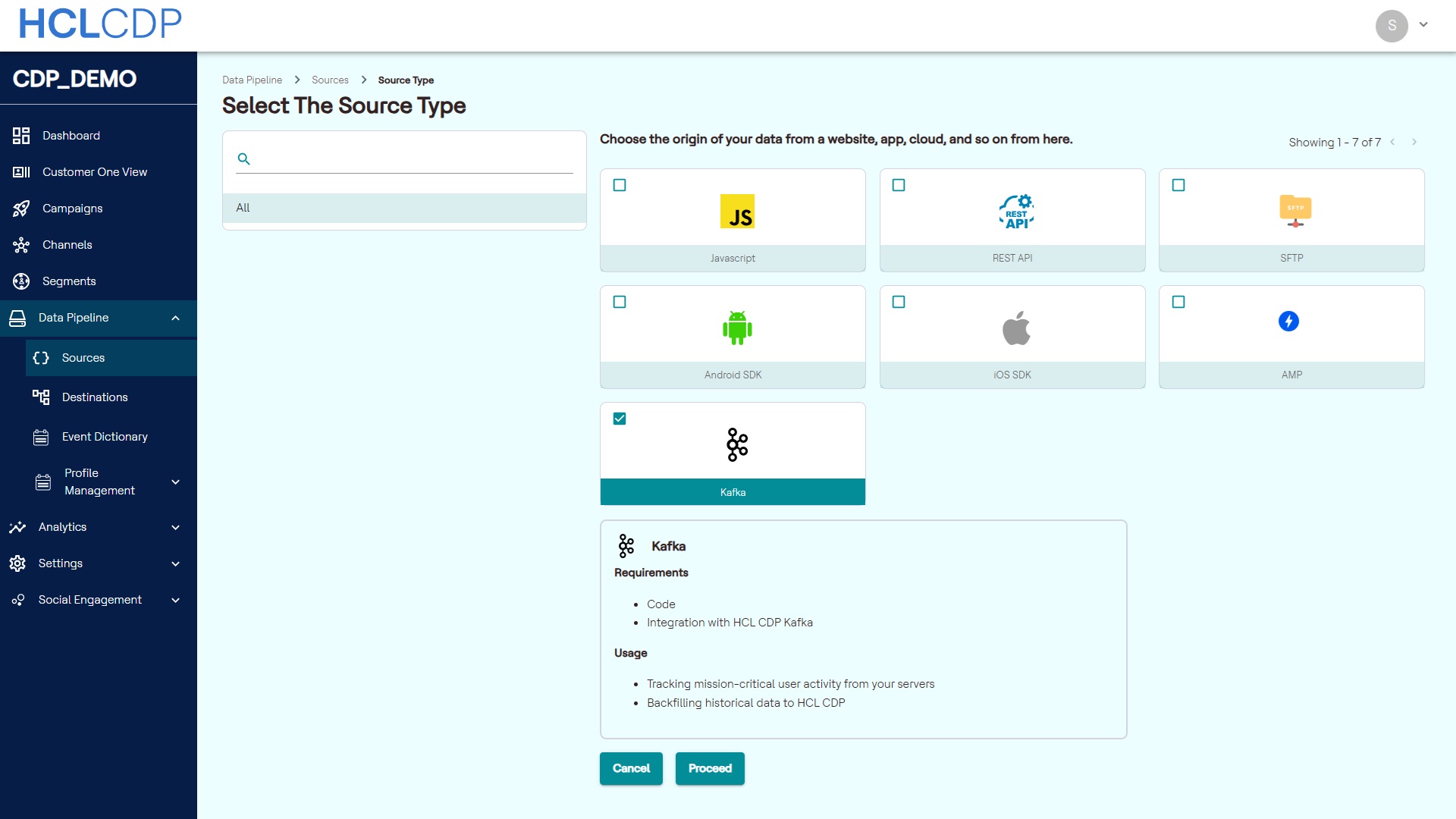
- From the source type, select Kafka, and click Proceed.
- In the Source Name, add a unique name to the source, and click Create.
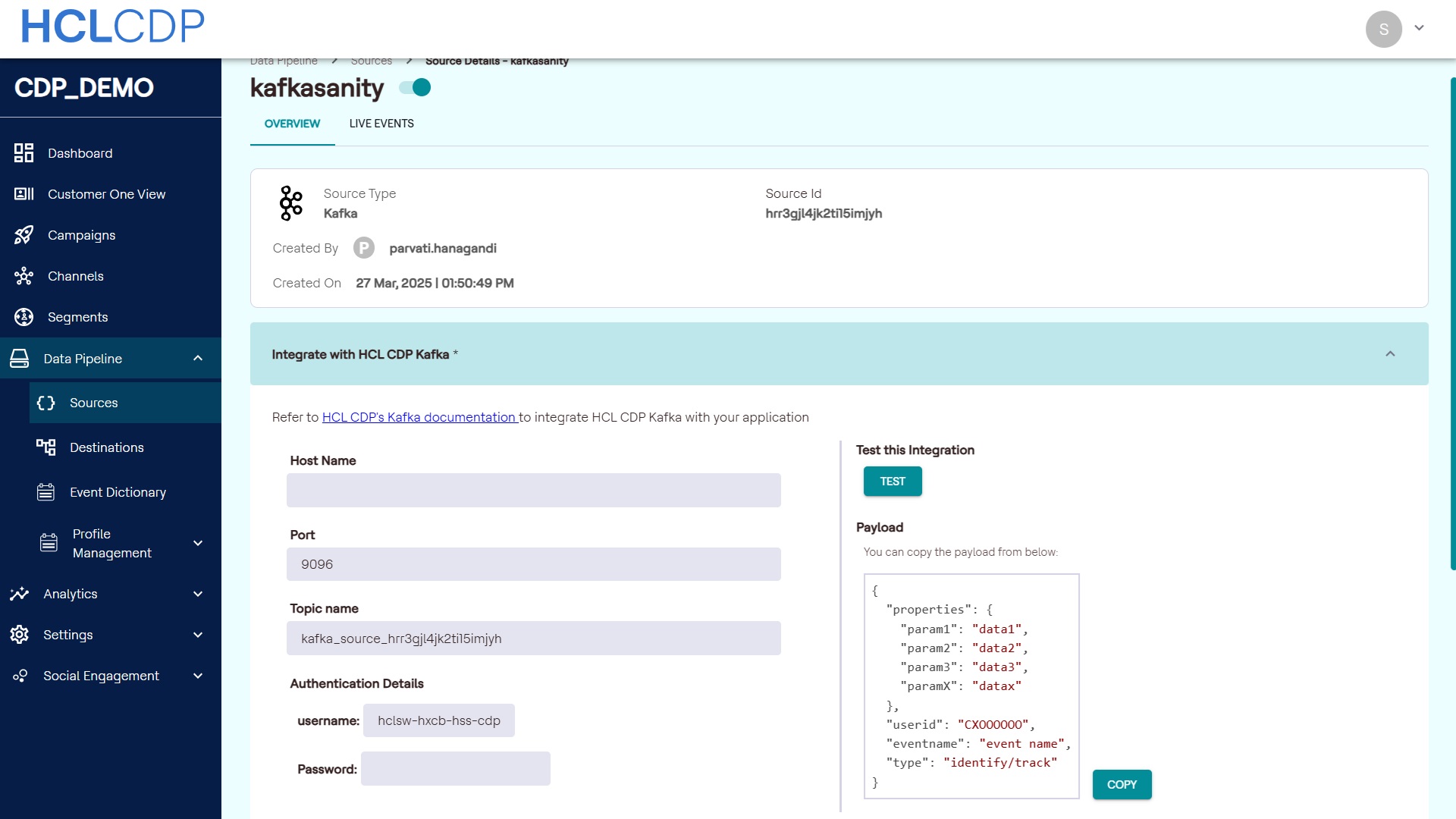
- Set up source details in the following parameters:
- Host Name
- Port
- Topic Name
- Authentication Details
You can configure these details in your Kafka setup to produce messages to our Kafka.Tip: A maximum of three Kafka sources can be added per account. - Click Test to test your configuration. If we're able to connect and produce event to the given Kafka config, a success event will be shown otherwise error message will be shown.
- On successful testing, click Update to update the Kafka configuration.
Test the integration
To test the integration, configure the Kafka details shown and click TEST. Produce a Kafka event to the consumer and if we receive the event successfully, a success message will be shown indicating successful source configuration.
Payload: The correct format for the payload to send events will be displayed here. You can copy the payload and use it while sending Kafka events.