
Create Tenant Account
After successfully installing the application, the next crucial step is setting up tenant accounts. A tenant account acts as a dedicated environment within the system, allowing organizations or user groups to operate independently and securely.
Creating tenant accounts is typically handled by admin users. In cloud environments like AWS, this task is performed by the cloud admin team. In OpenShift environments, customer-side administrators are responsible for tenant creation. Using the admin portal, these authorized users can define tenant-specific settings, assign administrative roles, and configure access controls, ensuring each tenant operates within a secure and isolated environment tailored to their needs.
Create a Tenant account
To create a tenant account in the HCL CDP Admin portal, follow the steps below:
- Log in to the Admin portal using the Admin credentials, and click List of
Clients.
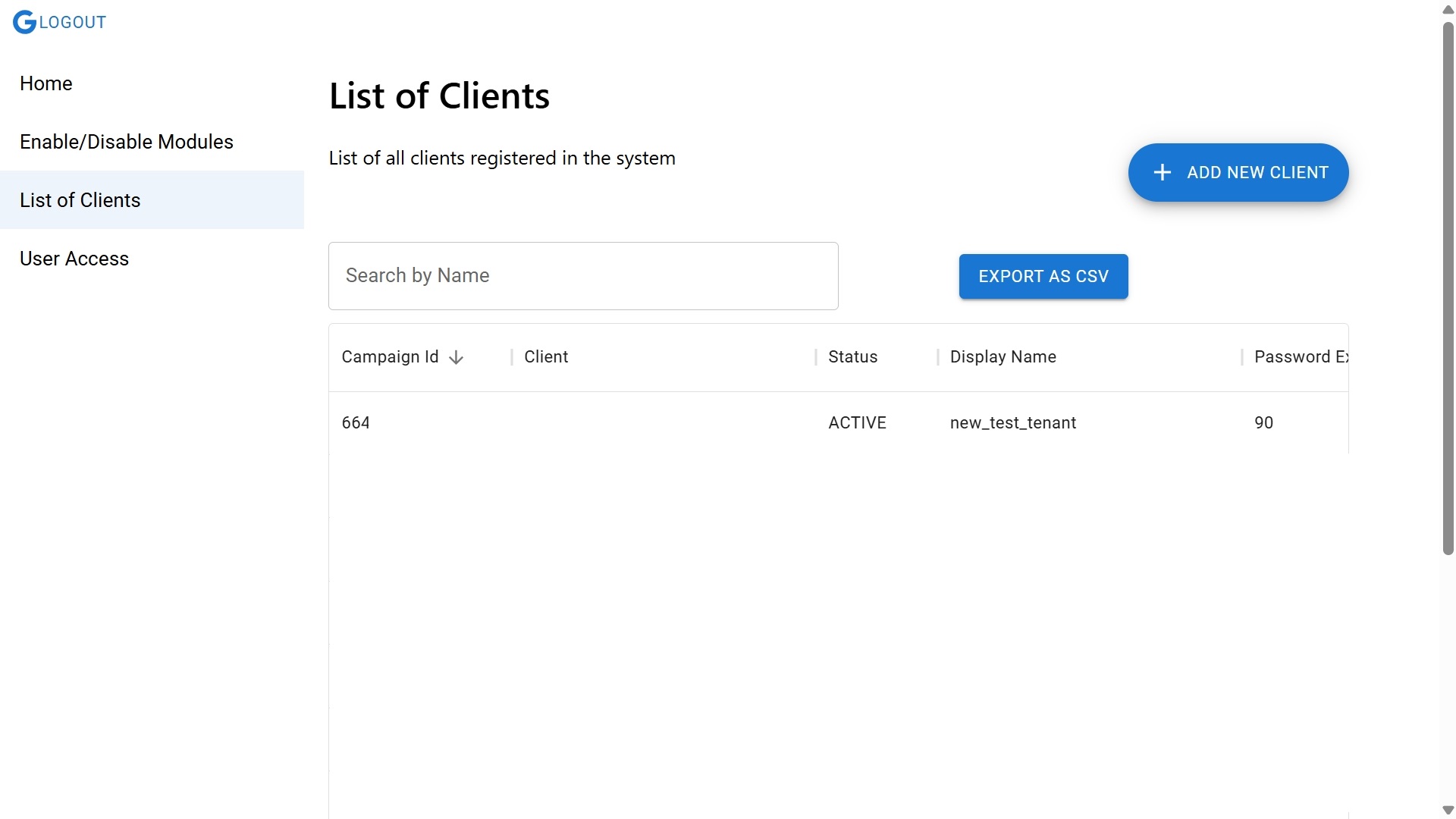
- In the List of Clients page, click ADD NEW CLIENT.
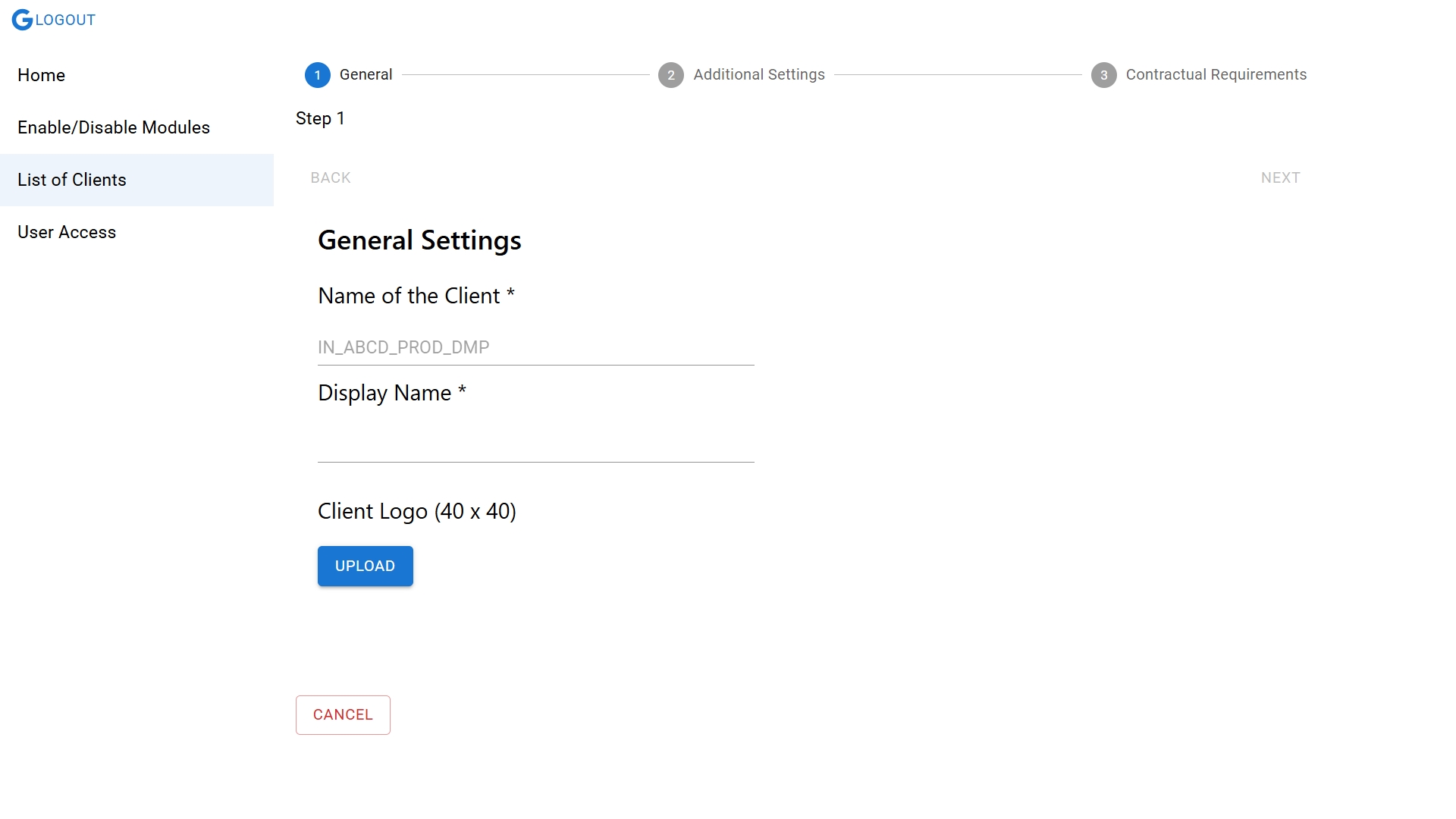
- In the General section, enter the name of the client and display name. Then, click Upload to upload the client's logo, in 40x40 size.
- Click Next, and in the Additional Settings section, provide domain details.
- In the Set Password Expiry in days field. enter the number of days for setting the number of days before a password reset is required.
- Similarly, click Next and enter Contractual Requirements like number of user profiles, contract ending date, and so on.