
Enable Channel Modules
After onboarding the tenant account, enable or disable modules required for the tenant based on the proposed contract.
To enable the modules, follow the steps below:
- In the Admin portal, on the left pane, click Enable/Disable Modules.
- Select a campaign ID that was created for the Tenant account in the previous step, and click Submit.
- As a result, the list of modules grouped in the CDP, MARKETING
AUTOMATION, CHANNELS, REPORTING and MISCELLANEOUS tabs
are displayed as shown below.
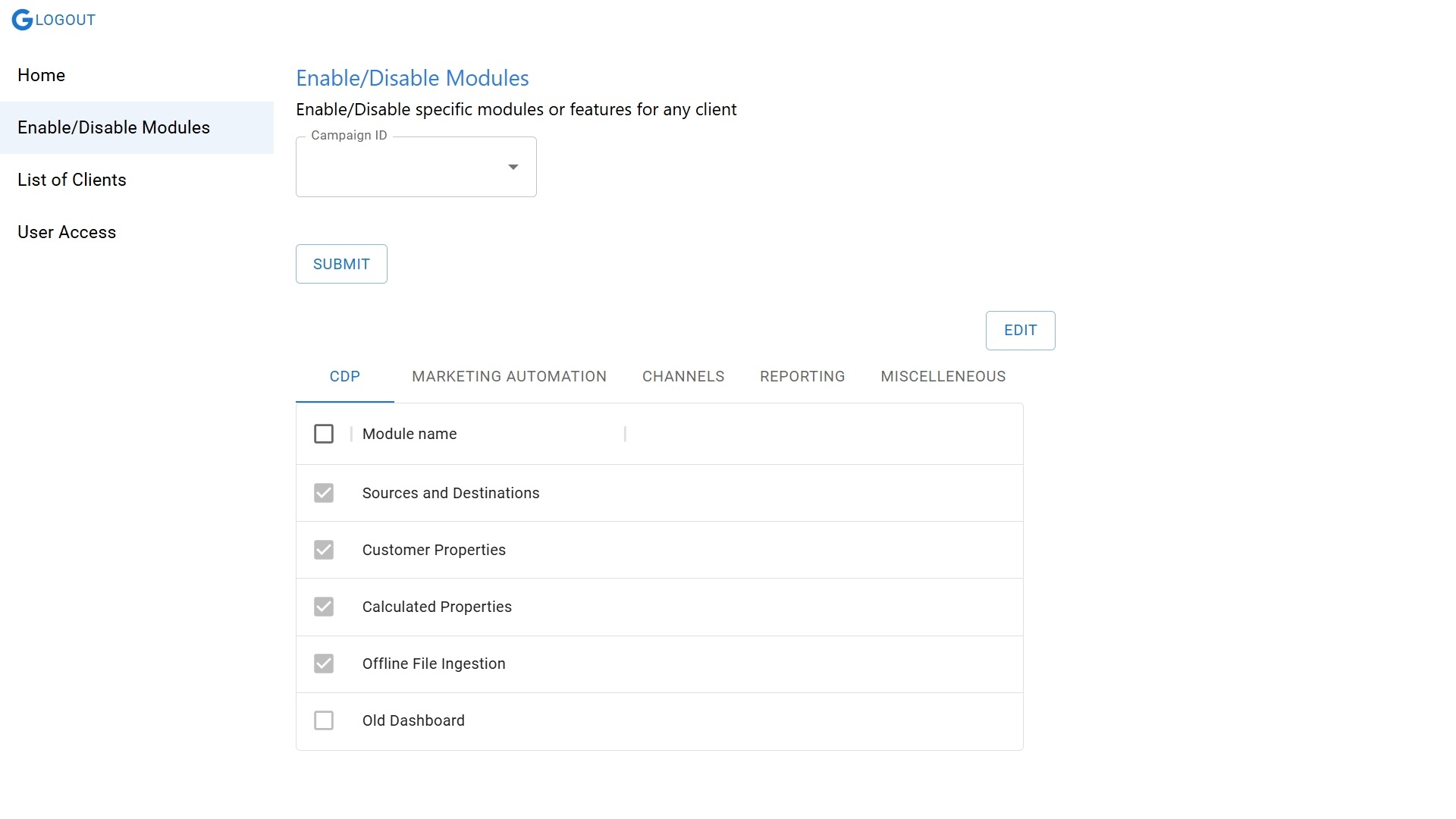
- From the list of modules, select the required modules, and click SAVE.