Manage PC Insomnia
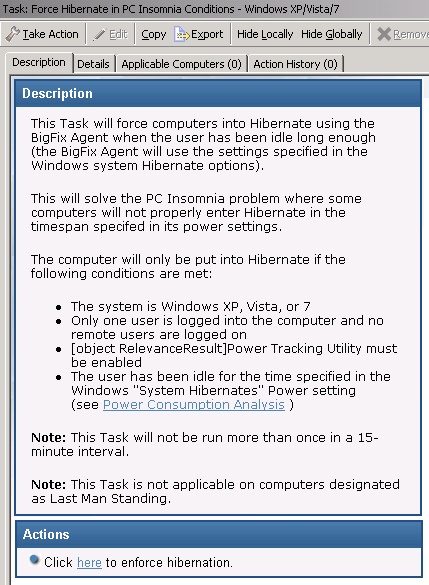
Manage PC Insomnia with Fixlets that force Windows computers to enter standby or hibernate mode after specified idle time, improving wake times and power savings. Task runs are limited to once in a 15-minute interval and are not applicable on Last Man Standing computers.
Some Windows computers fail to enter hibernate or standby mode
after the appropriate amount of user idle time, due to PC Insomnia.
The Manage PC Insomnia Fixlets force a computer to enter standby or
hibernate once the amount of user idle time specified in the power
profile has elapsed. Forcing a computer into Standby will allow for
faster wake times. Forcing a computer into hibernation causes longer
wake-up times, but allows for slightly greater power savings.
Note: The Force Hibernate in PC Insomnia
Conditions task is not run more than once in a 15-minute interval.
Note: The Force Hibernate
in PC Insomnia Conditions task is not applicable on computers
designated as Last Man Standing.