
Adding an Android App
Learn how to add Android Google Play Store apps and private apps to the App Catalog.
App Store
Procedure
To add Google Play Store apps:
- From the App Catalog page, click the Add menu and select .
- On the Add Android App page, select App Store.
-
Add a Google Play Store App or a private app:
- To add a Google Play Store App;
- From the list of Google Play Store Apps, click on a desired app. You can also search for an app from the list to select.
- From the selected app page, click Select.
- To add a private app from your organization:
- Click the lock icon to upload a
private app.

- In the next window, at the bottom-right corner, click
 .
. - Enter the title of the private app. Upload the APK file, and
click Create. The uploaded app is
added to the list of private apps.Note: Ensure the title of the private app is unique, because you cannot publish the same app again.
- Click on the lock icon, select a private app from the list, and click on Select app to add the private app to the App Catalog.
- Once the private app is added to the app catalog, select
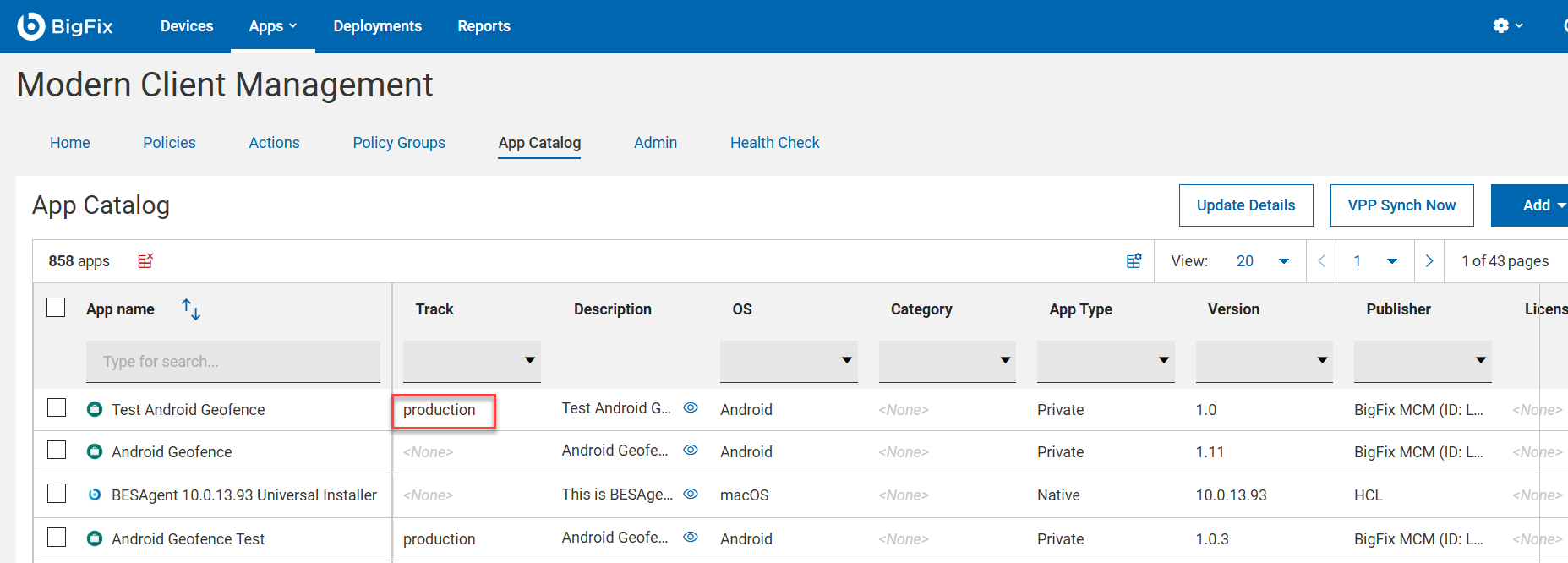
that app and click on Promote to production.Note: Verify if the track has been changed to Production.
- Click the lock icon to upload a
private app.
- To add a Google Play Store App;