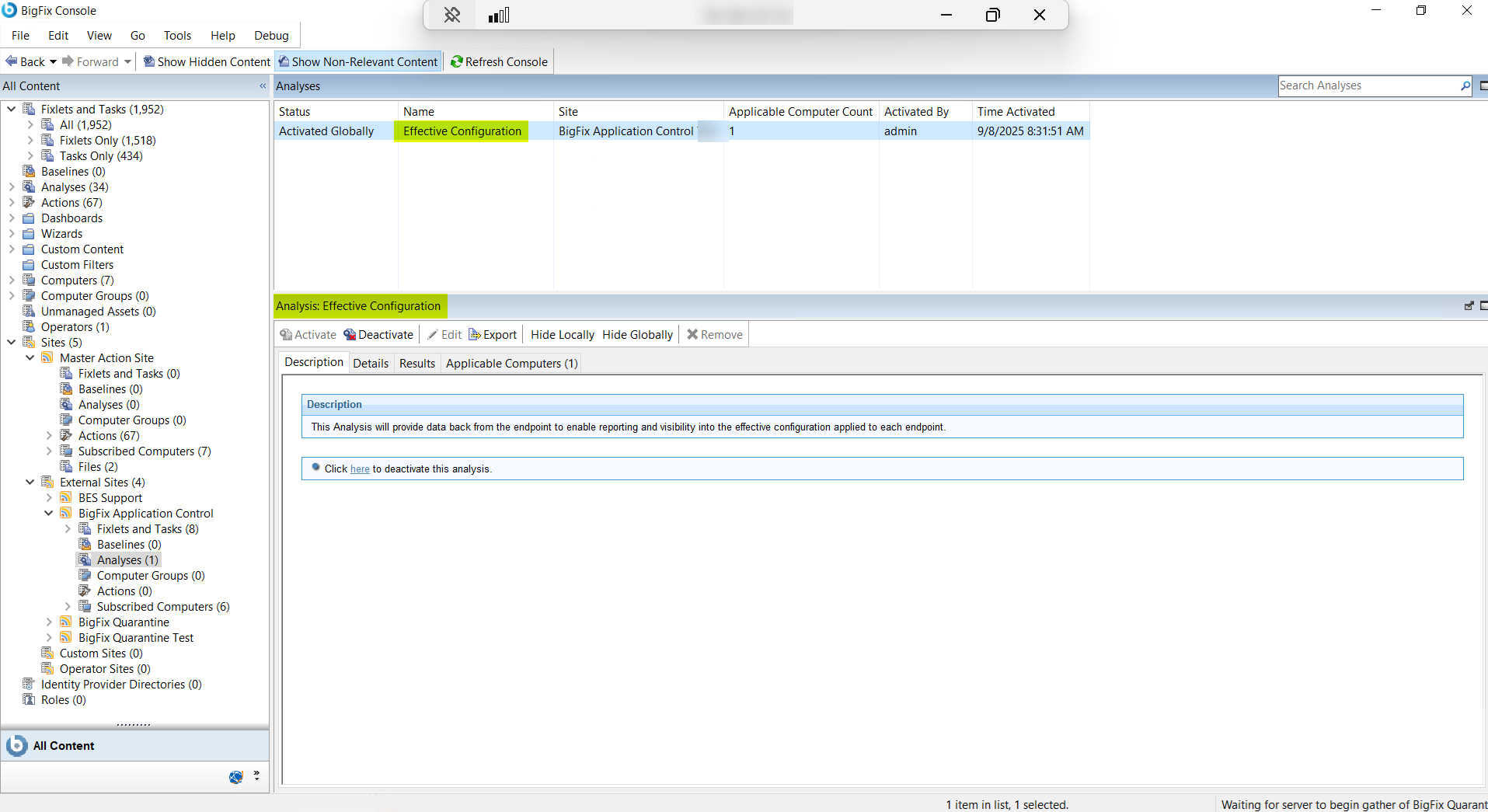
This task describes how administrators can view the effective configuration applied
to each endpoint from the BigFix console. It includes details on various data points
available for all endpoints, such as Control Mode, Blocked Path Patterns Rules, and
Exceptions.
About this task
Use Analyses: Effective Configuration to identify the
configuration of the endpoints that are managed by the solution.
As an administrator,
you can view the effective configuration applied to each endpoint from the BigFix
console.Figure 1. Analyses: View Effective Configuration
From the Details tab under Analysis:
Effective Configuration pane, you can view the following data of all
the managed endpoints: