
Exporting landing page data
Download the Checklists grid as a CSV or Excel file.
Procedure
- Click the Export icon in the top-right corner of the landing page.
- Under Export data as, select CSV or Excel.
- Click Download.
Figure 1. Export panel showing a completed download 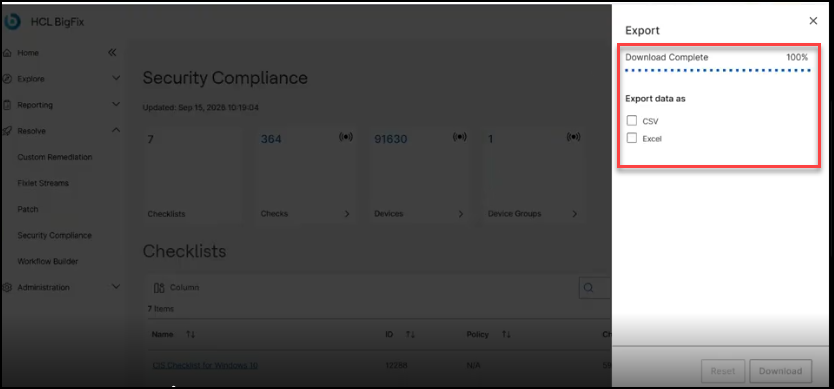
Results
The file contains the Checklists grid data and reflects the active global filter.