Deleting repositories
You can delete repositories with the Ubuntu/Debian Custom Repository Management dashboard.
Procedure
- From the All Content domain, go to .
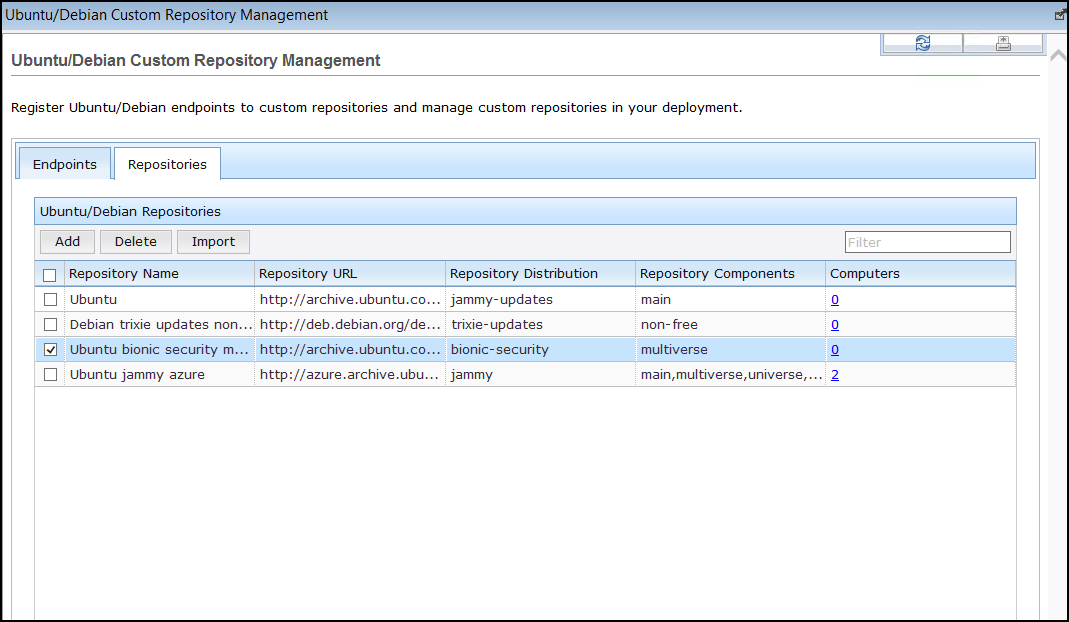
- From the Repositories tab, select the repository that you want to delete and click Delete.
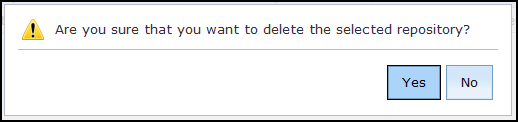
- Click Yes to delete the repository.