Manage Assumptions
Customize power consumption calculations in BigFix Power Management by overriding default values for cost per kWh, carbon emissions, hardware power draw, and office hours using the Manage Assumptions dashboard. Accurate assumptions produce more meaningful energy savings reports.
BigFix calculates power consumption by measuring the amount of time a computer spends in Active, Idle, Standby, and Off power states, and factoring in assumptions for hardware power draw and endpoint cost per kWh. Power Management uses default values based on research into typical computers manufactured in recent years, using average CO2 and electricity costs. You can use the default values or override them with values specific to your computers and energy costs.
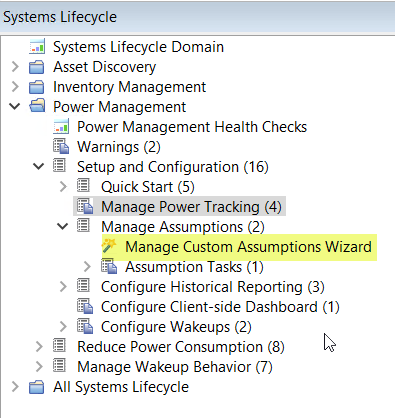
The Manage Assumptions dashboard can be found in the navigation tree under .