Follow this comprehensive guide to successfully deploy and configure the BigFix Compliance for optimal performance and data
insights.
Before installing BigFix Compliance Analytics, ensure that your system
meets all prerequisites as described in Systems
Requirements. Install and configure HCL BigFix Analytics by completing the
following steps:
Install by using the InstallAnywhere installer.
Perform initial configuration by using the web interface.
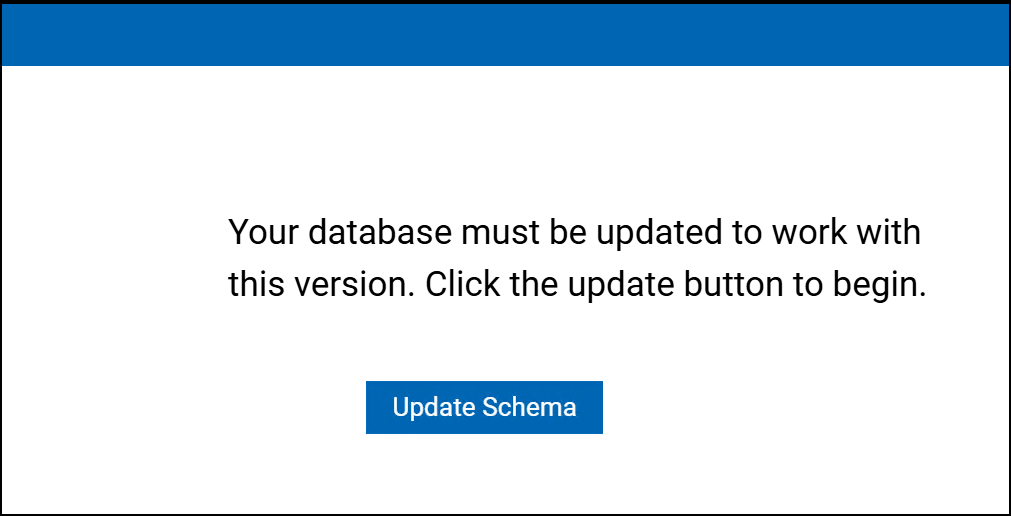
When upgrading from an earlier version, you also need to update the data schema. To do this, the
operator should log in to the Security and Compliance Analytics web interface on the
server that hosts Security and Compliance Analytics. Then, click Upgrade
Schema.Figure 1. Upgrade Schema
Note: It is highly recommended, especially in large
environments, to first test the upgrade in a test environment. To do this, back up
your production database, restore it on the test server, and perform the upgrade
there. If the upgrade is successful, you can then proceed to upgrade the production
server.