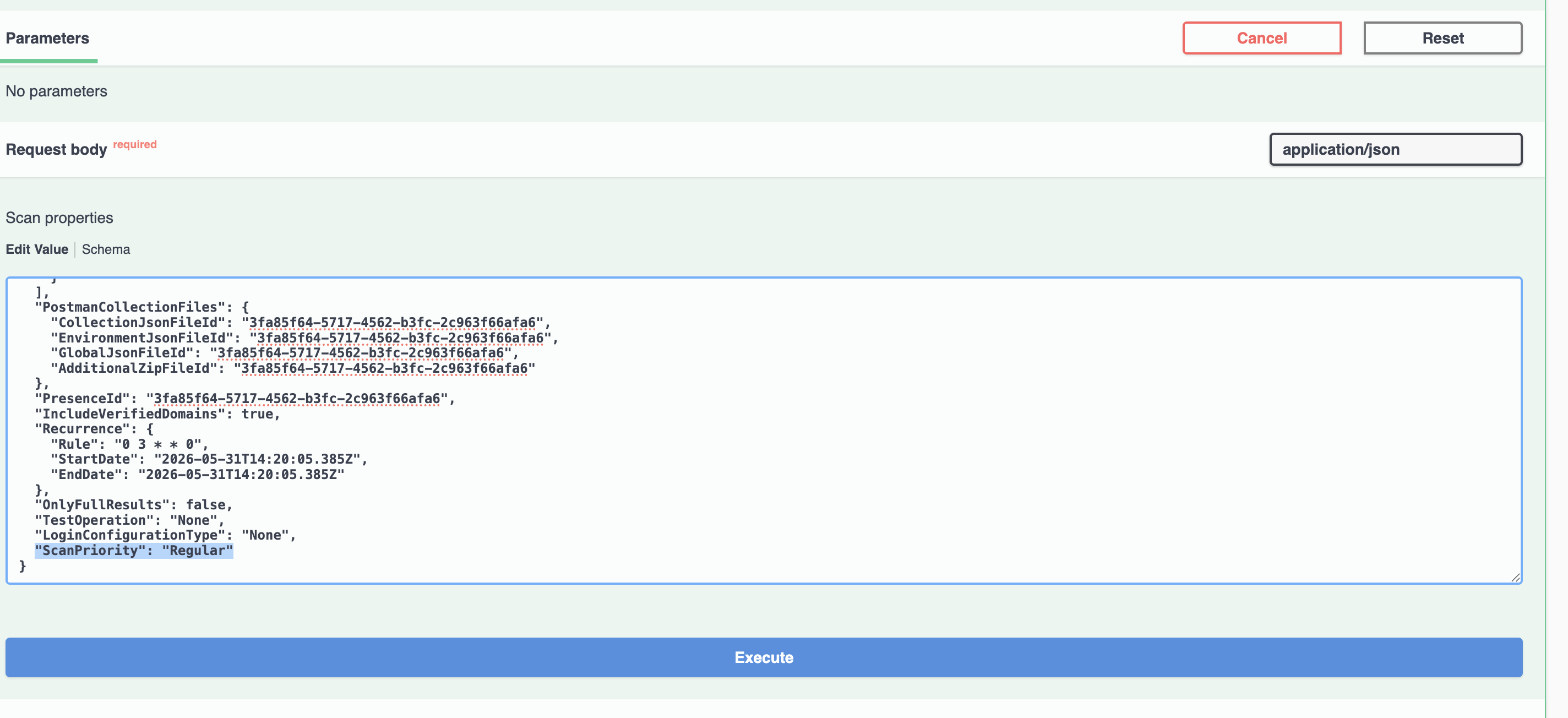
DAST scan priority
Use the API to assign priorities to DAST scans, manage the DAST scan queue order, and control scan scheduling.
DAST scan priority behavior
Note:
When you
start a DAST scan by using the API, you can set the scan priority to High or
Normal. This capability helps administrators prioritize critical DAST
scans, control the scan queue order, and reduce wait times caused by other
long-running DAST scans.This feature is currently available through the API only.
Support in the user interface is planned for a future release.
- High: Places the scan next in the queue. Setting a scan to High priority does not interrupt a scan that is already running.
- If multiple scans are assigned High priority, they form a priority queue and run sequentially in the order in which they were started.
- Normal: Runs in the standard queue after all High-priority scans are complete.