Add Language Packs
This section describes the procedure for adding the language packs using console mode.
Refer to the below table to add language packs using console mode. Required file to perform console mode modify installation under ZIEWEB installation directory (<Installation Path>\install).
| Operating System | Command | More Information |
|---|---|---|
| Windows | setup.exe -i console -add | Administrator user Command Prompt |
| AIX, Linux, Ubuntu | sh ./setup -i console -add | Root user Terminal client |
Execue the following steps to add language packs:
- Open the Command Prompt.
- Navigate to the install directory and execute the below command:
setup.exe -i console -add

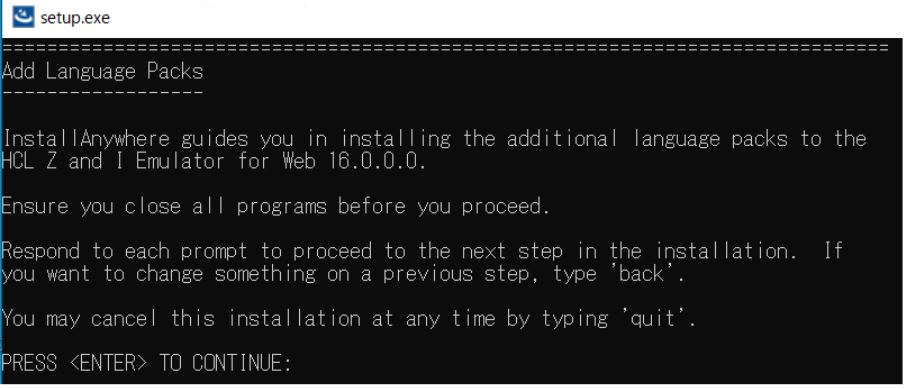
- The Introduction console appears. Press Enter to
continue.
- The Translations console appears.
- Enter the appropriate language pack(s) value to de-select the required
language pack(s). By default, all language packs are selected.
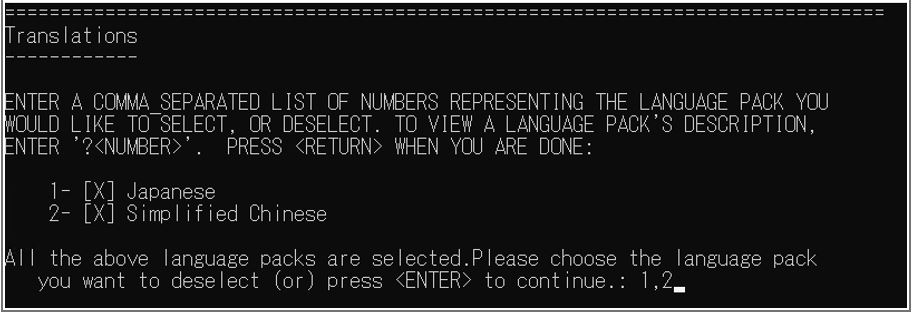 Note: To add multiple language packs, enter the numbers separated by comma(,).
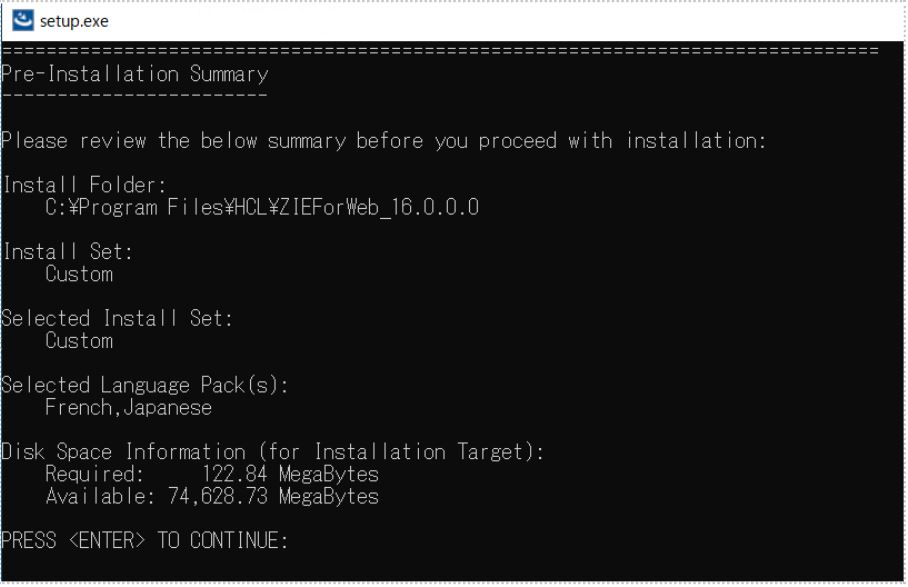
 - The Pre-Installation Summary console appears.
- Review the installation summary carefully and press Enter to
continue.
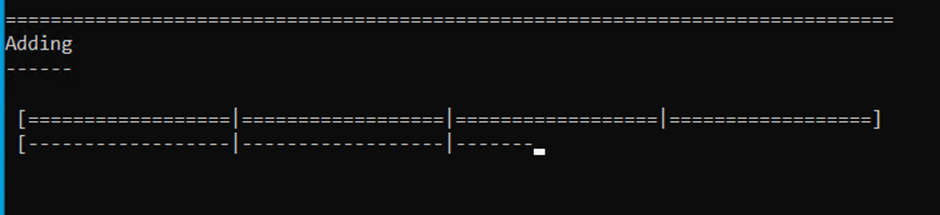
- The Adding console appears, which displays the installation
progress.
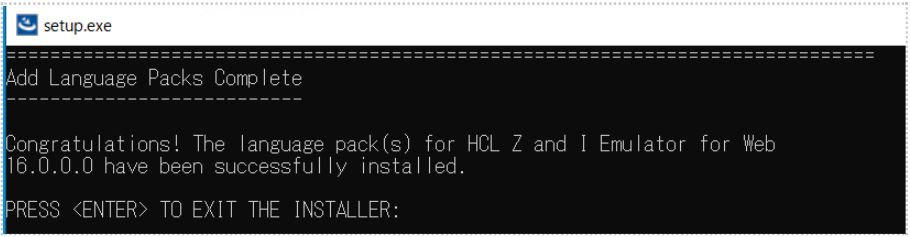
- After successful installation, the Add Language Packs Complete console appears.
- Press Enter to exit.