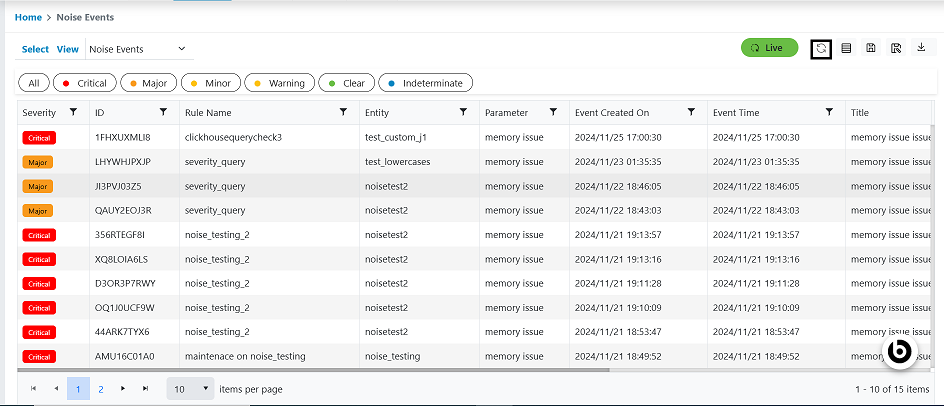
Refresh Noise Events
This option will enable users to refresh data grid to populate latest data over screen.
Please follow the steps below to refresh noise events grid:
- In the top navigation bar, click on Data View and click on Noise Events.
- Once the user can click the Refresh button, confirmation pop up message will appear.
Figure 1. Refresh Noise Events