Add Column
This option will enable users to add more columns in the data grid to analyze it deeply. Please follow the steps below to add columns to data view.
- In the top navigation bar, click on Data View and click on Metrics.
Figure 1. Metrics Add Column 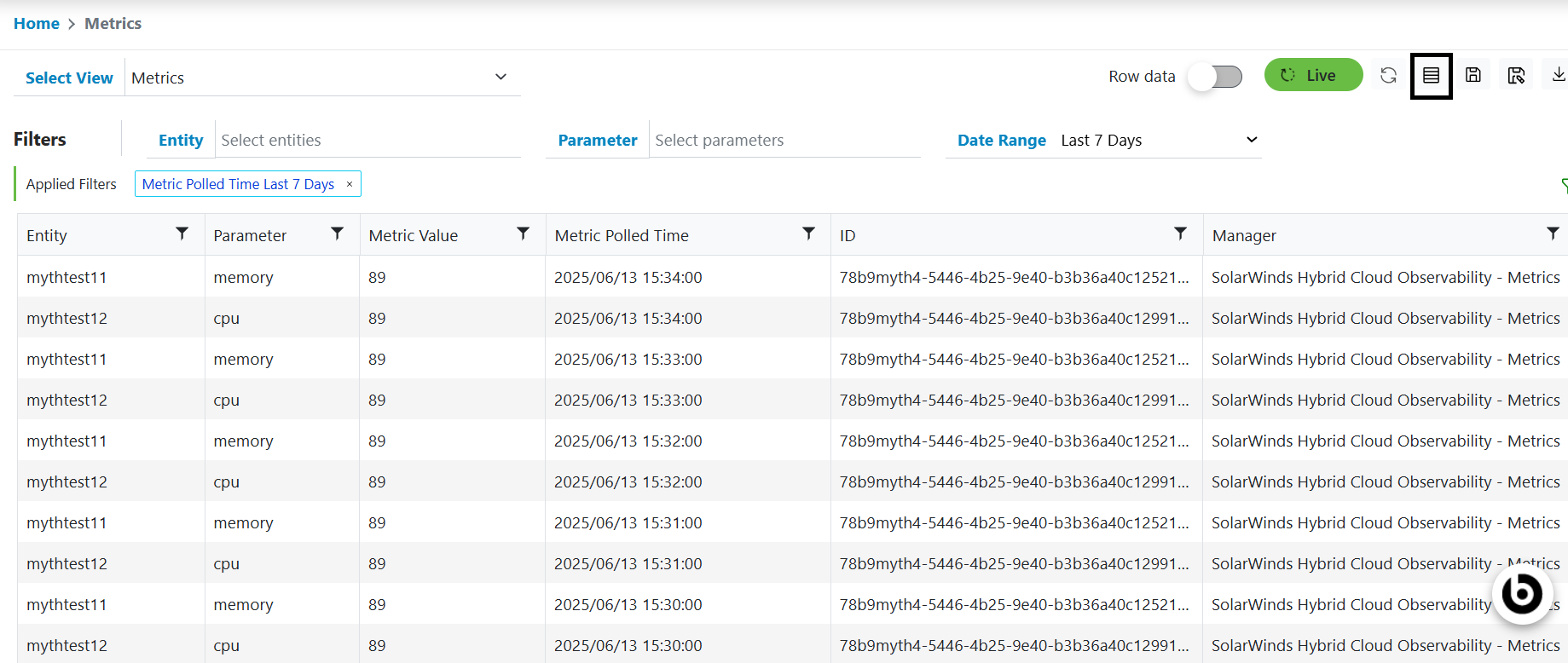
- Click on the Add Column action button presents at right side of Live button.
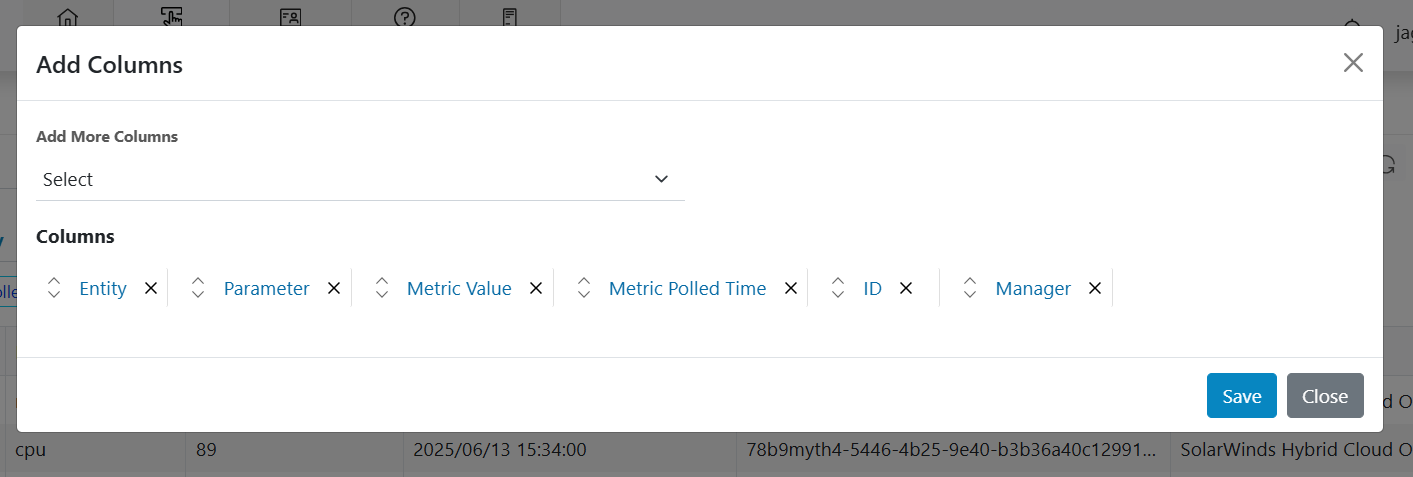
- A pop-up will open which enables user to select from list of available columns to add it in the grid as shown in figure. Then, click on save button to add selected columns in view.
- Users can drag the columns and change the order to show on the listing page.
Figure 2. Metrics Add column (Cont.)