Events View
Please follow the steps below to view events data:
- In the top navigation bar, click on Data View and click on Events.
- Events data will be displayed for the customer the user belongs to.
Figure 1. View Events 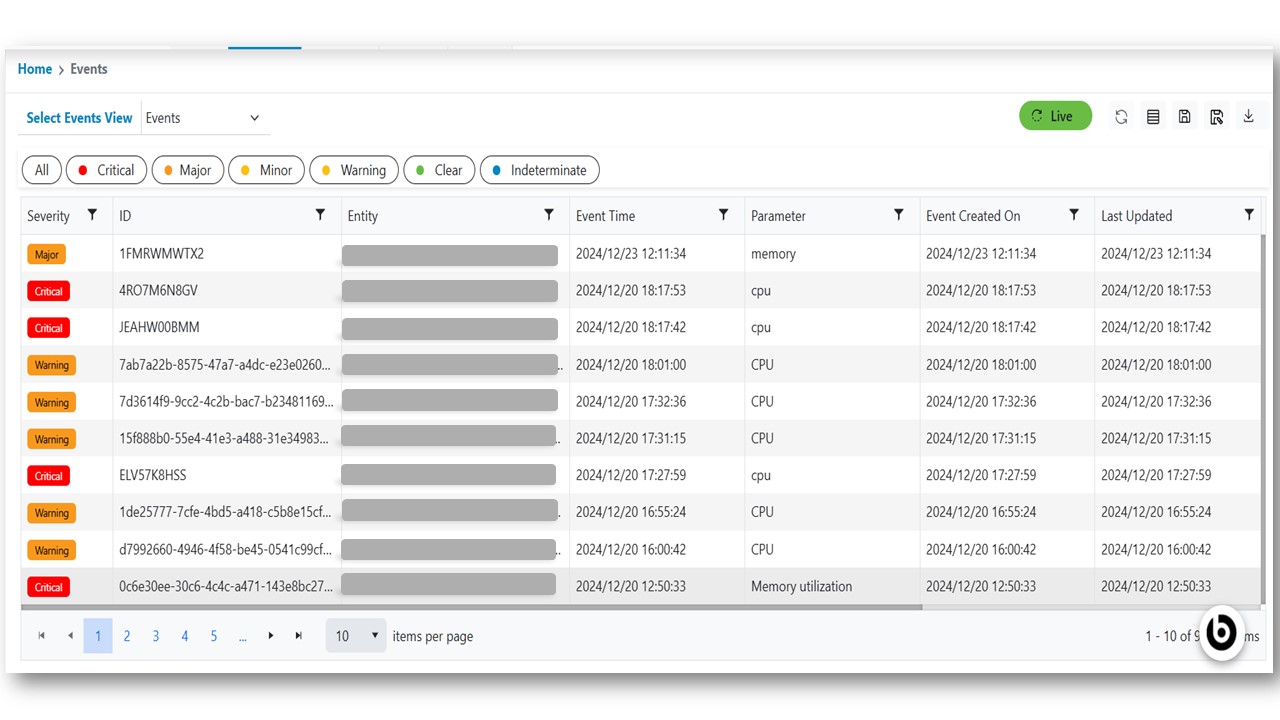

Please follow the steps below to view events data: