
Installing Ansible Inside/CLI Wrapper Component
- Run the iAutomate Installer with Admin Privileges.
Figure 1. Installing Ansible Inside /CLI Wrapper Component 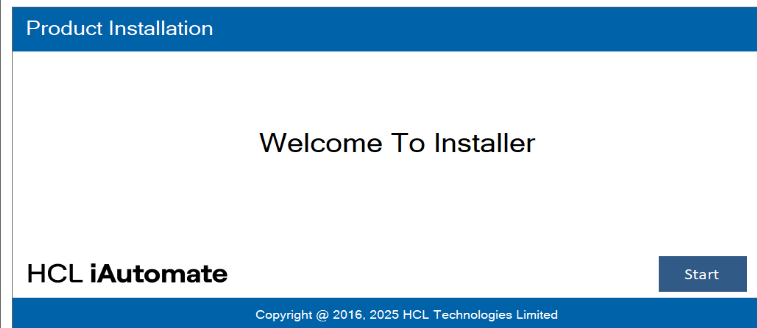
- Select New Installation and Click Next.
Figure 2. Installing Ansible Inside / CLI Wrapper Component (Cont.) 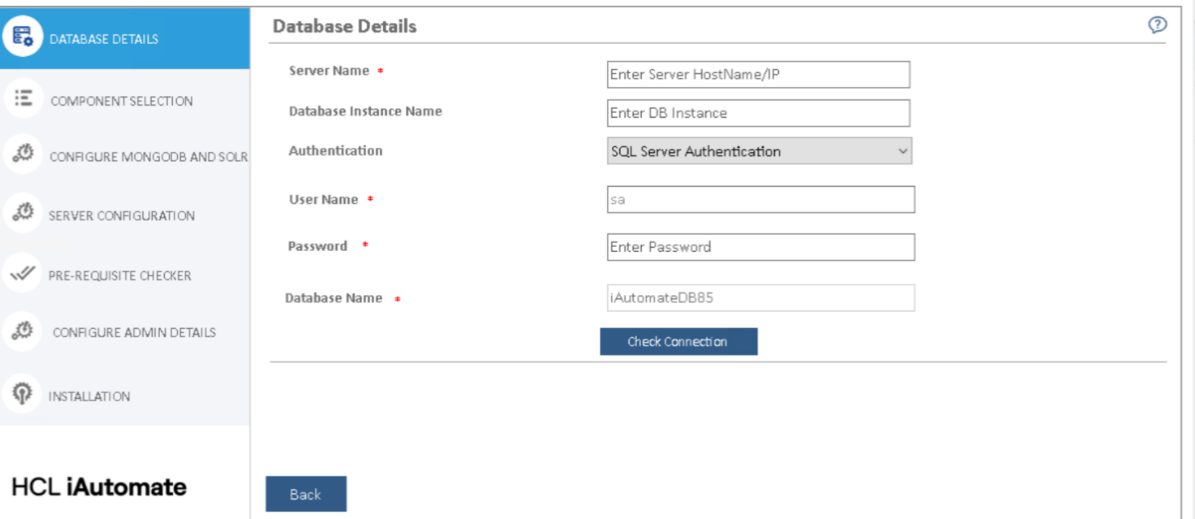
- Enter the Database Details of the iAutomate DB Server.
- Enter Server Name.
- Choose authentication type and Enter Username and Password.
- Click on the Check Connection Button to verify the Details Entered.
- Once it's verified click on Next.
Figure 3. Installing Ansible Inside /CLI Wrapper Component (Cont.) 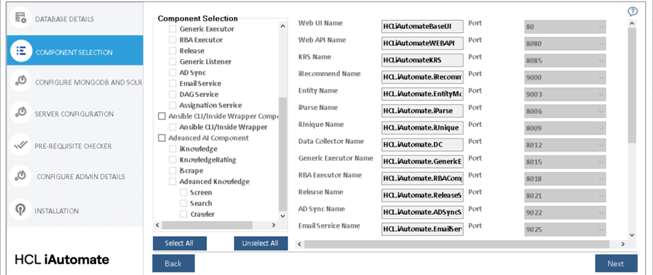
- Choose the Ansible Inside / CLI Wrapper Component and Click Next.
Figure 4. Installing Ansible Inside/ CLI Wrapper Component (Cont.) 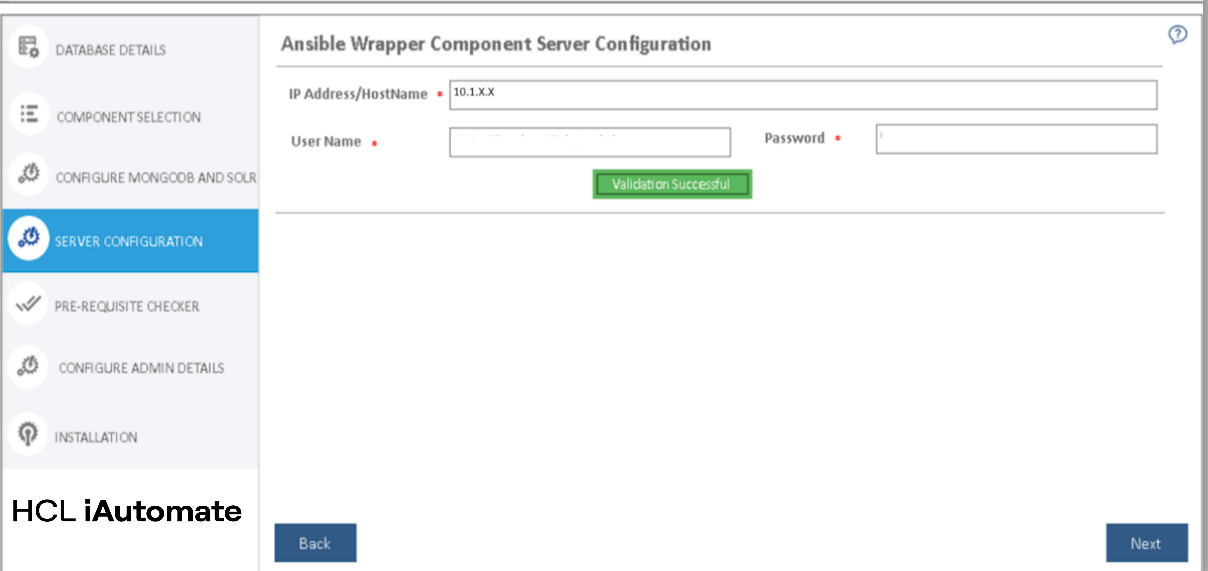
- Enter the Server Details on which the Ansible will be configured.
- Click on Validate and After Successful verification click Next.
Figure 5. Installing Ansible Inside / CLI Wrapper Component (Cont.) 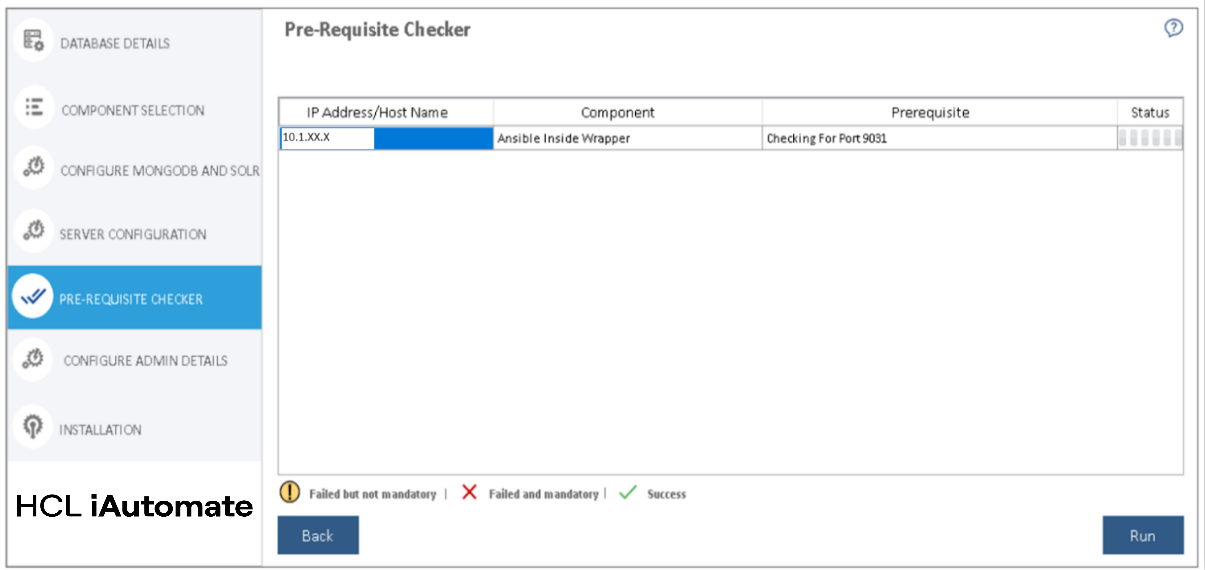
- Run the Prerequisite Checker and Click Next after it is successful.
Figure 6. Installing Ansible Inside/ CLI Wrapper Component (Cont.) 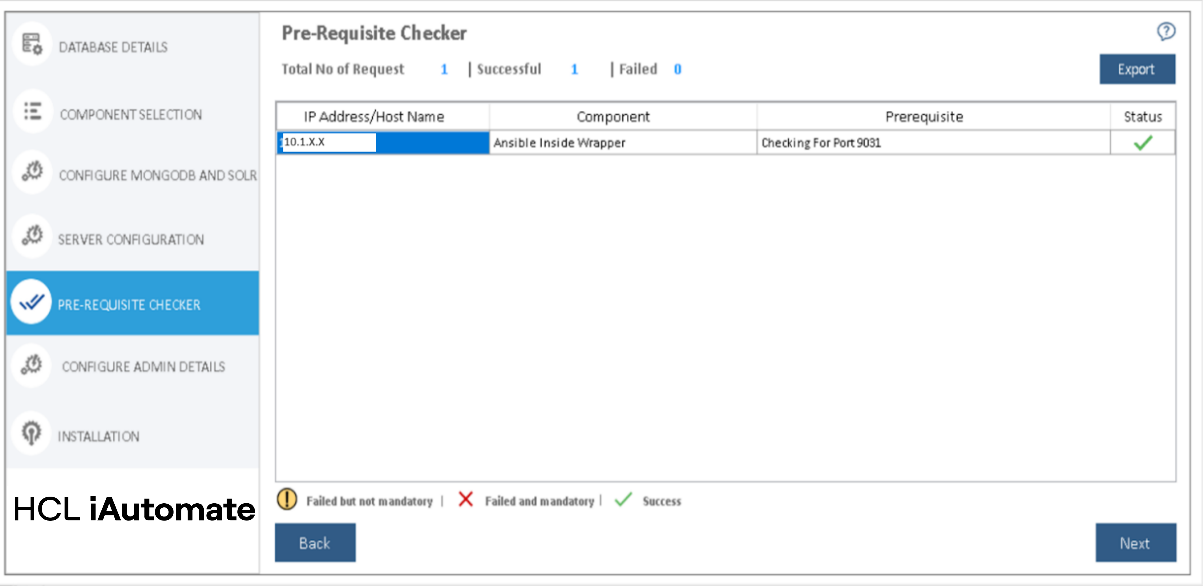
- To Begin the final Installation, Click on Run.
Figure 7. Installing Ansible Inside / CLI Wrapper Component (Cont.) 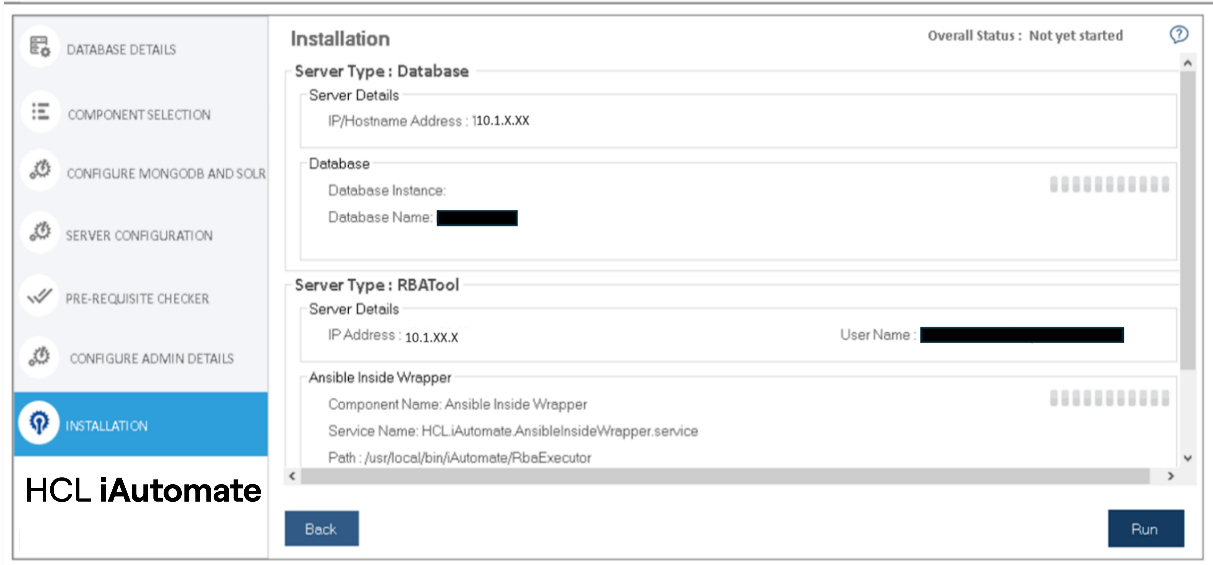
Figure 8. Installing Ansible Inside / CLI Wrapper Component (Cont.) 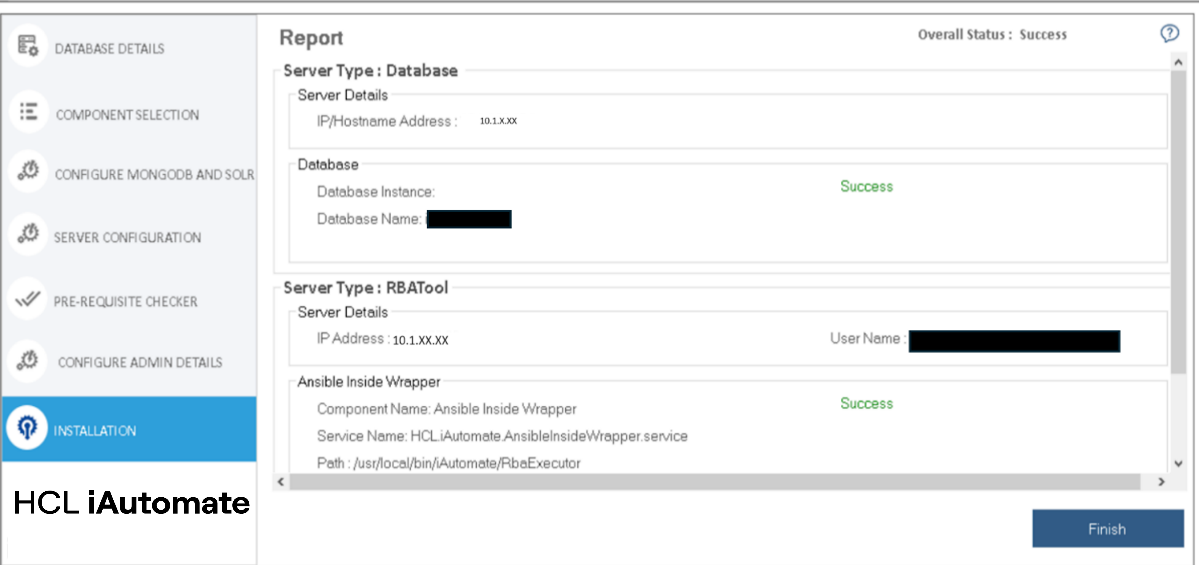
- The Ansible Insider / CLI Wrapper has been Installed on the Server.