
Editing Ticket
Using this section, a user can view and edit the details of the existing ticket.
To edit a ticket,
- Click
 under the Action column next to
the ticket that you want to modify as shown in Manage Support
.
under the Action column next to
the ticket that you want to modify as shown in Manage Support
. - The screen shows the details of the current ticket, and any comments on it.
Figure 1. Edit Support Tickets 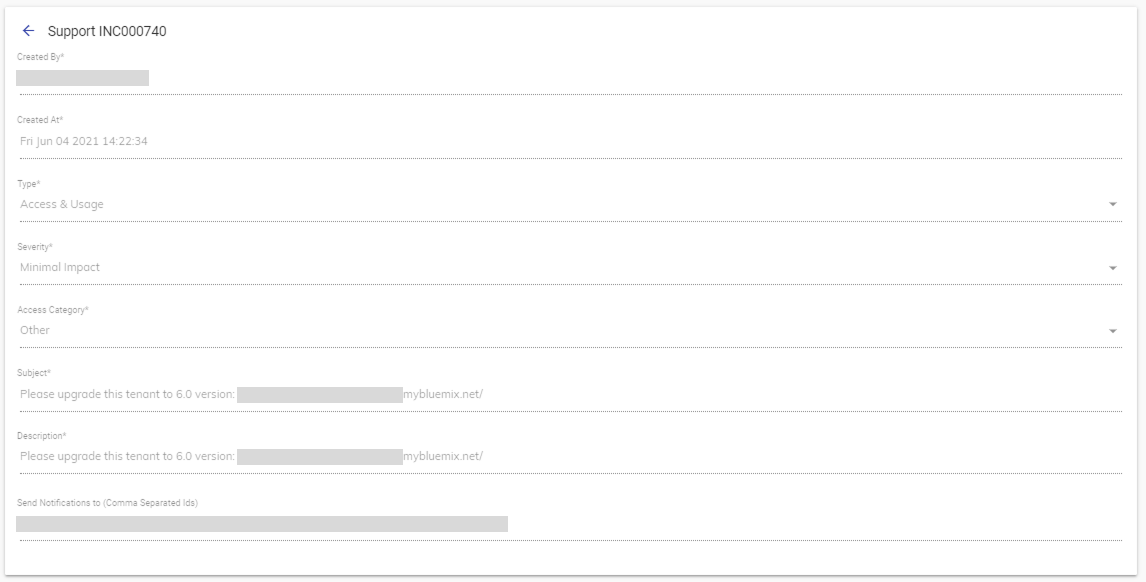
- Update the details and click Submit to commit the changes.