Signing Out of the Global Admin Console
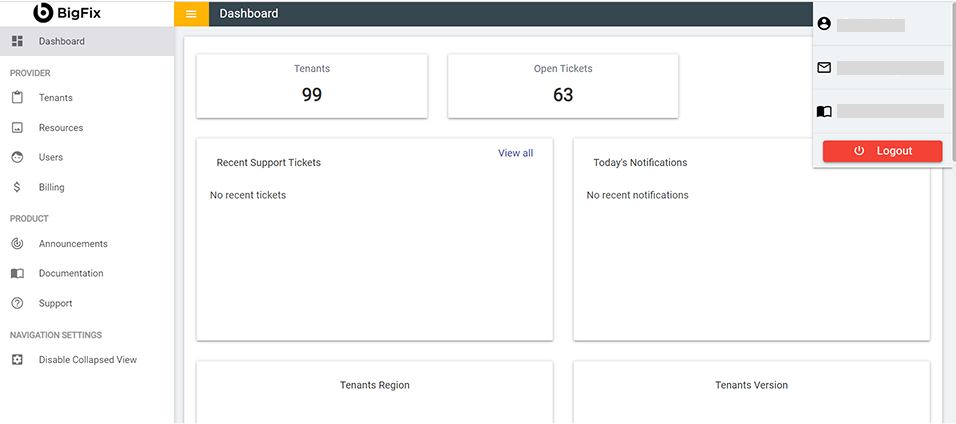
After completing your global admin console configuration, sign out of the console.
- Click
 icon at the top right
corner of the home page.
icon at the top right
corner of the home page. - Select Logout from the drop-down list.
Figure 1. Signing Out of the Global Admin Console