
Announcements
To view announcements,
- Click Announcements link from the left panel. The following screen
appears.
Figure 1. Announcements & Catalog 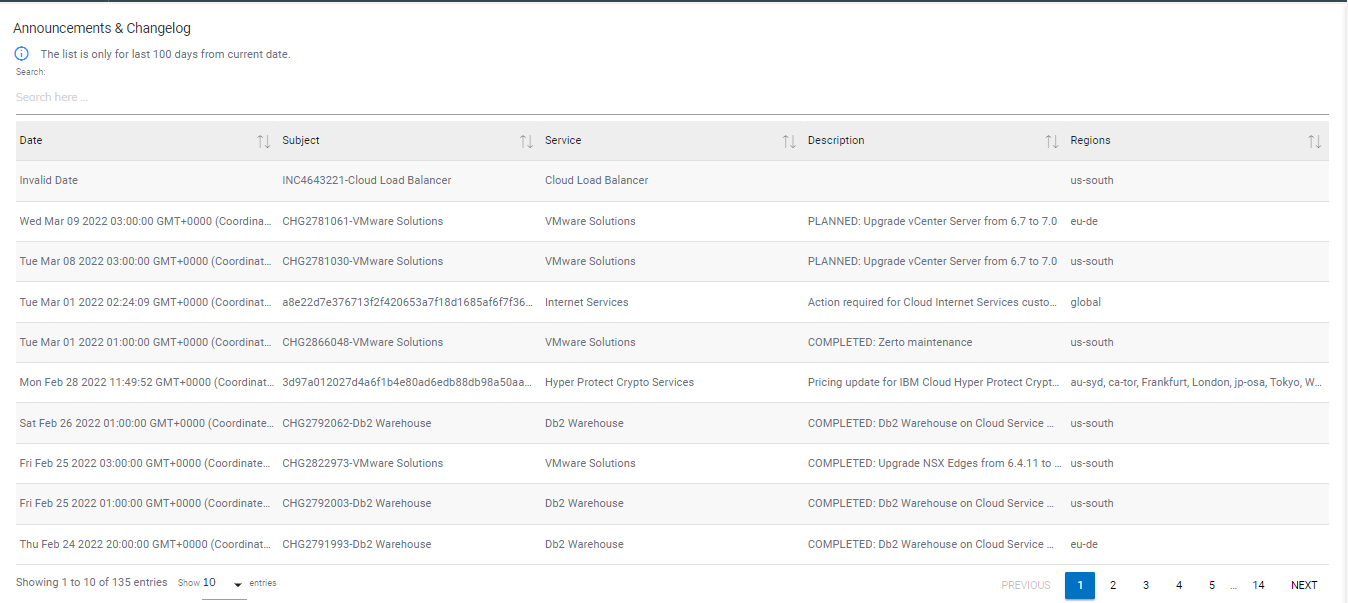
- Following details will be displayed on announcements list page.
Table 1. New Announcements Field Description Date Date for which announcement is created. Subject Type/Purpose of the announcement. Service Impacted Service for which announcement is created. Description Details about the announcement. Region Region of impact. - Users can search for an existing announcement from the Search bar given above the list of announcements.