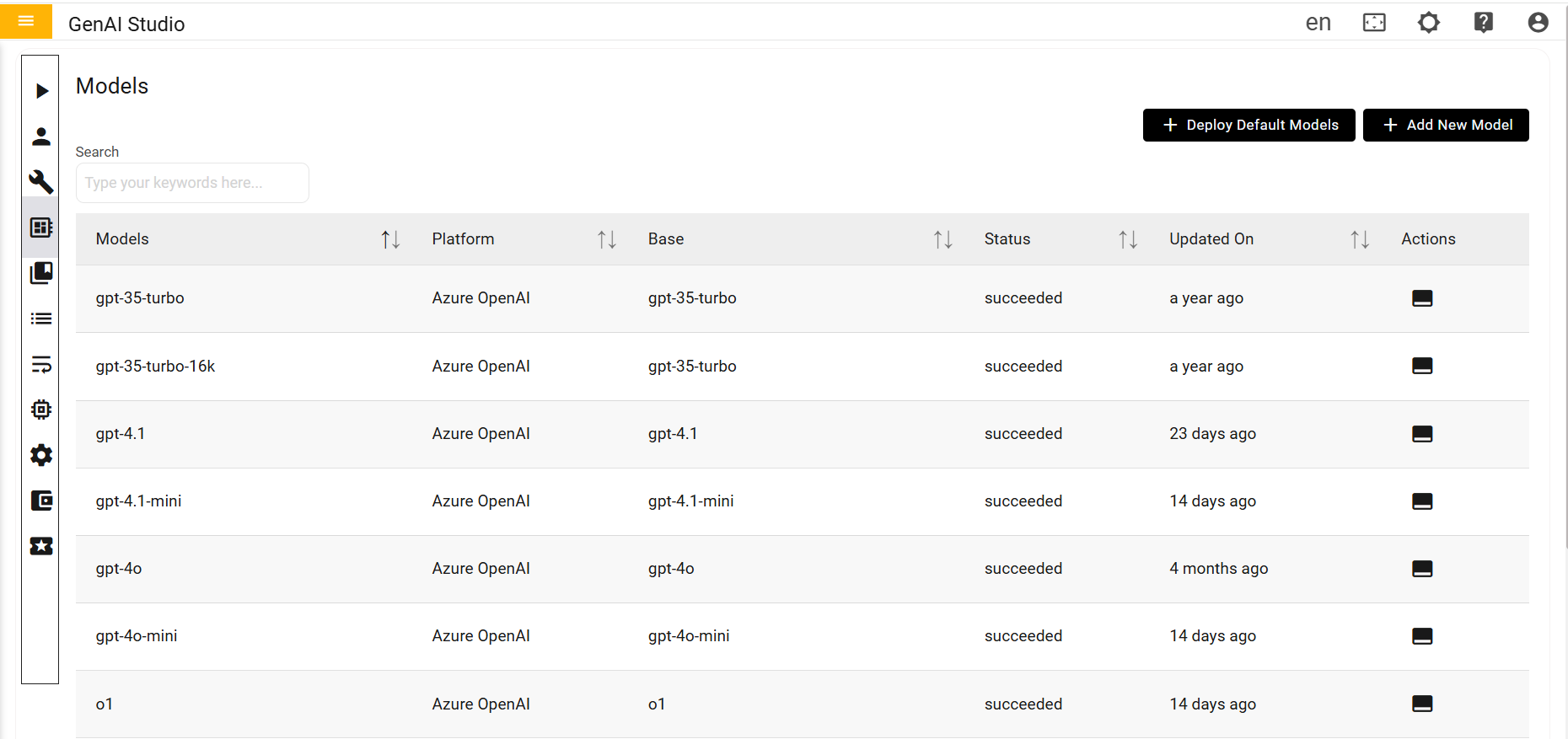
Model
Users assign models to agents via the Agentic AI console's Models selection widget, based on their Azure OpenAI or Google Vertex AI subscriptions. Valid Azure OpenAI credentials are required to view subscribed models. Examples include GPT-4.1, GPT-4, and GPT-4o. The console displays successfully subscribed and authorized models, which are then available for agent assignment. Users select the desired model from the list, and the agent uses it for processing inputs and generating responses.
Within the Models section, there are two main categories
- Deploy Default Models
- Add New Models