This feature allows users to integrate models from Azure OpenAI resource for use in
applications such as chat bots, document summarization, or embeddings.
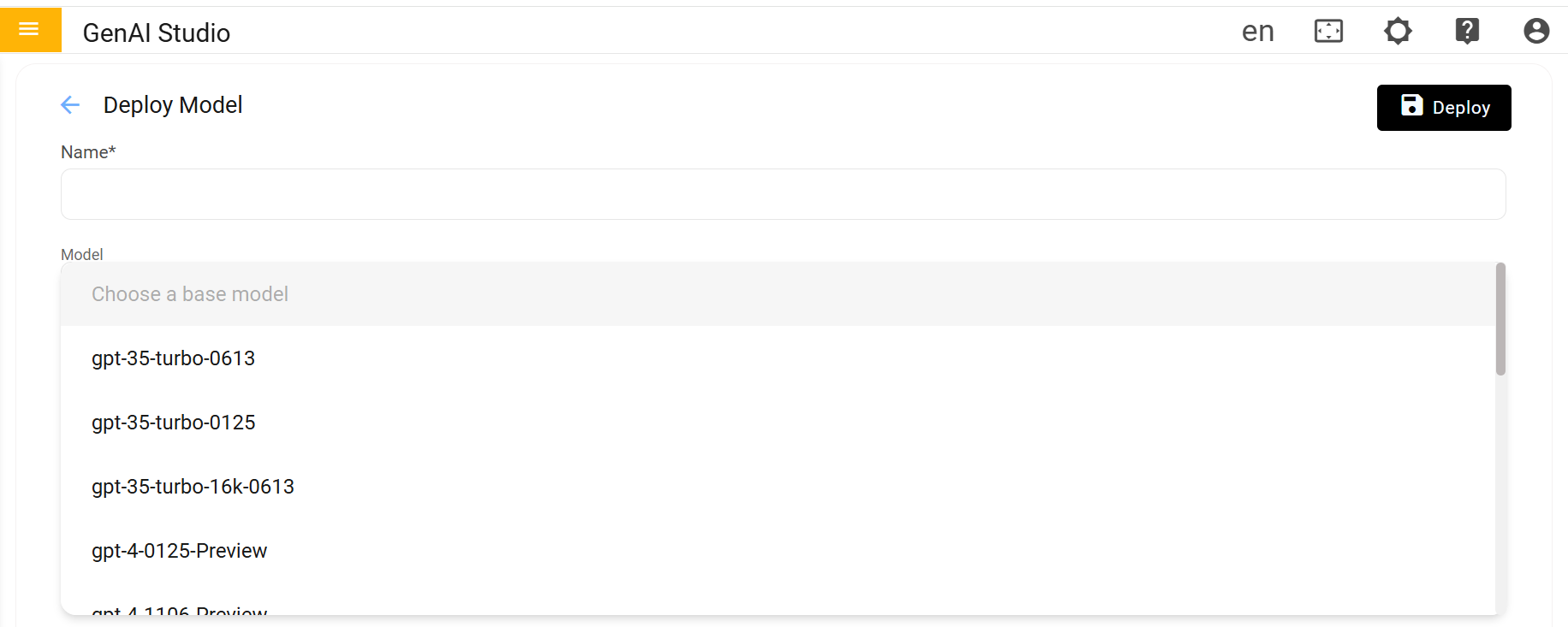
Configure the New Model Deployment
Fill out the configuration form:
Deployment Name: Provide a unique name.
Model Type: Choose the type of model from the
drop-down list.
Click Deploy tab
A confirmation message will appear: "Model deployed
successfully."
Figure 1. Deploy Model
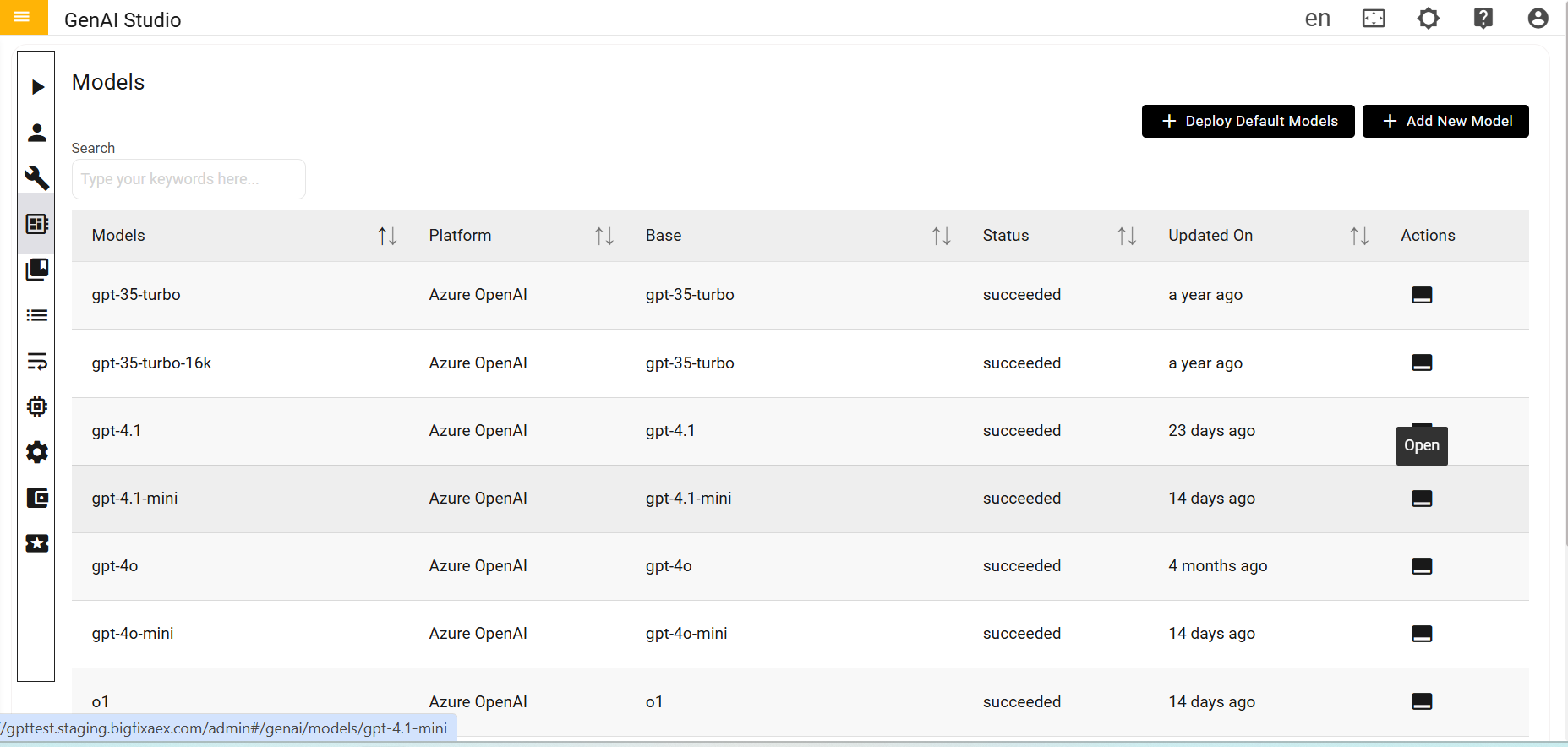
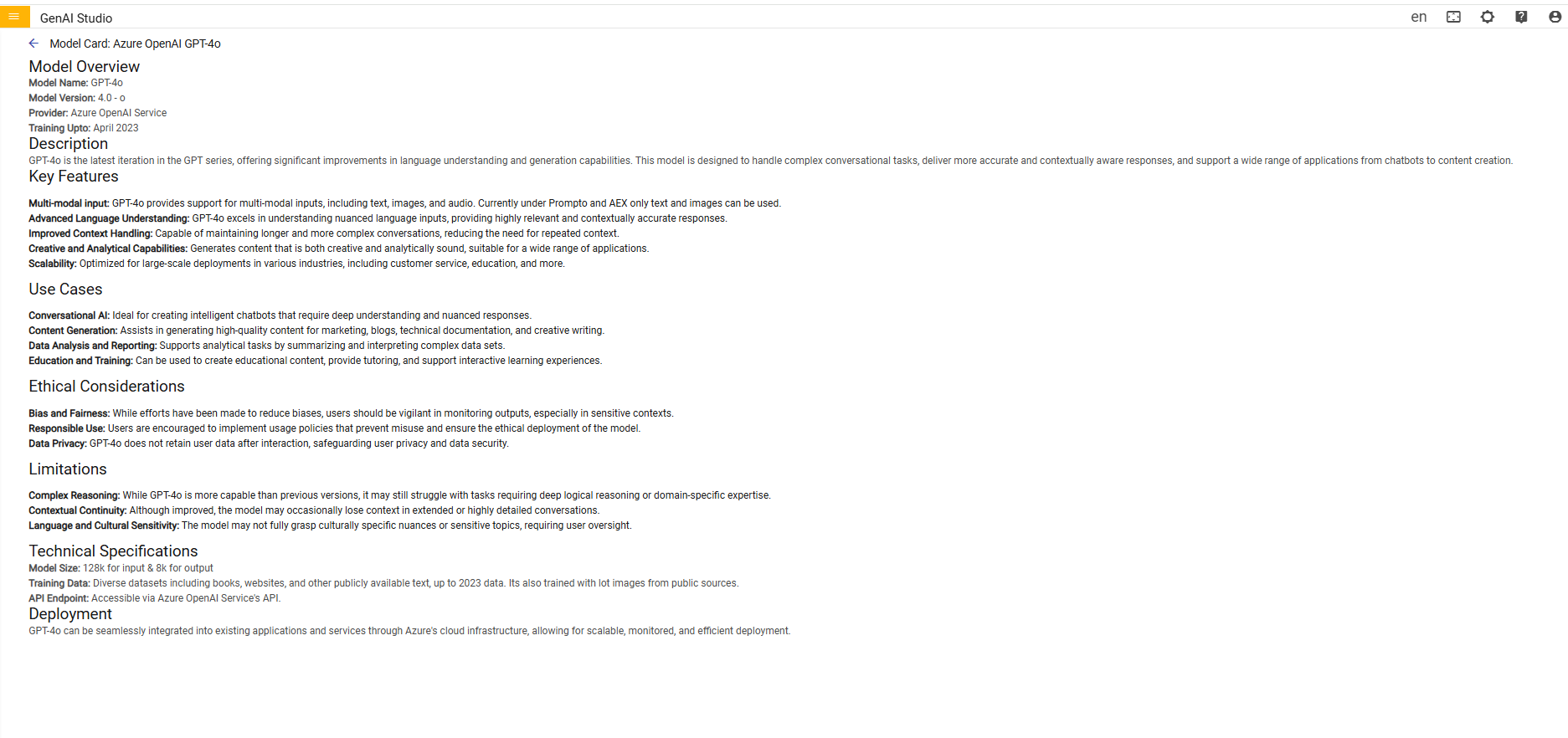
On the Model Dashboard page, click the Open icon next to the desired models
to view detailed information about them.Figure 2. Open Action on Dashboard