
Login Page Interface
Guidelines to access Agentic AI platform
- To access the Agentic AI platform, open the following URL: https://tenant-url/admin#/genai
- After a successful login, a navigation panel with various tabs will be displayed on the
left side of the screen.
Figure 1. Login Page 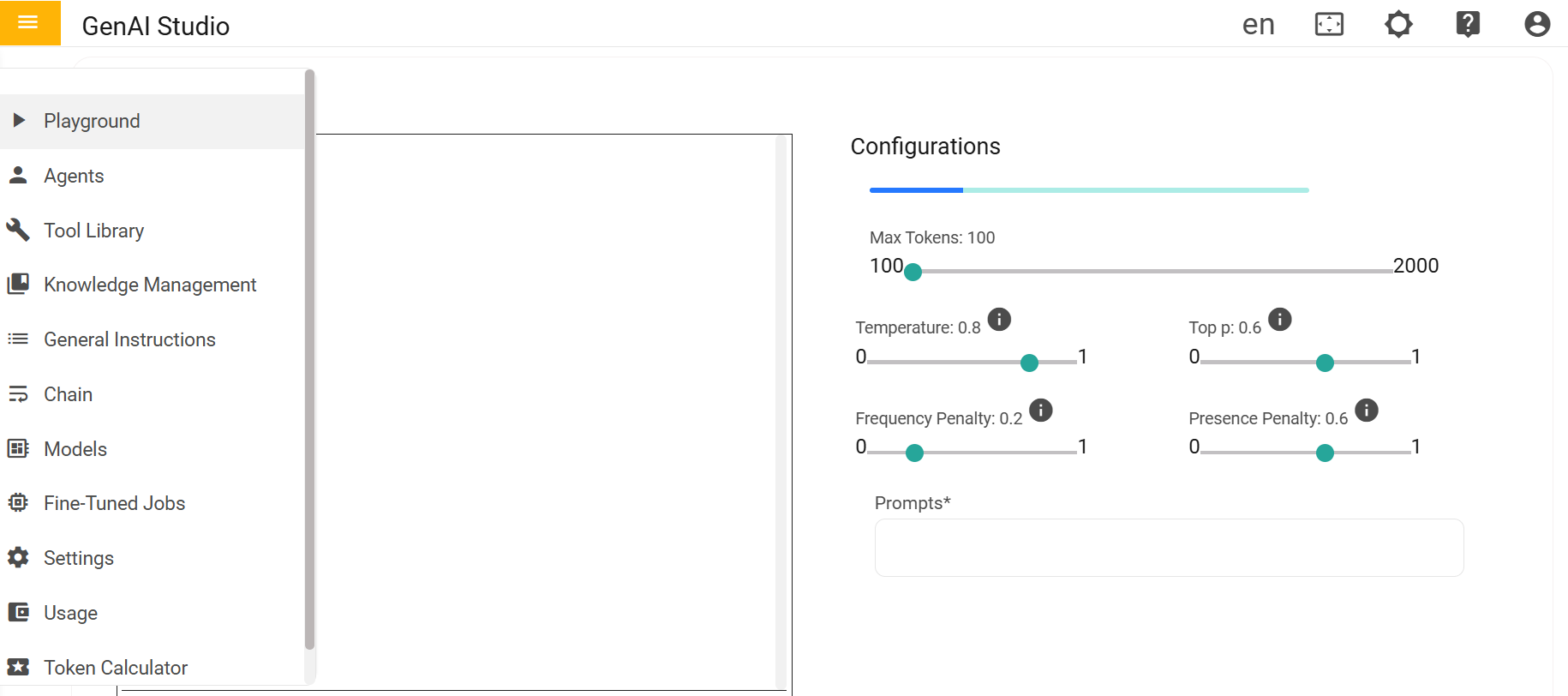
There are several interface pages such as: Playground, Agents, Tool Library, and Knowledge Management. We will explore the purpose and functionality of each page in detail.
- Playground
- Experiment with prompts and responses using different models.
- Test agent behavior and fine-tune queries before production use.
- Models
- View available AI models.
- Deploy, switch, or fine-tune model configurations as per requirement.
- Agents
- Create, configure, and manage AI agents.
- Assign models, define workflows, and integrate tools into agents.
- Tool Library
- Integrate custom tools or APIs that agents can call during execution.
- Users can execute predefined tools that are already available within the platform.
- Knowledge Management
- Upload and manage documents and content.
- Supports chunking, embedding, and vector storage for use in Retrieval-Augmented Generation (RAG).