
Lakeside Systrack Integration
Systrack is an end point healing and analytics solutions that enables customers and partners to capture detailed metrics and data about end user environments.
- Log into Global admin and navigate to Tenants page under Provider tab.
Figure 1. Global Admin Console .png)
- Click on the Configure button
.png) available in Actions column.
available in Actions column. - In tenant’s configuration page, click on Open link on “Choose Integrations” card.
Figure 2. Tenant’s Configurations Page 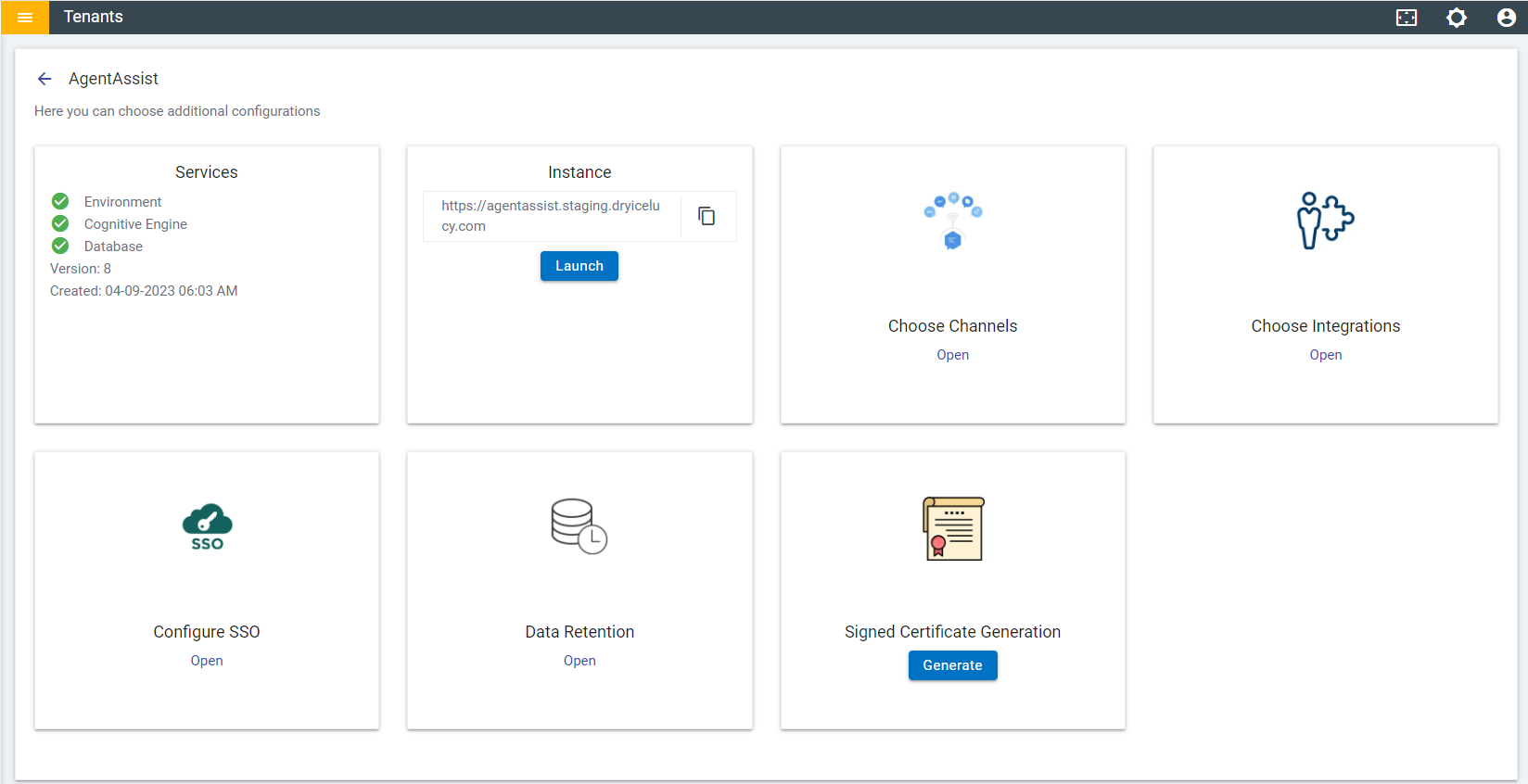
- Click on Open on “SysTrack” connector.
Figure 3. Available Integrations 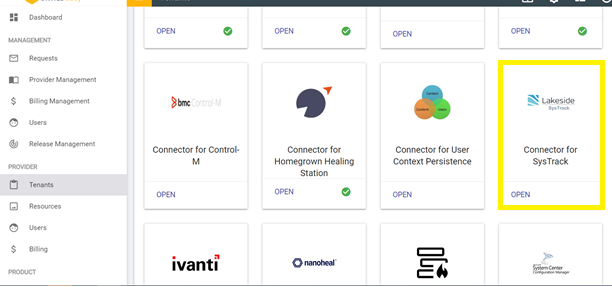
- Fill out the all the fields in the form.
Figure 4. Lakeside Systrack Integration Form 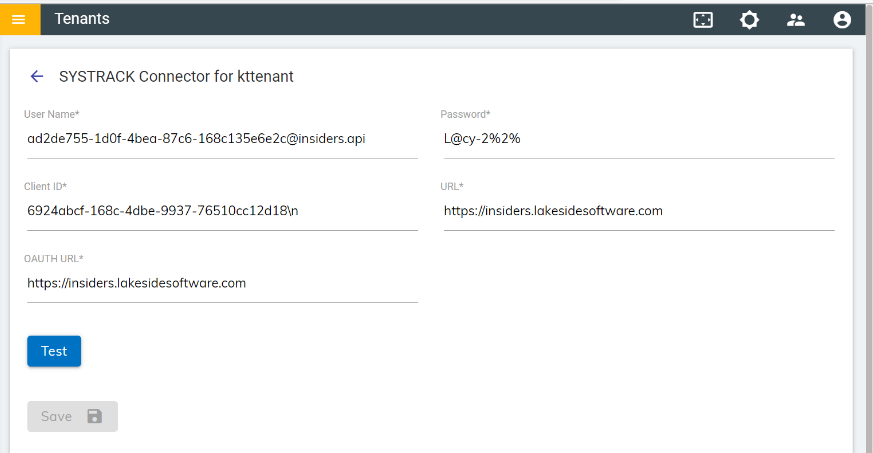
- Click on the Save button to enable the integration.
Figure 5. Integration Success Message .png)
- Launch the instance.
Figure 6. Launch Instance .png)
- In the tenant instance, navigate to Integration module 🡪 List of integrations.
Figure 7. Integration Module 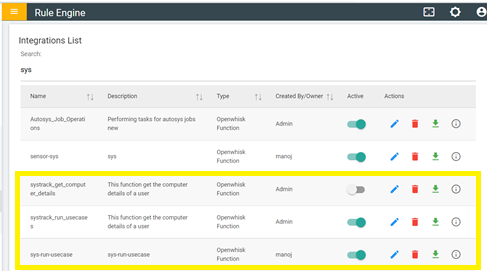
- Two rules are created for Workblaze.
- Systrack_get_computer_details – Gets the computer details of a user.
- Systrack_run_usecases – Runs the usecases
- Click on “Openwhisk” module in the left navigation bar -
Figure 8. Openwhisk Module 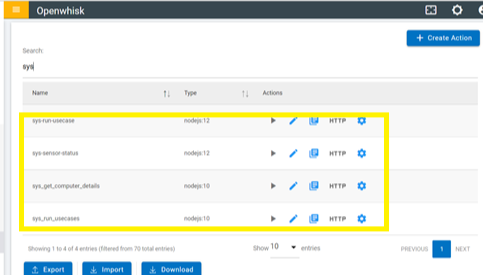
- Two Openwhisk actions are created:
- Systrack_get_computer_details – Gets the computer details of a user.
- Systrack_run_usecases – Runs the usecases
Note:
Ensure you have Systrack installed on the machine/endpoint for which
integration is to be tested.