
Upload Unstructured Data
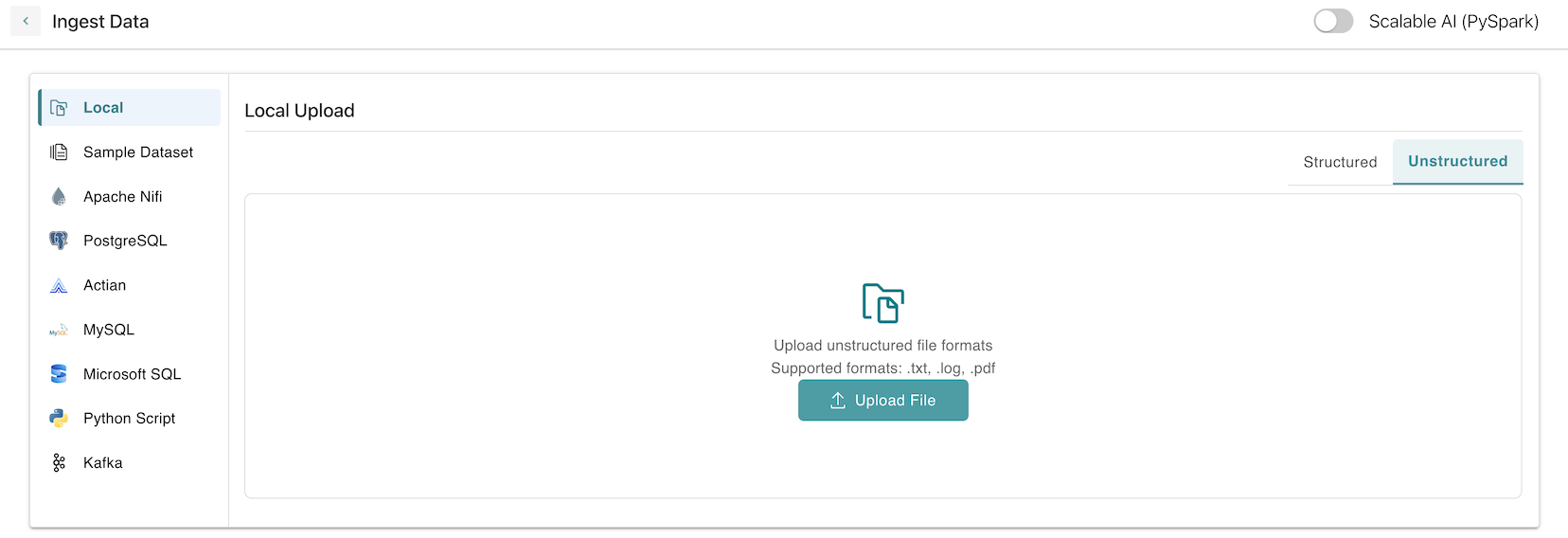
HCL AION also supports uploading unstructured data, such as PDFs and text files.
To Upload Unstructured Data:
- Go to the Data Ingestion tab.
- Click on Local -> Unstructured Data.
- Use the Upload button or drag-and-drop to upload your files.
- Supported file types include .log, .pdf, .txt.
- Once the file is uploaded, it will appear in the Data Preview section.