Managing NLS translations
Use the Search Admin UI to manage Native Language Support (NLS) translations.
NLS translations provide translated labels for common field names so they display correctly in different languages.
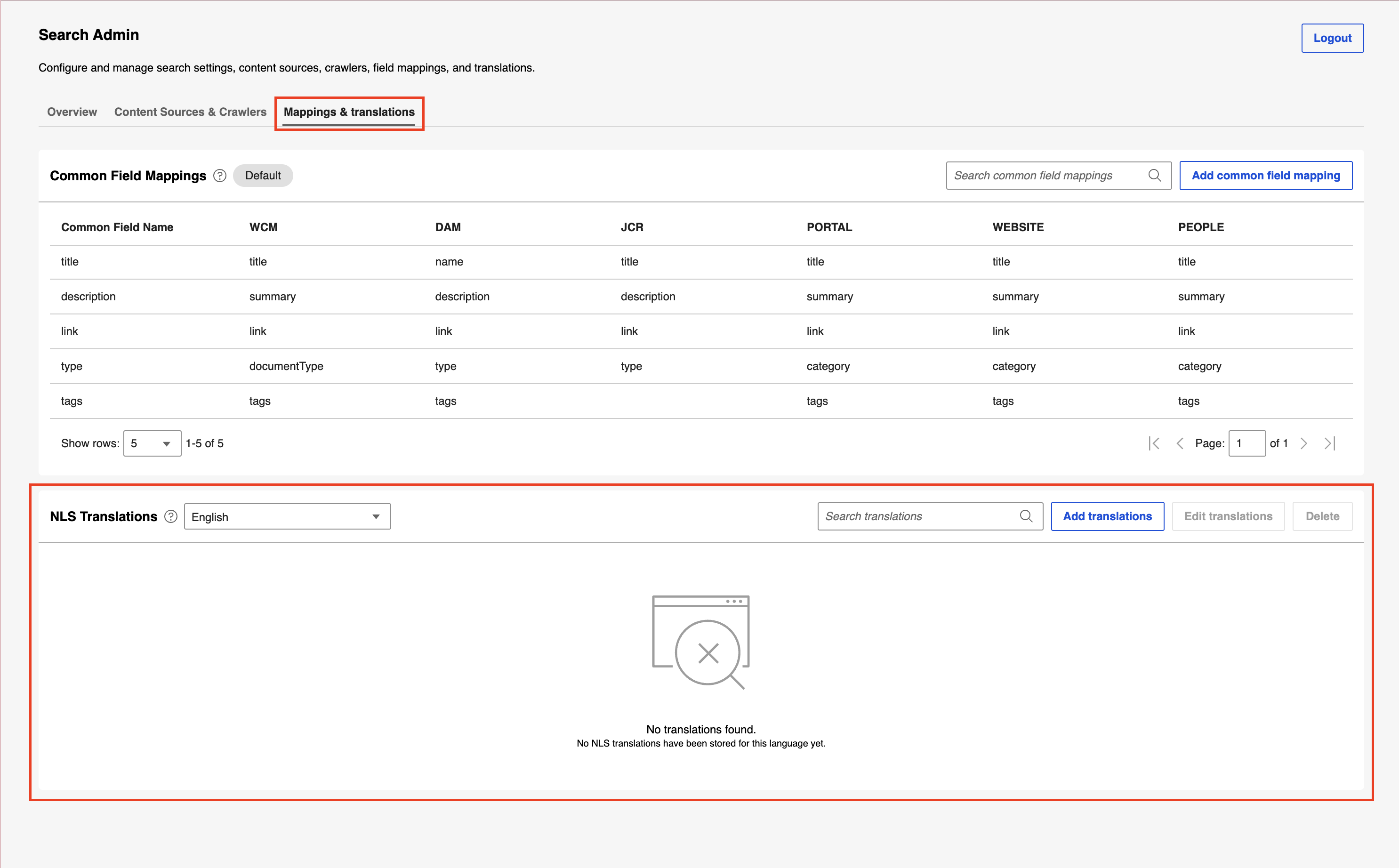
Mappings & translations tab
On the Mappings & translations tab, you can do the following tasks:
Viewing NLS translations
In the NLS translations section, view the list of existing NLS translations.
Adding an NLS translation
-
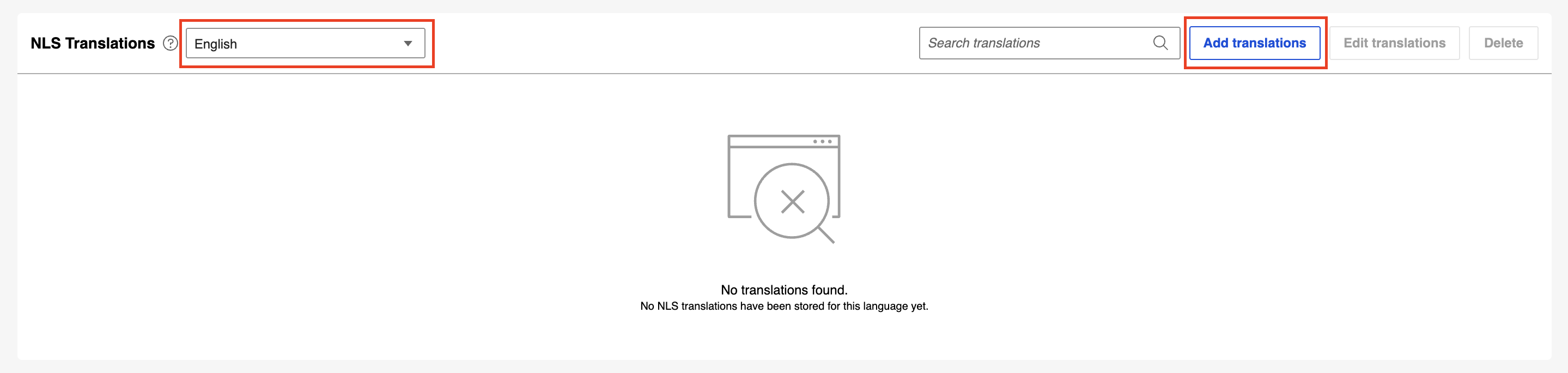
In the language drop-down list, select the language to add translations for, and then select Add translations.
-
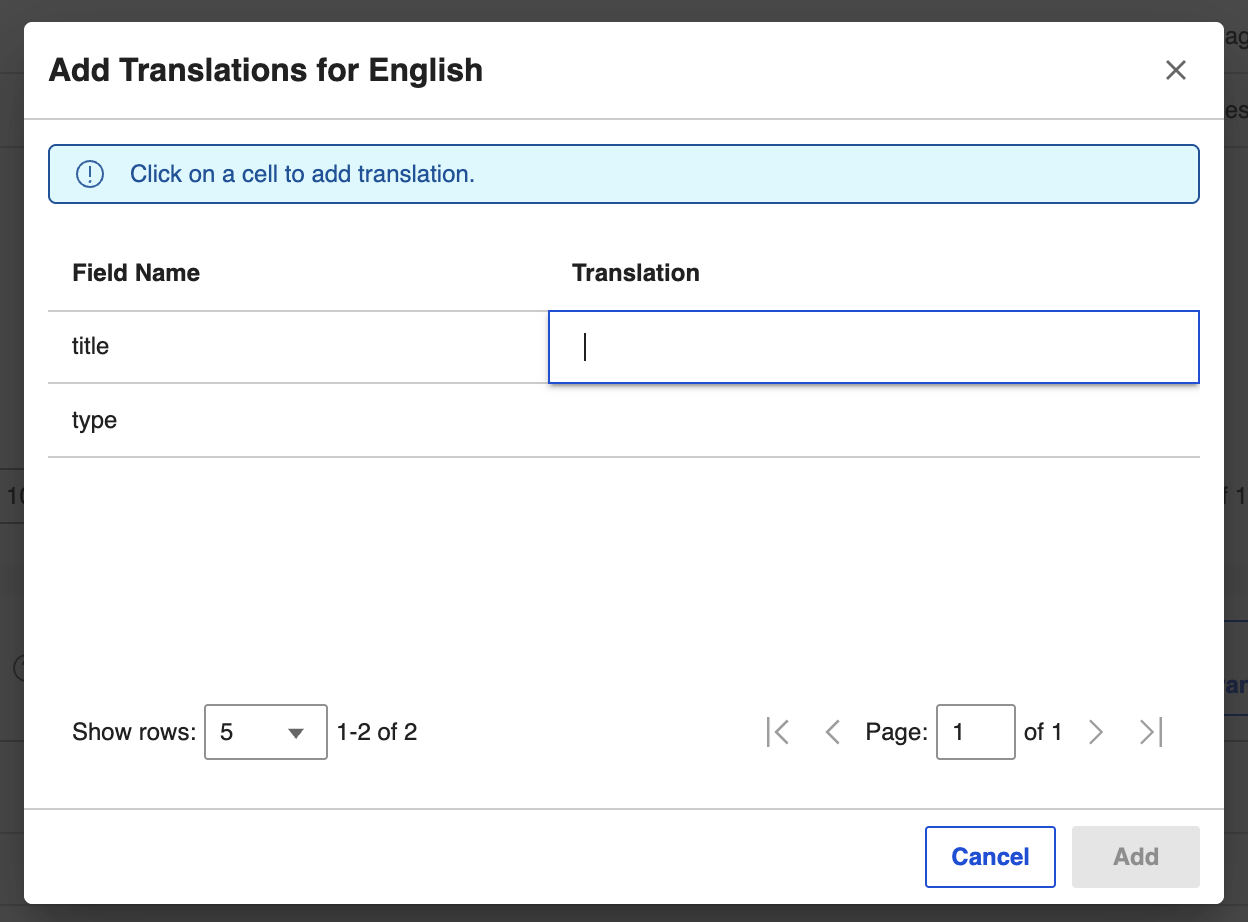
In the dialog box, select a cell to enter a translation for a common field.
-
Select Add, or select Cancel. If you select Cancel, select Discard to discard changes or Keep editing to return to the dialog box.
Searching for an NLS translation
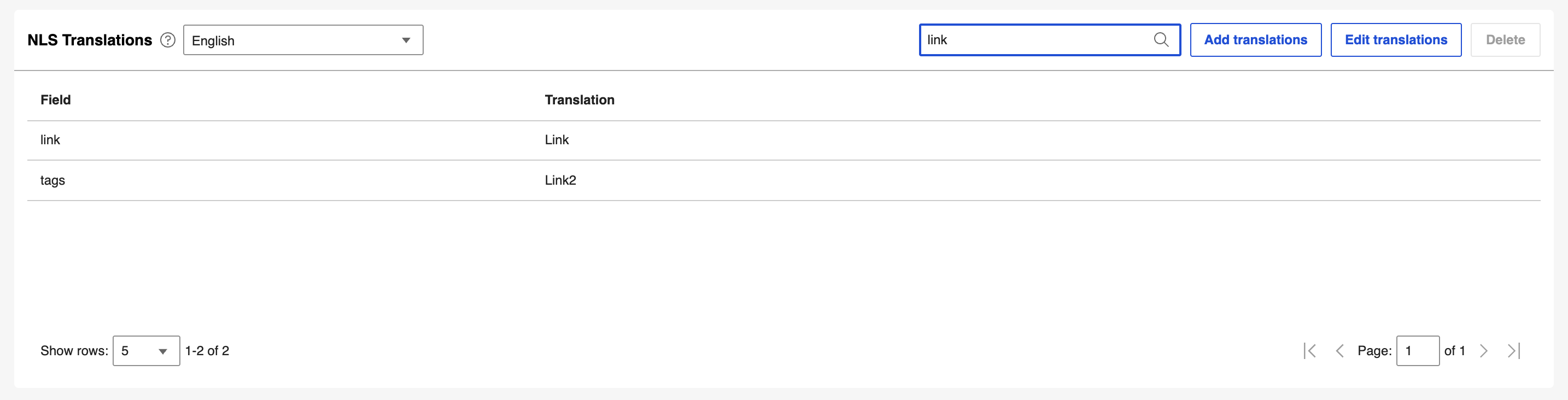
- Select the Search translations box and enter a search term.
-
Select the search icon or press Enter. The list is filtered to show the results matching the search term.
Updating an NLS translation
-
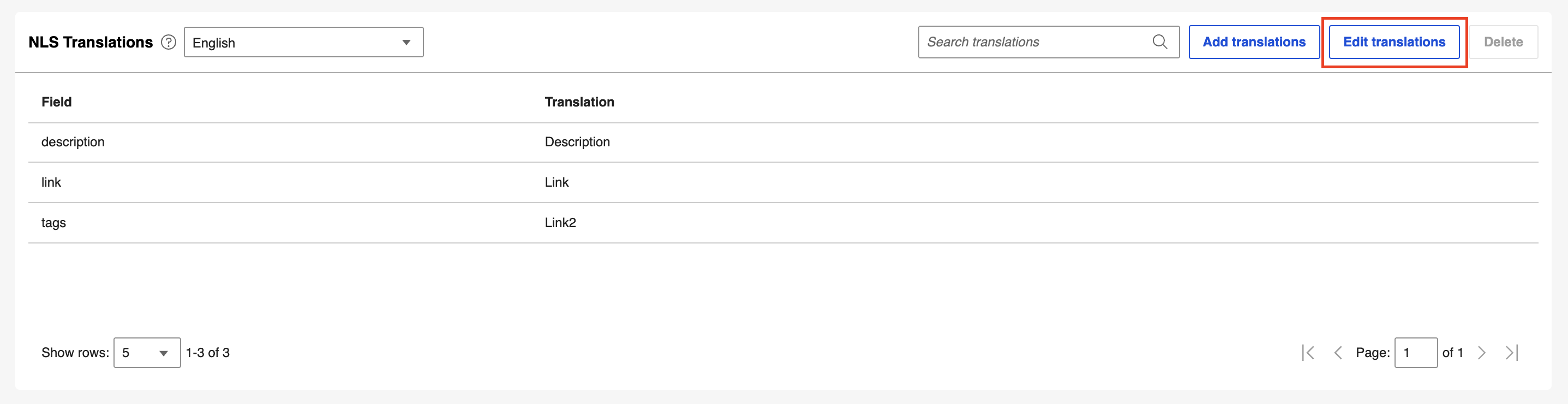
Select Edit translations.
-
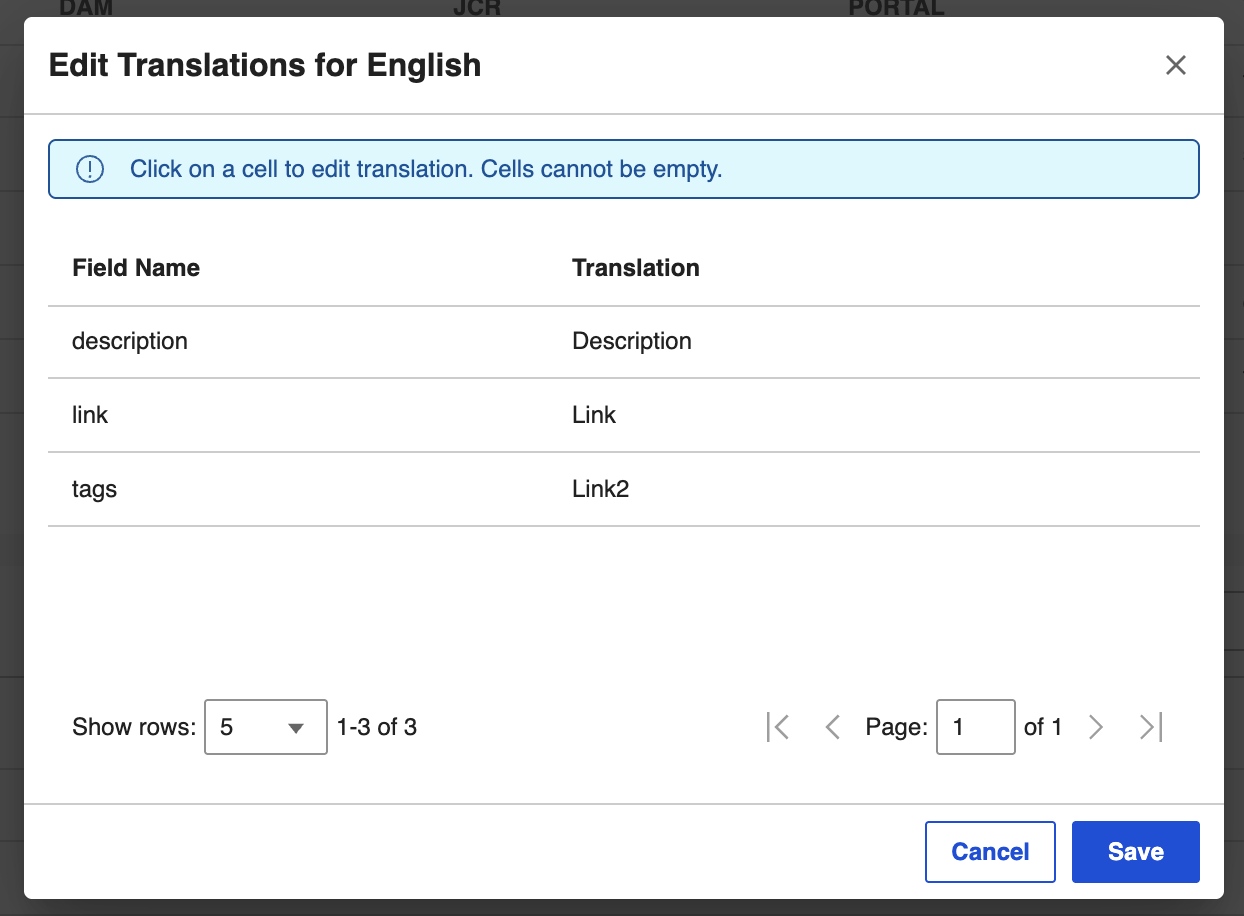
In the dialog box, update the translations you want to change, and then select Save.
Deleting an NLS translation
You can delete the translations for any language except the default language, English.
-
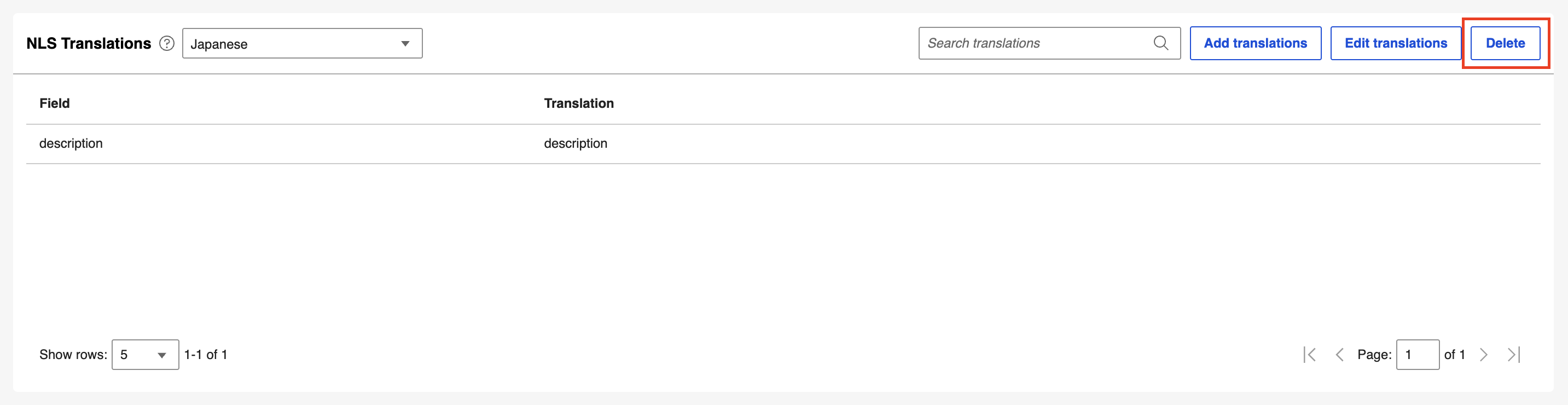
Select Delete.
-
In the confirmation dialog box, select Delete to confirm, or select Cancel.
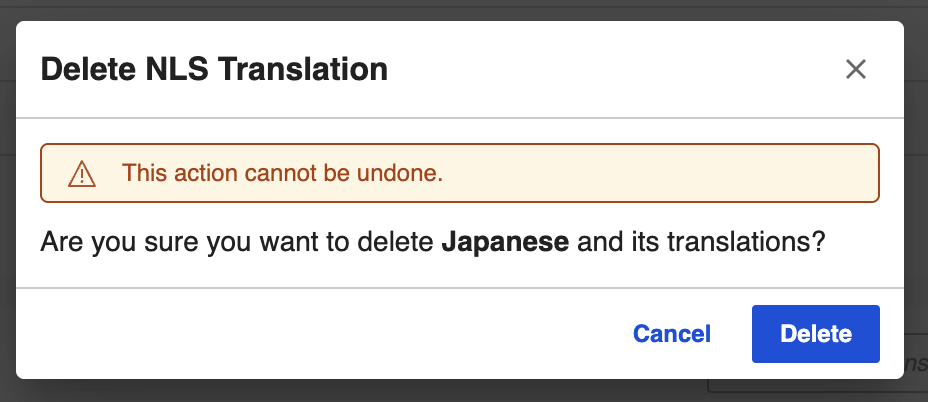
All translations for the selected language are deleted.