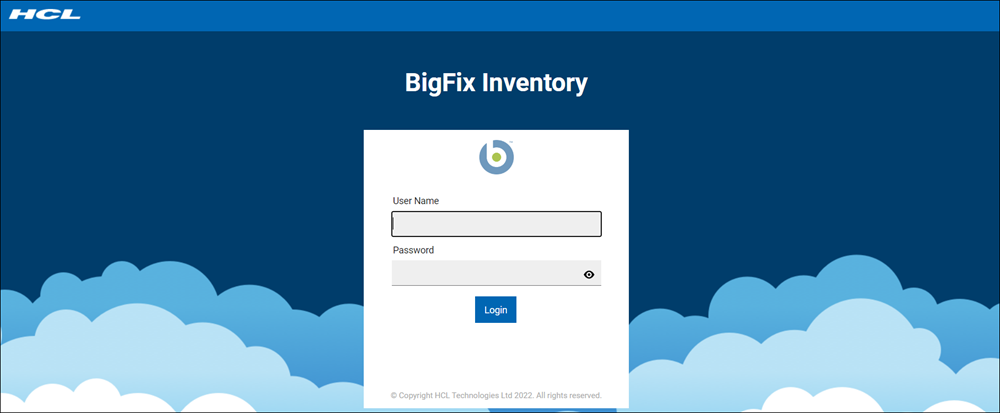
Customizing the login page
You can enter a custom message that will appear on the login page to differentiate between multiple instances of BigFix Inventory, or to provide extra information related to this instance. The custom message is commonly used to notify other users about specific conditions related to the instance, such as important configuration changes.
About this task
Procedure
- Log in to BigFix Inventory, and go to .
-
In the Custom Message on Login Page field, enter your
message.
After you click Save, the message will be displayed on the login page for all users of BigFix Inventory.