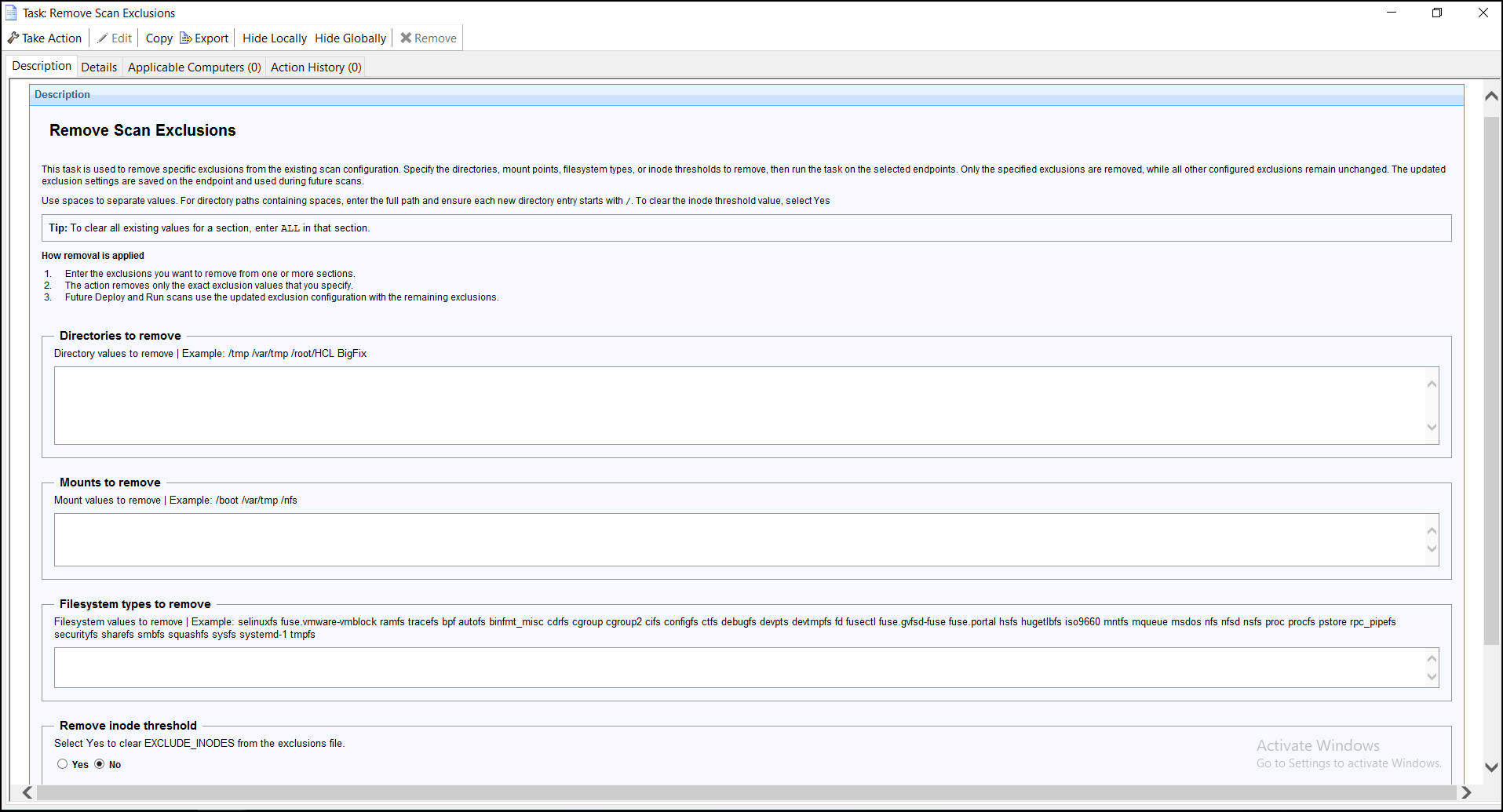
Remove Scan Exclusions
This task removes previously configured scan exclusion values from the endpoint.
You can remove exclusions for directories, mount points, filesystem types, and the inode threshold that are stored in /var/opt/BESClient/__BESData/__SCMData/scan_exclusion.txt.
After the task completes, the updated exclusion configuration is used by the Deploy and Run task during subsequent scan executions. If a saved exclusion value is no longer available, the task uses the corresponding value provided in the Take Action input for that execution.
Use this task to remove scan exclusion values from the selected endpoints. You can remove exclusions for:
- Directories
- Mount points
- Filesystem types
- Inode threshold
When the task is executed, the specified exclusion values are removed from /var/opt/BESClient/__BESData/__SCMData/scan_exclusion.txt on the endpoint. The updated configuration is then used by the Deploy and Run Scan task during subsequent scan executions.
Directory Exclusions
- Specify one or more absolute directory paths to remove from the exclusion configuration.
- Directory paths containing spaces are supported.
- Multiple directory paths can be entered in a single input.
- Each directory path must begin with / to ensure it is parsed correctly.
Mount Point Exclusions
- Specify one or more mount points to remove from the exclusion configuration.
- Multiple mount points can be entered in a single input, separated by spaces.
Filesystem Type Exclusions
- Specify one or more filesystem types to remove from the exclusion configuration.
- Multiple filesystem types can be entered in a single input, separated by spaces.
Inode Threshold
Select the Remove Inode Threshold option to clear the stored inode threshold value from the endpoint configuration.