Modifying global scan options
In the Linux Checklists, you can manage the global filesystem scan's behavior through parameters passed to the Deploy and Run task.
The Deploy and Run task includes a script that performs a full filesystem scan, and the results are then shared across multiple fixlets. This eliminates the need to run a separate filesystem scan for each fixlet, making Endpoint Manager more efficient and reducing the impact on the system during a configuration scan.
| Parameter | Description |
|---|---|
| EXCLUDEDIRS | A list of specific directories to exclude from
scanning. Specify one or more absolute directory paths to exclude.
Directory paths containing spaces are supported. Multiple directory
paths can be provided in a single input, separated by spaces. Each directory path must begin with / to ensure it is parsed correctly.
|
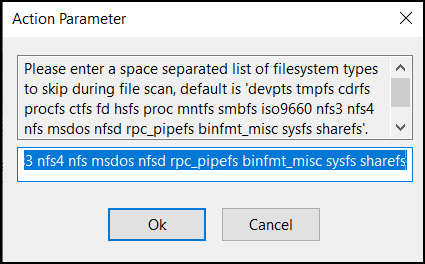
| EXCLUDEFS | A list of specific file systems to exclude from
scanning. This list must be a space-separated list of all the file
system types to exclude from the search. By default, the global find script excludes the following file system types from its search:
|
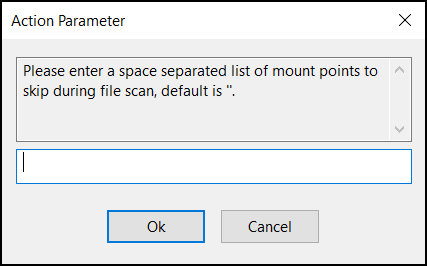
| EXCLUDEMOUNTS | A list of specific mount points to exclude from
scanning. This parameter must be defined as a space-separated list of
all the file system mounts to exclude from the search. This prevents the
shared file system from being scanned from multiple systems. For example, if several systems mount a shared directory on a Storage Area Network named /san, you might want to exclude them with a parameter such as: EXCLUDEMOUNTS="/san" By default, this parameter is not used and is represented as an empty value. |
| EXCLUDEINODES | Threshold Inode count to skip file system during scan. |
To view the policies, click Reports > Policies.
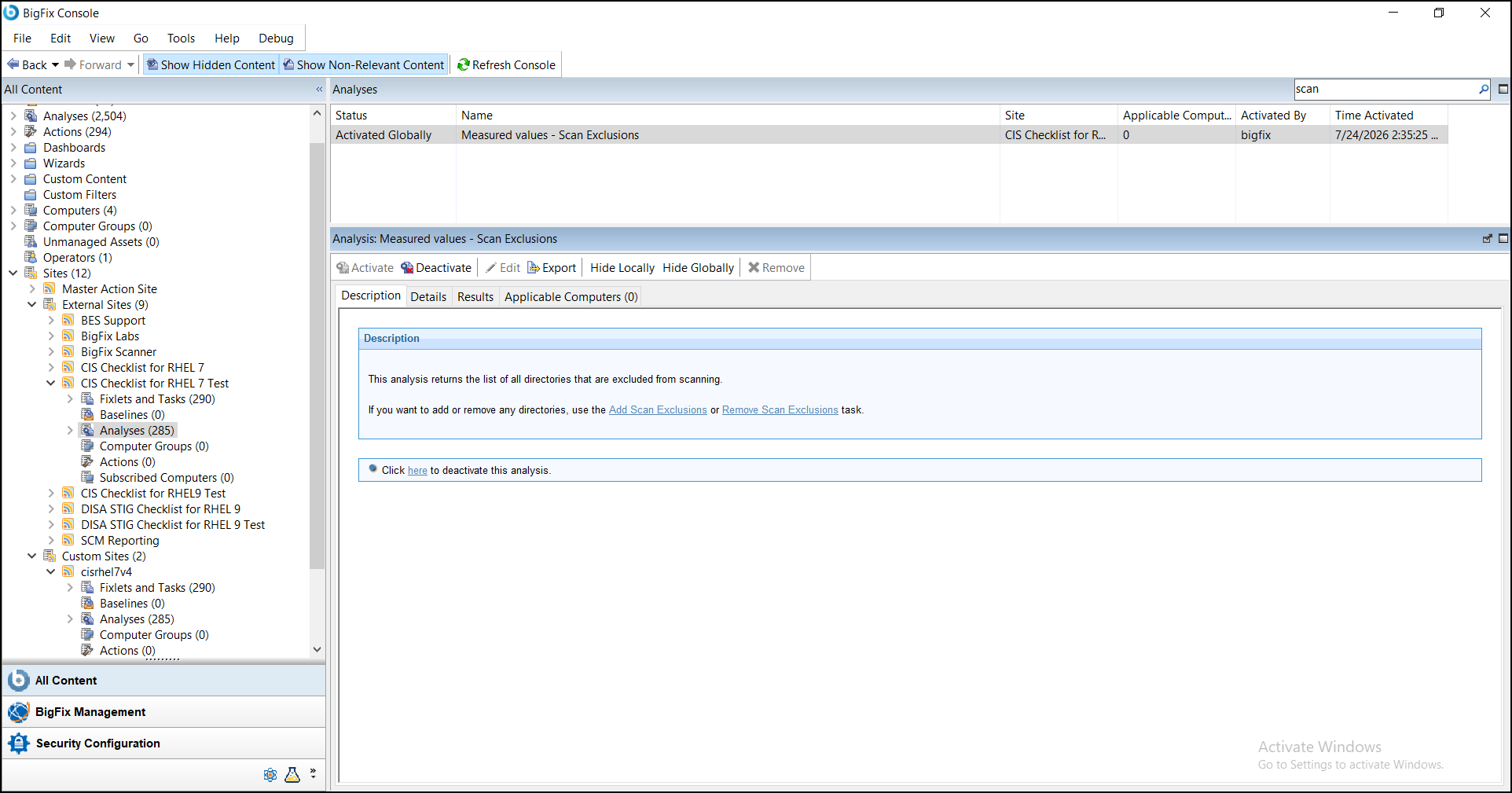
To support persistent scan exclusion management, the following tasks are available for use with the Deploy and Run Scan Task:
- Add Scan Exclusions - Adds and stores scan exclusion values on the endpoint.
- Remove Scan Exclusions - Removes previously stored scan exclusion values from the endpoint.
These tasks are intended to be used in conjunction with the Deploy and Run Scan task to simplify the management of scan exclusions across multiple scan executions.
Measured Value Analysis
Measured Values - Scan Exclusions - Displays the endpoint scan exclusion configuration and related settings, including excluded directories, mounts, filesystems, inode threshold, and configuration file status.