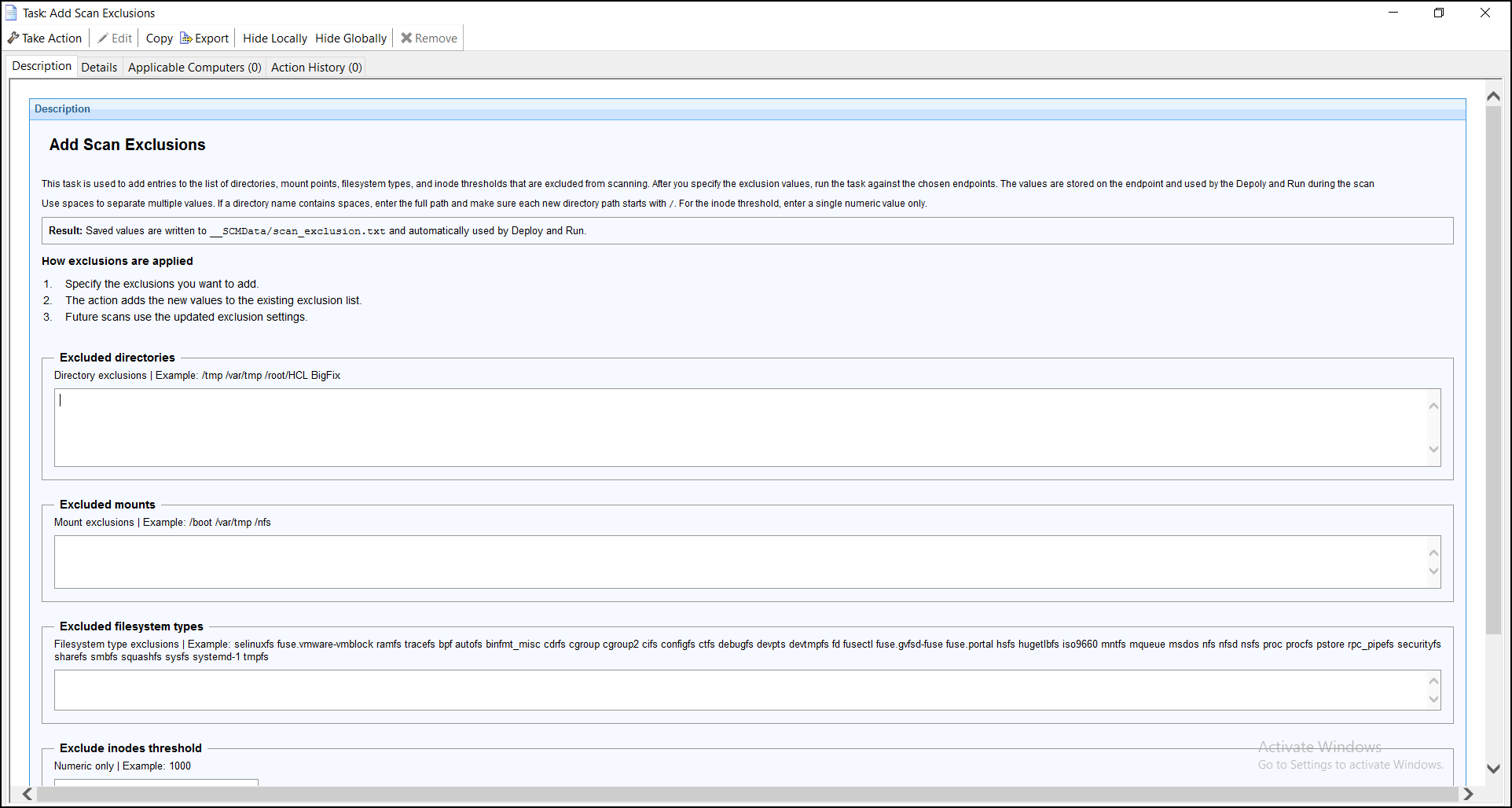
Add Scan Exclusions
This enhancement introduces persistent scan exclusion settings for the Deploy and Run Scan task.
It allows you to configure exclusions for directories, mount points, filesystem types, and the inode threshold. These values are stored locally on the endpoint in /var/opt/BESClient/__BESData/__SCMData/scan_exclusion.txt and are reused during subsequent scan executions.
When the Deploy and Run task runs, it first checks for saved exclusion values in /var/opt/BESClient/__BESData/__SCMData/scan_exclusion.txt. If a saved value exists, it is used. Otherwise, the task uses the corresponding value provided in the Take Action input for that execution.
This approach allows administrators to maintain consistent scan exclusion settings across endpoints while still supporting execution-specific values when no saved configuration exists.
Configuring Scan Exclusions
Use this task to configure scan exclusion settings on the selected endpoints. You can specify exclusion values for:
- Directories
- Mount points
- Filesystem types
- Inode threshold
When the task runs, the specified values are saved to /var/opt/BESClient/__BESData/__SCMData/scan_exclusion.txt on the endpoint. These saved values are used by the Deploy and Run task.
Exclusion Value Precedence
When the Deploy and Run task runs, exclusion values are applied in the following order of precedence:
- Specifies one or more absolute directory paths to exclude from the scan.
- Specifies one or more mount points to exclude from the scan.
- Specifies one or more filesystem types to exclude from the scan.
- Specifies a non-negative integer value. Filesystems with available inodes below this threshold are excluded from the scan.
- If a value exists in /var/opt/BESClient/__BESData/__SCMData/scan_exclusion.txt, the saved value is used.
- If the corresponding value in /var/opt/BESClient/__BESData/__SCMData/scan_exclusion.txt is empty, the value provided in the Take Action input for that execution is used.
This behavior allows exclusion settings to persist on the endpoint while still allowing Take Action inputs to be used when no saved value is available.